10. Built-in devices
115
APP mode in connection with an iNet Box
Function
In APP mode, the connected devices as well as the Truma CP
plus control panel switch to stand-by.
- no heating function
- no hot water generated
- air-conditioning system does not work
- the timer on the Truma CP plus control panel does not work
The CP plus control panel continues to receive commands via
the Truma APP or the air-conditioning system's infra-red remote
control. The connected devices can still be operated.
Turning on the APP mode
• Press the adjusting knob/pushbutton approx. 2 seconds until
“APP” appears on the display.
• Let go of the adjusting knob/pushbutton.
• The previously saved values will be saved.
Turning o the APP mode
The APP mode is turned o
- when new values are transferred via the Truma APP or the air-
conditioning system's infra-red remote control;
- when the Truma CP plus control panel is alerted by pressing the
adjusting knob/pushbutton. The previously saved values will then
be imported for renewed operation.
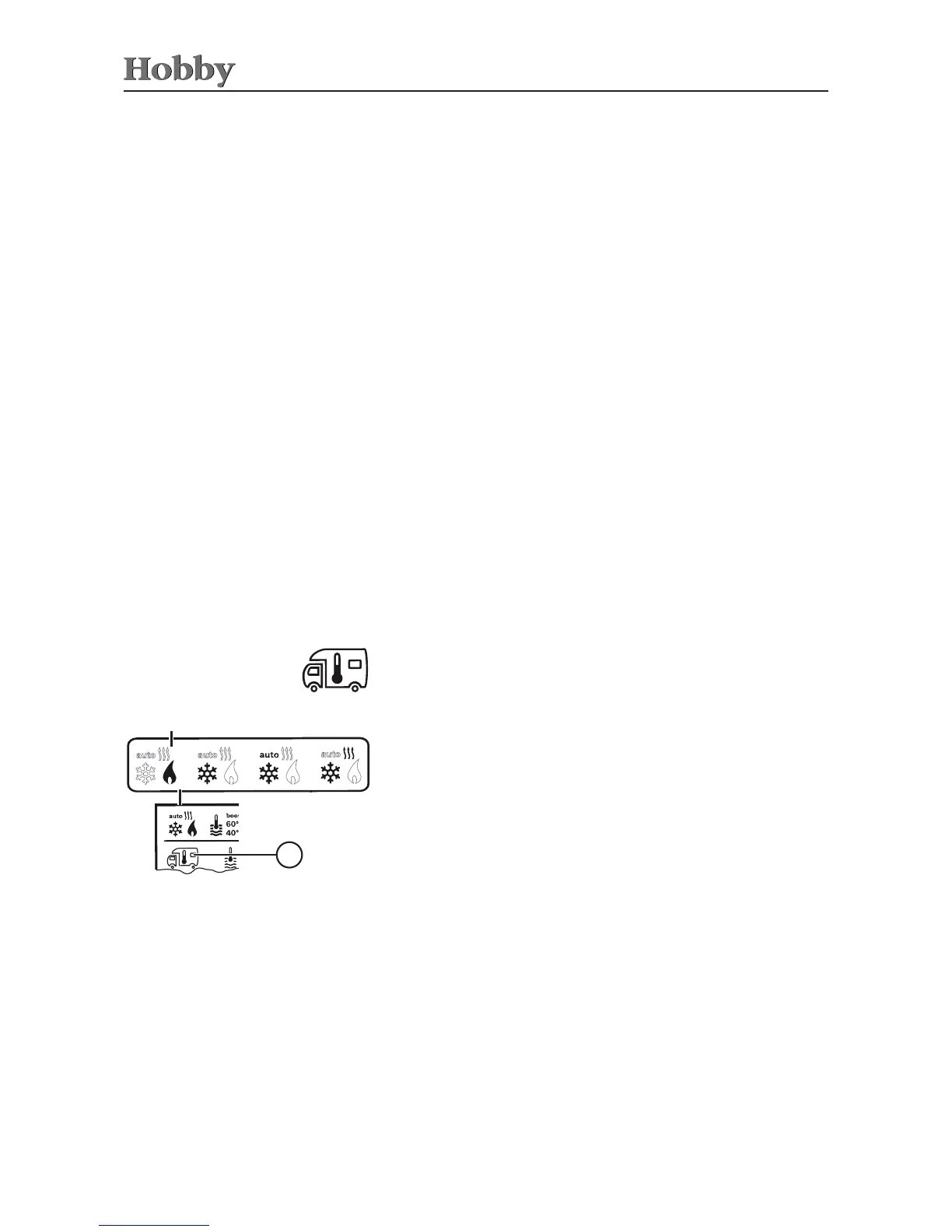
Use the adjusting knob / pushbutton to select the icon in the
menu line
l
• Press to switch to the setting mode.
• Use the adjusting knob / pushbutton to select the desired
temperature.
• Press the adjusting knob / pushbutton to conrm the temperature.
Changing the room temperature
a = heating
1)
- Heating is switched on.
- Adjustable range of temperature: 5 - 30°C (in increments of 1°C)
- Use the adjusting knob / pushbutton for fast temperature
changes (on stand-by screen).
a
3
1)
The icon will continue to blink as long as the desired room temperature
has not been reached.



 To Next Page