72
7. Installation of electrical devices
Batterie-
management
U : 12,3 V
I : 5,3 A
: 6,5 h
T : 0,0 °C
R : 0
Charger
GEL060 Ah
12:25 27,4°C
06.06. 16
26,4°C
12:25 27,4°C
06.06. 16
26,4°C
Error messages
12:25 27,4 °C
06.06. 16
26,4 ° C
Warning message: undervoltage
Thiswarningappearswhenavoltageof10.8Vorlessismeasured
forabatteryforadurationofatleast3minutes.Theiconforthe
battery,ancillaryorstarterbatteryinquestionappearsinthemenu.
Themessagecanbeacknowledged;thebatteryshouldbecharged
immediately.
Bat. 1:
SOH: 42 %
U : 14,2 V
12:25 27,4 °C
06.06. 16
26,4 ° C
Warning message: age of battery
(SoH = State of Health)
Thiswarningappearswhentheoriginalcapacityofabatterydropstoa
value of less than 50%.
Toenablethismessagetoappear,thebatterysensormustbeca-
librated.
Themessagecanbeacknowledged;thebatteryshouldbereplaced.
Thevalue“R”showsthecalibrationcheck.If“1”isoutput,thesen-
sorwillbecalibrated(targetstate).If“0”isoutput,themeasured
valuesmaydeviateslightlyandthesensorshouldberecalibrated.
Normally, calibrationiscarriedout automatically,whereby neither
thechargingnorthedischargecurrentmaybemorethan150mA.
Thesystemcanbemanuallycalibrated
-whileusingthe230Vmainsoperationor
-ifnoelectricaldevicehasbeenswitchedonin12Voperation.
Todothis,the30Amainfusemustbeswitchedobypressingthe
pushbuttononthebatterycontainer(see “Operation via auxiliary
battery”).Nowthesensorcancalibrateitself.Thisprocesstakes
approx.threehours.Ifthefuseisthenswitchedonagain,avalueof
1shouldbeshownonthedisplay.
Exitthismenubyusingthe“Back”function;otherwise,afteroneminute,
itwillautomaticallyswitchbacktothemainmenuonthecontrolpanel.
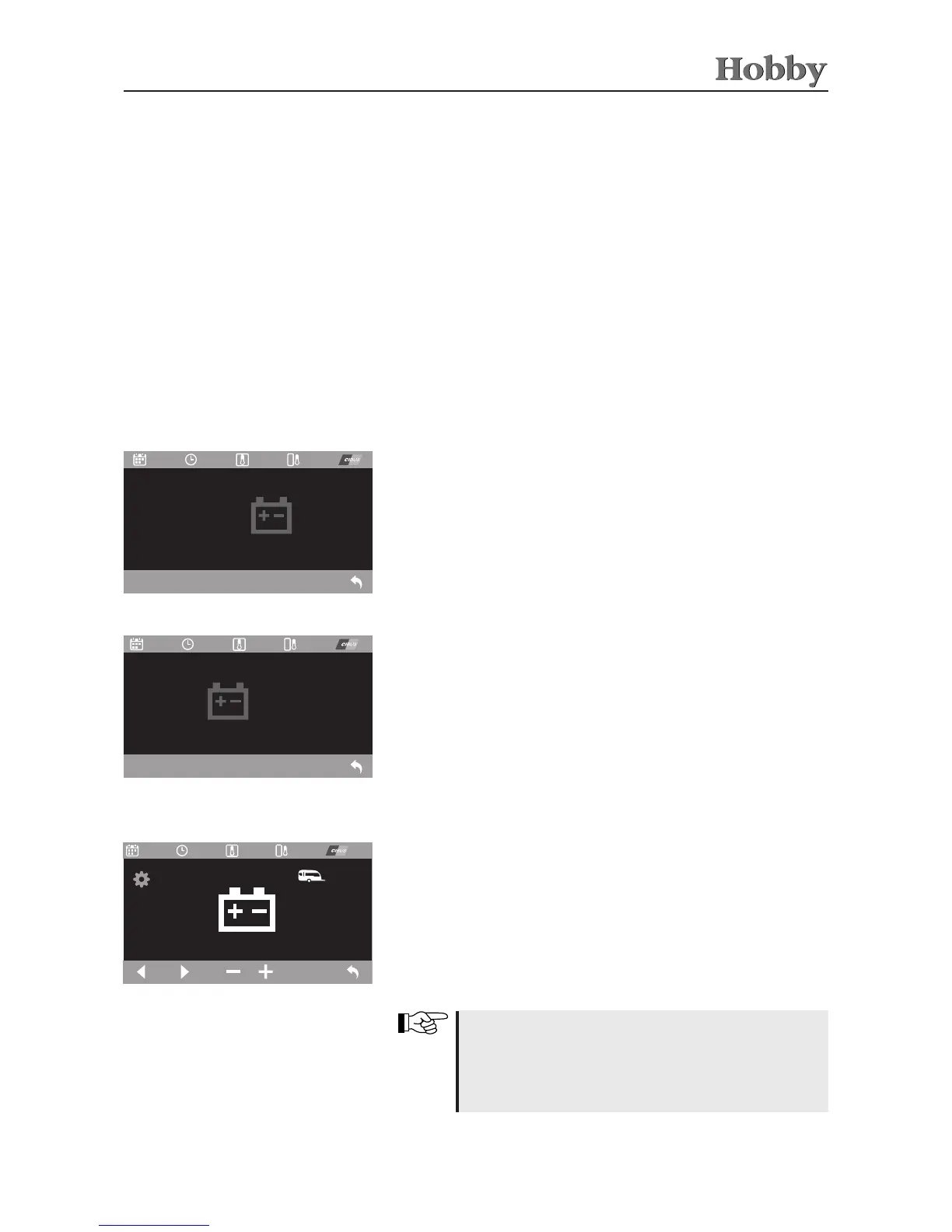
Setting the battery type
Thetypeandcapacityofthebatterieshavebeensetbythemanuf-
acturer.Thesesettingsmustbechangedwhenthetypeofbattery
is changed.
Usethearrowkeysorthecontrolknobtoselectthedesiredvalue.
Increaseordecreaseitbymeansofthe+/-functions.Ifthecontrol
knobisusedtochangeavalue,thenewvaluemustbeconrmed
bypressingonthecontrolknob.
Ifthesetvaluesdo notmatchthose ofthebattery that
was installed, incorrect values will be displayed in the
batterymanagement.Settingthetypeofbatteryhasan
eectonthechargingbehaviour;therefore,thismustbe
set correctly.



 To Next Page