Device functions 45
The point 2 has two different menus:
• Standard
menu
• Complete menu
The standard menu contains the menu items relevant
to patients. The complete menu contains all menu
items of the standard menu as well as all menu items
required for setting the therapy. This menu is primar-
ily intended for physicians and trained medical staff.
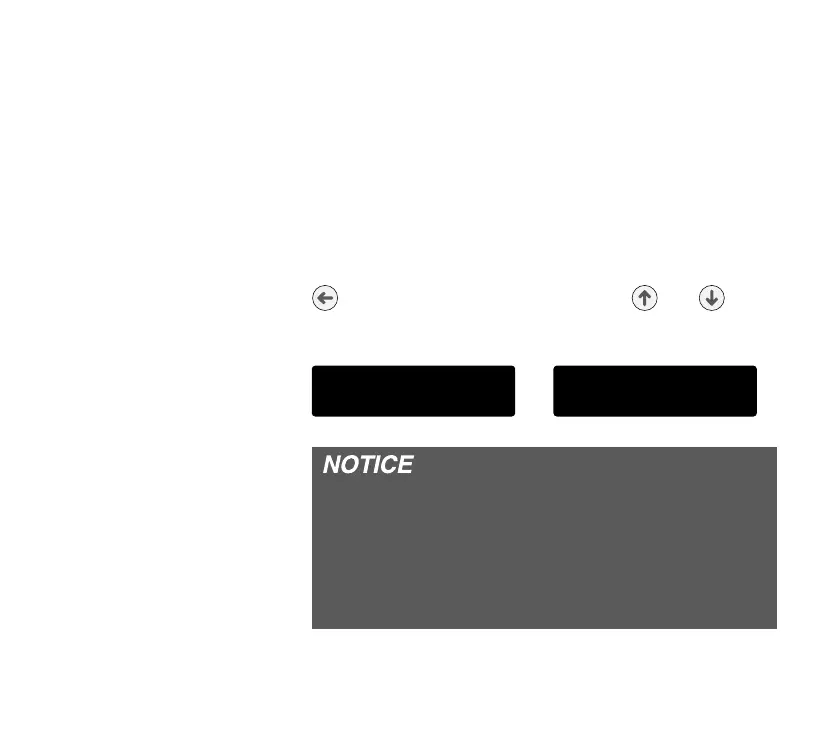
To switch between the menus, fi rst press the enter key
. Then hold both the selection keys and down
at the same time for a prolonged period. The display
shows the message:
or
If during programing you have not pressed a key
for 30 seconds, the standard or complete menu
exits automatically for security reasons. If a modi-
fi ed value is not confi rmed by pressing the enter
key and the standard or complete menu has exited,
the original value is retained.
/% 2!
/* . !*1
/% 2!
+),(!/!!*1


 To Next Page