Changing the filter, cleaning 95
Changing the fi lter
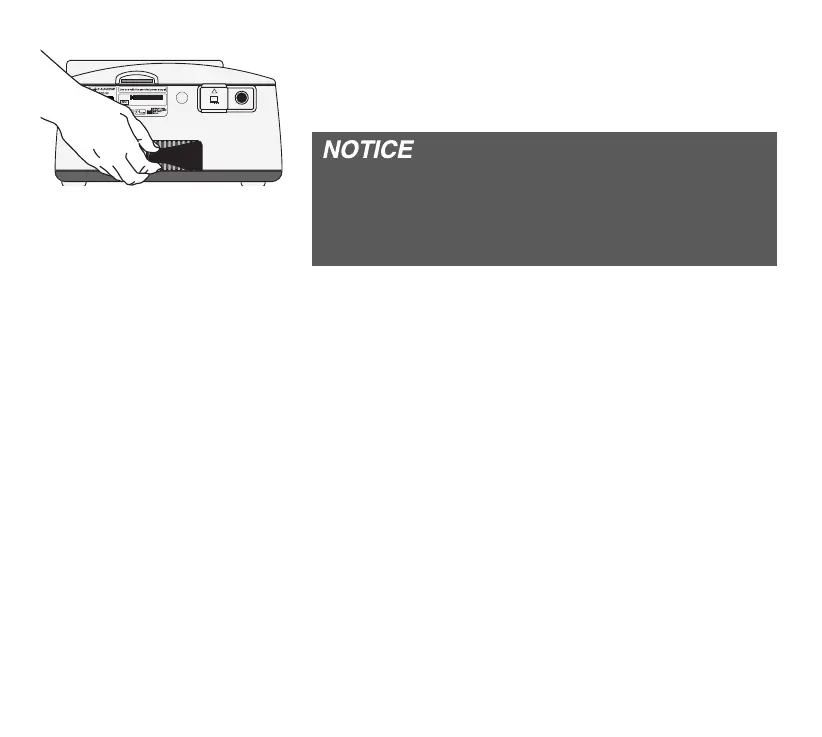
Pull out the fi lter on the back of the device and replace
it with a new or cleaned one.
Always use the device with the fi lter element inserted
and clean the fi lter element regularly. If the fi lter
element is heavily soiled or not inserted, this may
damage the device and result in unpleasant odors.
Cleaning the fi lter
1. Clean the fi lter with mild soapy water. Do not use
any other agents!
2. Rinse the fi lter thoroughly with clear water.
3. Let the fi lter dry completely.
4. Insert the cleaned fi lter into the device.
If the device is run with the optionally available
fi ltersystempoint 2 according to the cleaning instruc-
tions in the fi lter system user‘s manual.
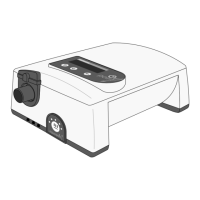
Removing the fi lter
JAB122020


 To Next Page