ES-50X Series Manual — P/N LS10129-000FL-E:E 5/23/2022 51
Users and Passwords Programming
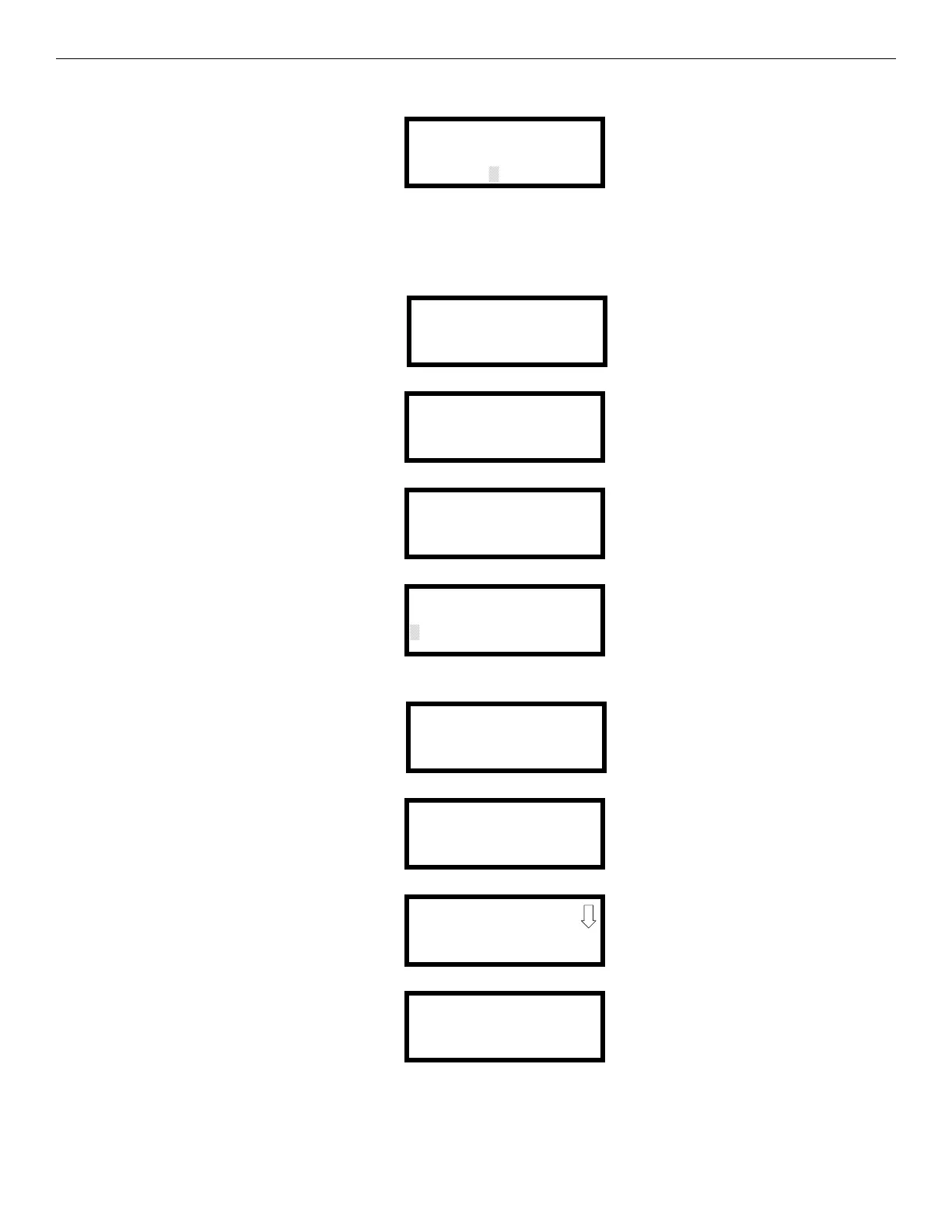
A flashing cursor will appear in the center of the display. Enter the default password, 00000000. Then, enter a new, valid eight digit password
in the second line. Once the last digit is entered, the following screen will be displayed:
Re-enter the new password to verify the change. A message will appear showing the password has been successfully changed. The adminis-
trator may then set up a second admin account following the last four steps for Admin 2.
Password Change- User
Once the default password has been change, the administrator must create a user in the account for system programming.Pressing the Enter
key on home screen will cause the following screen to be displayed:
Press 2 to login to the panel. The following screen will appear.
Select 1 for Administrators.
Select 1 for Administrator 1.
Enter the eight-digit password. Note that the passwords will not be displayed on LCD annunciators.
The following screen will appear when the password is entered:
Select 1 to modify an account.
Select 2 to modify a User account.
Select the desired User account. There are ten User accounts available, where “X” represents the user account chosen.
MODIFY ADMIN 1
VERIFY PASSWORD
NEW: 44444444
1=READ STATUS MODE
2=LOGIN
SELECT ACCOUNT
1=ADMINISTRATORS
2=USERS
3=NOT USED
SELECT ADMIN
1=ADMIN 1
2=ADMIN 2
LOGIN FOR ADMIN 1
ENTER PASSWORD
44444444
ADMIN 1 ACCOUNT
1=MODIFY ACCOUNTS
2=VIEW CYBER SEC LOG
3=NOT USED
MODIFY ACCOUNTS
1=ADMINISTRATORS
2=USERS
3=NOT USED
MODIFY USER
1=USER 1
2=USER 2
3=USER 3
MODIFY USER X
1=ENABLED NO
2=ROLE MASTER
3=PASSWORD


 To Next Page
 Loading...