Pairing your watch with your phone
If you have just taken the watch out of the box, press the Up button and hold until your watch
vibrates and displays a startup screen. The watch is ready to be paired via Bluetooth by default.
• For Android users:
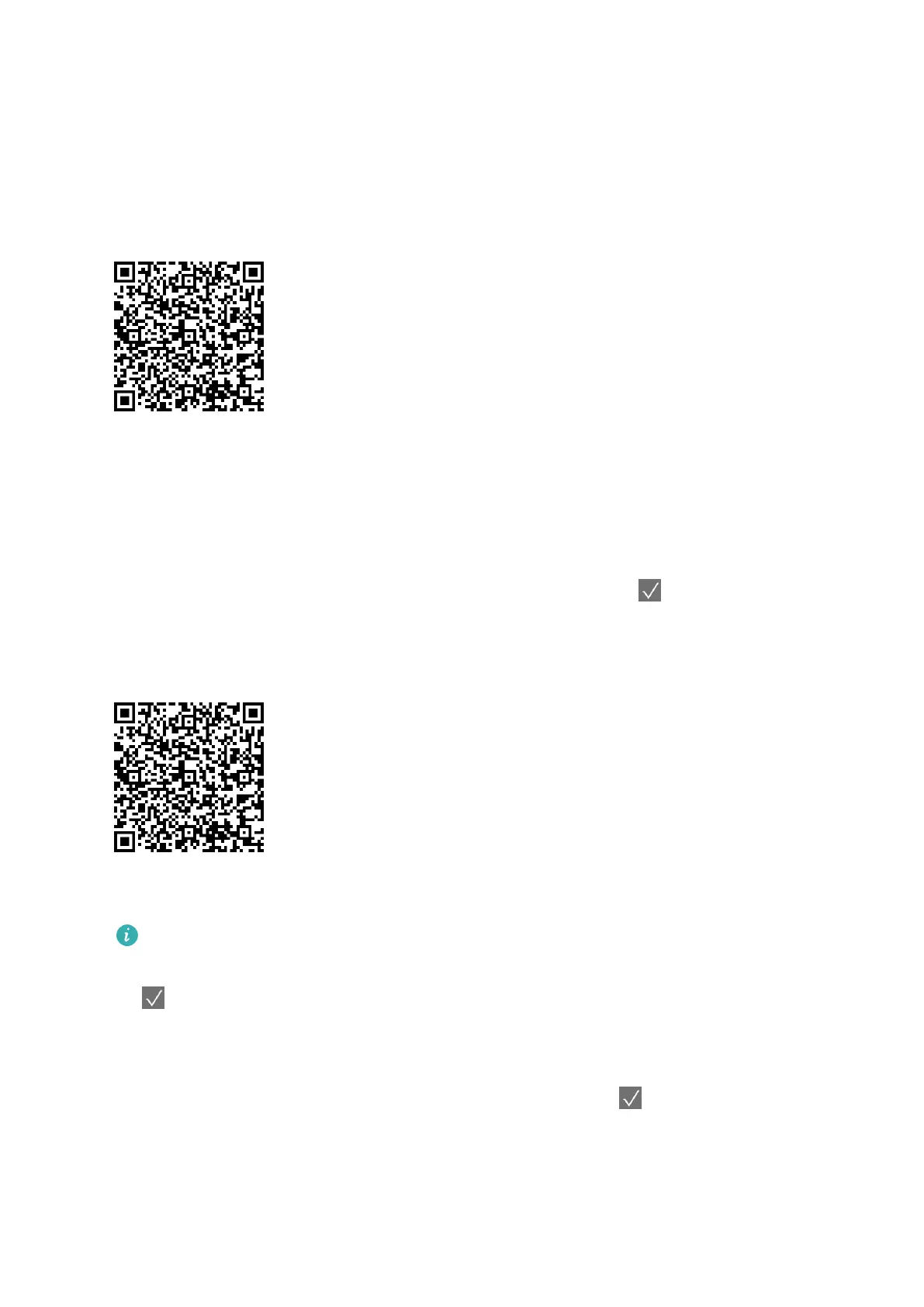
1 To download and install the Health app, please scan the QR code.
2 Open the Health app and follow the onscreen instructions to grant required permissions to
the app.
3 Go to Devices > ADD > Smart watchs, and touch the device you wish to pair.
4 Touch PAIR and the app will automatically search for nearby available Bluetooth devices.
Once your watch is found, touch its name to start pairing.
5 When a pairing request is displayed on the watch screen, touch
to pair your watch and
phone. Confirm the pairing on your phone as well.
• For iOS users:
1 To download and install the Health app, please scan the QR code.
2 Open the Health app, go to Devices > ADD > Smart watchs, and touch the device you
wish to pair.
HONOR MagicWatch 2 46 mm needs to turn on the Bluetooth connection, on the phone go to
Settings > Bluetooth. The watch should show up automatically, touch your device, then touch
to finish pairing.
3 Touch PAIR and the app will automatically search for nearby available Bluetooth devices.
Once your watch is found, touch its name to start pairing.
4 When a pairing request appears on your watch screen, touch to pair your watch and
phone.
Getting started
2



 To Next Page