5–18 Maintenance and Service Guide
Removal and Replacement Procedures
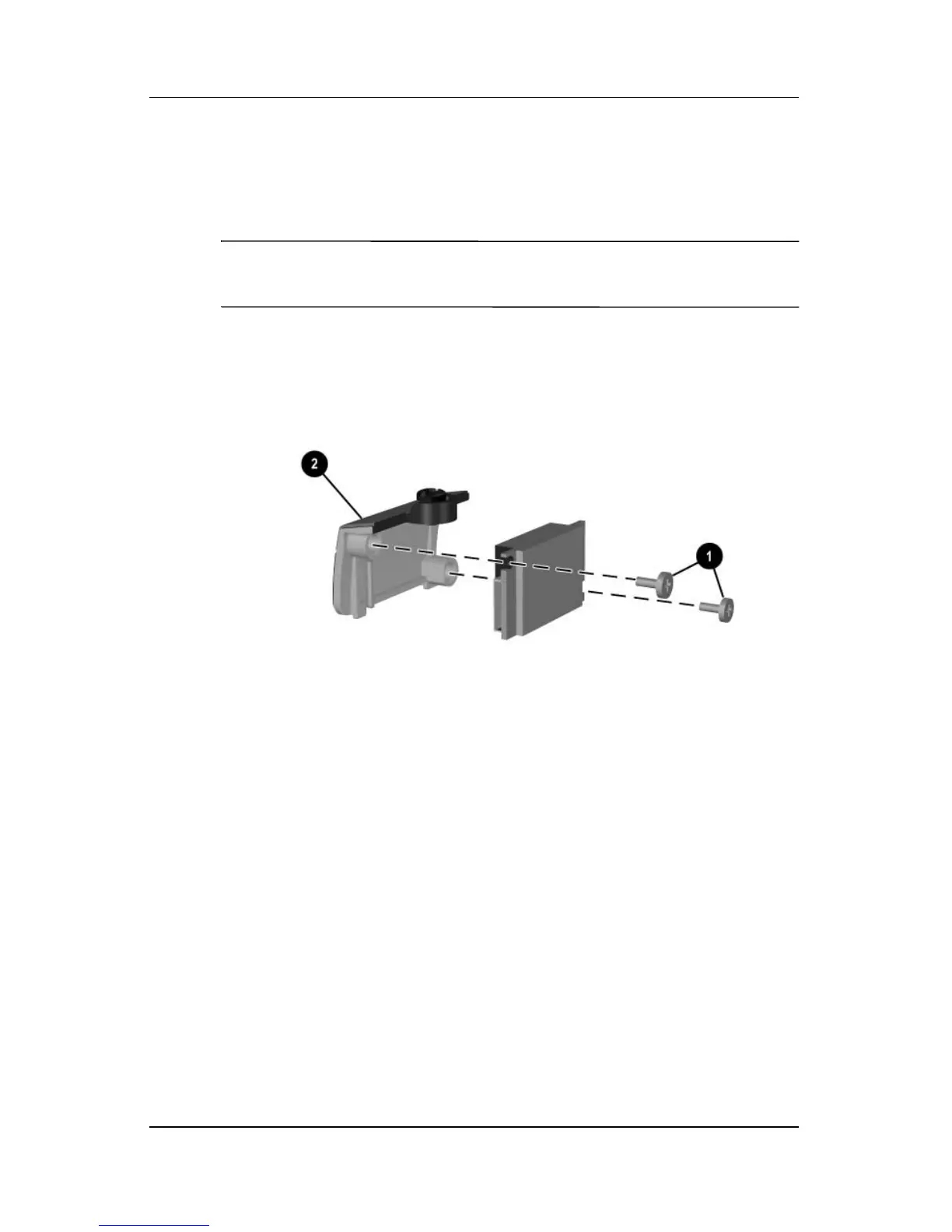
6. Remove the two PM1.5×3.0 screws 1 that secure the
Bluetooth board to the Bluetooth cover 2.
7. Remove the cover from the board.
✎
The Bluetooth cover is included in the Miscellaneous Plastics
Kit, spare part number 344411-001.
Removing the Bluetooth Board
Reverse the above procedure to install a Bluetooth board.



 To Next Page