Troubleshooting
Maintenance and Service Guide 2–25
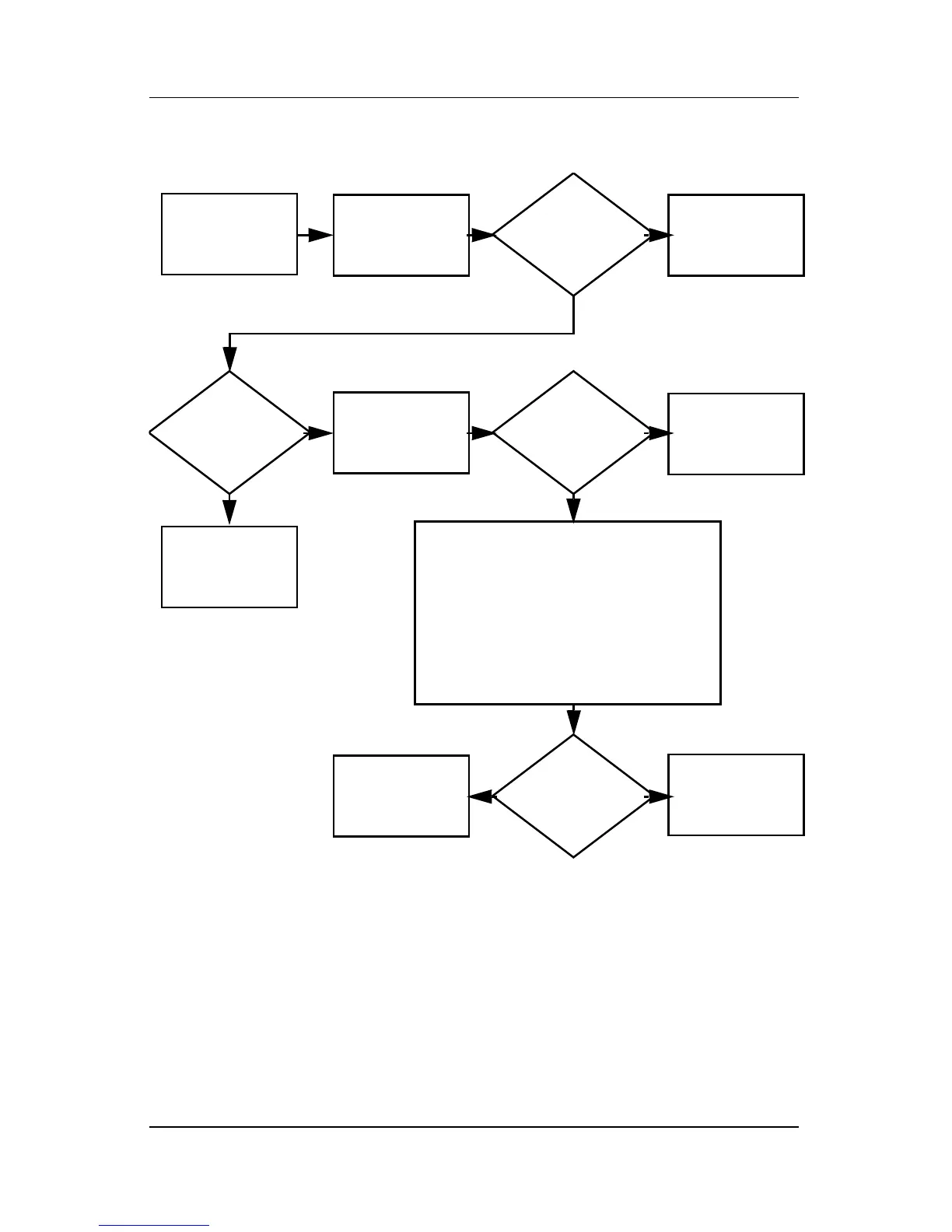
Flowchart 2.15—No Audio, Part 1
No audio.
N
Notebook in
Port Replicator
(if applicable)?
Internal
audio?
Audio? Done
Undock
Audio? Done
Turn up audio
internally or
externally.
Go to
“Flowchart 2.16—No
Audio, Part 2”
Go to
“Flowchart
2.16—No Audio,
Part 2”
Go to
“Flowchart
2.17—Nonfunc-
tioning Device”
Replace the following Port Replicator
components one at a time, as applicable.
Check audio status after each change.
1. Port Replicator audio cable
2. Audio cable
3. Speaker
4. Port Replicator audio board
5. Backplane board
6. I/O board
Y
Y
Y
N
N
N



 To Next Page