EasyManua.ls Logo

HP Compaq nc6000 - Notebook PC - Flowchart 2.17-Nonfunctioning Device

HP Compaq nc6000 - Notebook PC
196 pages
Print Icon
To Next Page IconTo Next Page
To Previous Page IconTo Previous Page
Loading...
Troubleshooting
Maintenance and Service Guide 2–27
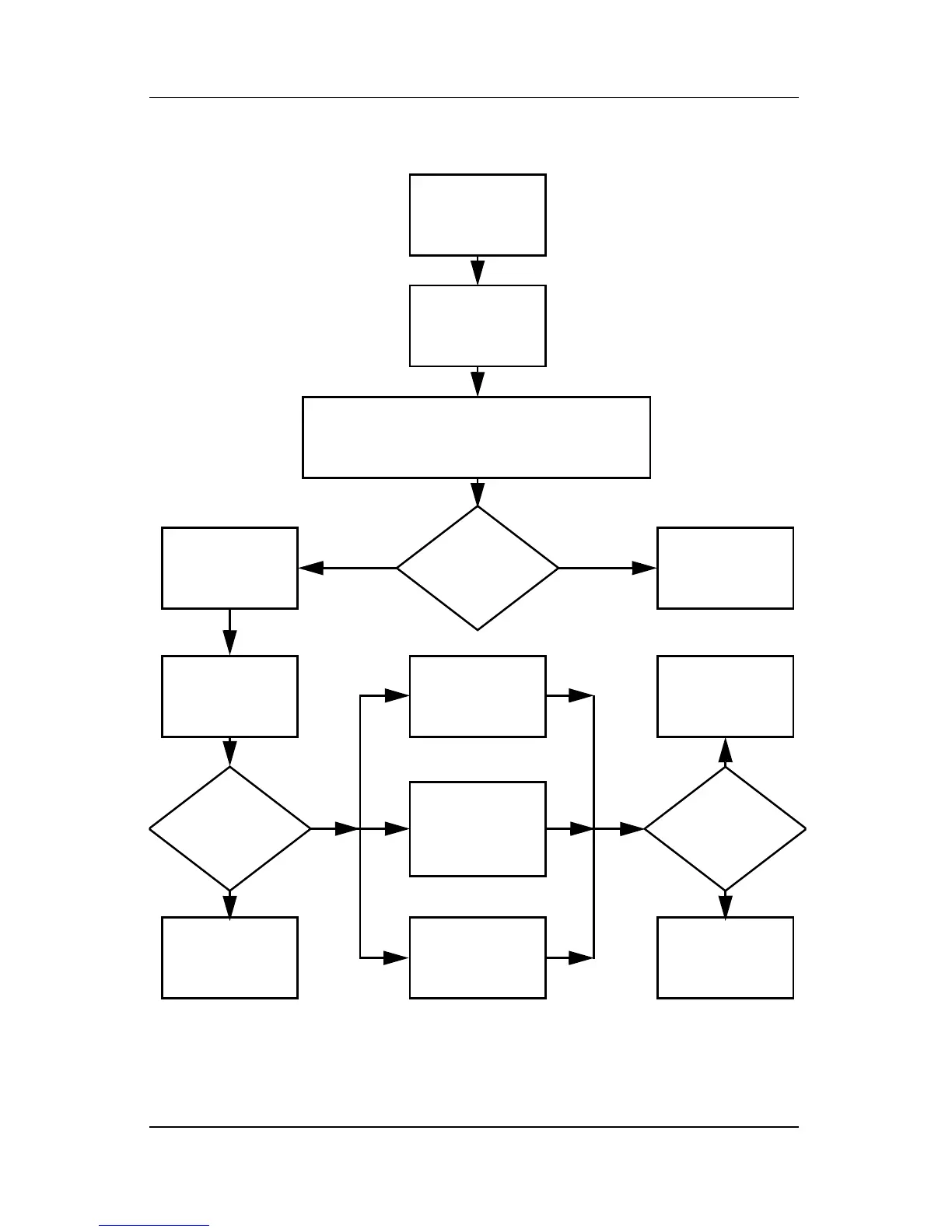
Flowchart 2.17—Nonfunctioning Device
Done
Any physical
device detected?
Y
N
Unplug the nonfunctioning device from the notebook,
and inspect cables and plugs for bent or broken pins
or other damage.
Reseat
device.
Clear
CMOS.
Done
Fix or
replace
broken item.
Nonfunctioning
device.
Reattach device.
Close notebook,
plug in power,
and reboot.
Device
boots
properly?
Go to
“Flowchart 2.9—No
Operating System
(OS) Loading”
Device
boots
properly?
Replace hard drive.
Replace diskette
drive.
Replace NIC.
If integrated NIC,
replace system
board.
Y
N
Y
N

Table of Contents

Other manuals for HP Compaq nc6000 - Notebook PC

Related product manuals