Removal and Replacement Procedures
Maintenance and Service Guide 5–27
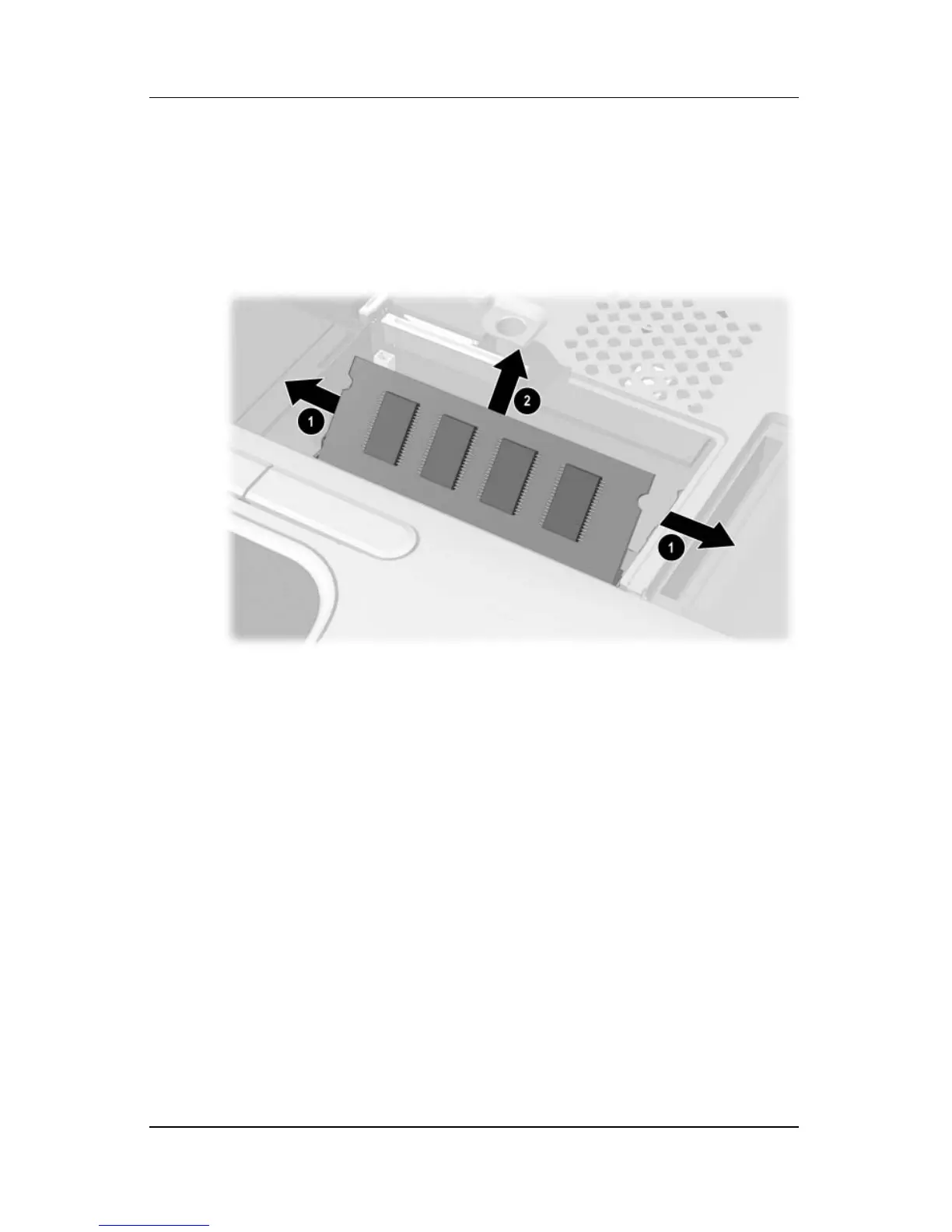
5. Spread the retaining tabs 1 that secure the memory
expansion board to the socket. The board rises up.
6. Pull the board away from the socket at a 45-degree angle 2.
Removing a Memory Expansion Board
Reverse the above procedure to install a memory expansion
board.



 To Next Page