Removal and Replacement Procedures
Maintenance and Service Guide 5–29
6. Turn the notebook right-side up, with the front facing you.
7. Open the notebook.
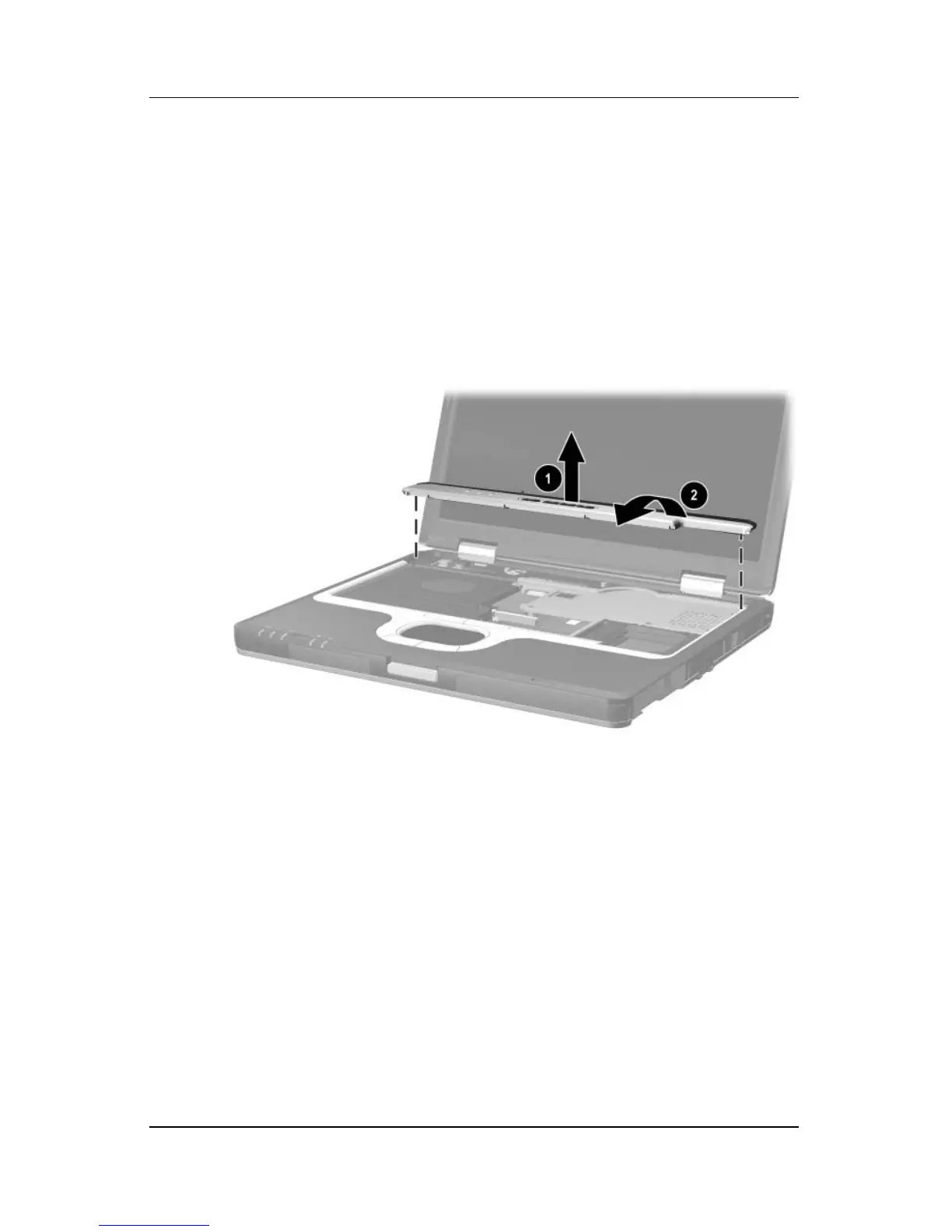
8. Lift up on the middle of the switch cover 1 to disengage it
from the notebook.
9. Swing the rear edge of the switch cover up and forward 2.
10. Remove the switch cover.
Removing the Switch Cover
Reverse the above procedure to install the switch cover.



 To Next Page