HP D300 Digital Dispenser
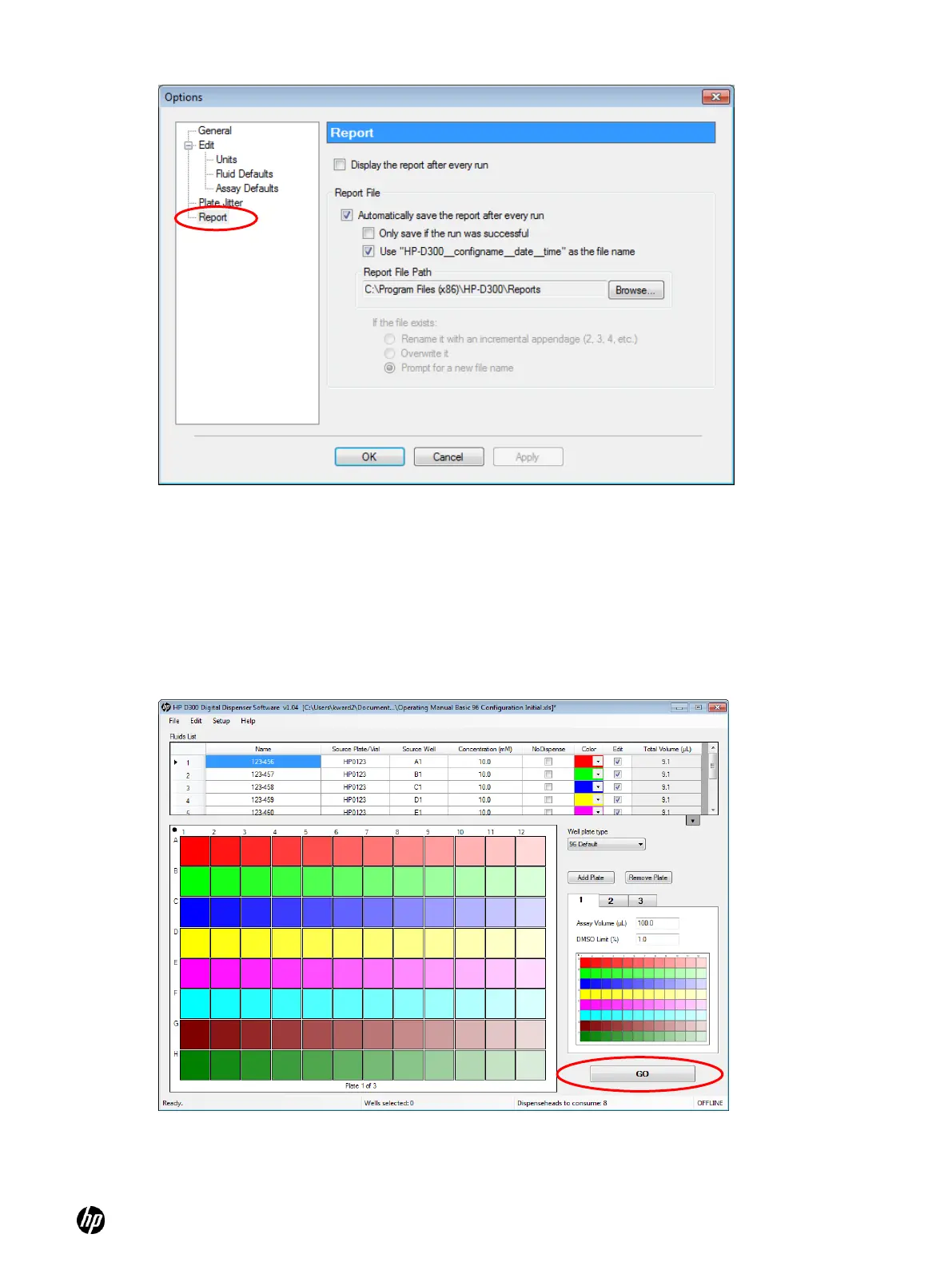
Figure 4-16 Report pane of the Options dialog box
4-5 Plate dispense procedure
4-5-1 Initiate plate dispense
After selecting the desired plate configuration and verifying the options, click the GO button in the
lower-right corner of the main operating window. See Figure 4-17.
Figure 4-17 Main operating window



 To Next Page