HP D300 Digital Dispenser
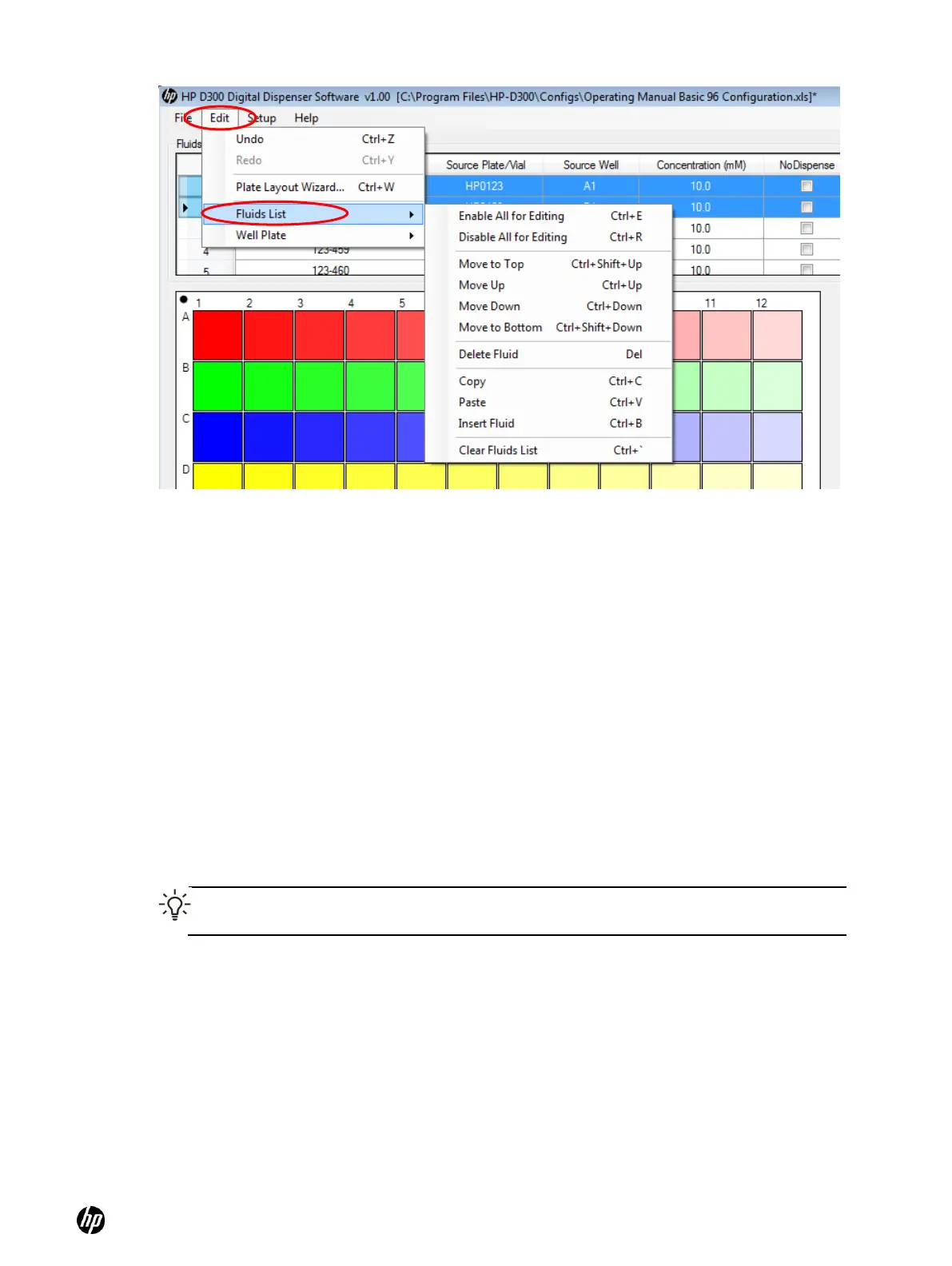
Figure 5-2 Edit the Fluids List (or right click within the Fluids Table)
5-3 Edit the well plate
Once the fluid table is set up with at least one compound, Edit Well Plate operations such as adding
fluids to the wells may begin. To see the Edit Well Plate menu options, click on Edit/Well Plate or
select some wells in the well plate image and right-click. As shown in Figure 5-3, the following
options are available:
○ Select or Deselect All Wells
○ Set Titration (see ―Set concentrations or volumes in wells‖, step 3 )
○ Set Concentration or Set Volume (see ―Set concentrations or volumes in wells‖, Step 1)
○ Normalize (see ―Normalize‖)
○ Randomize (see ―Randomize‖)
○ Remove a single fluid and remove all fluids
○ Cut, Copy, Paste, and Paste Special (see ―Use the Paste Special dialog box‖)
○ Clear Well Plate
○ Plate Layout Wizard (see ―Plate Layout Wizard basics‖)
TIP: This menu can also be accessed by clicking Edit and then Well Plate after selecting a
well or wells in the well plate image.



 To Next Page