HP D300 Digital Dispenser
4-5-2 Scan and load the well plates
1. Optional. If the destination well plate has an identification code you would like to track, scan
the bar code on the well plate using a USB bar code reader attached to your computer, or
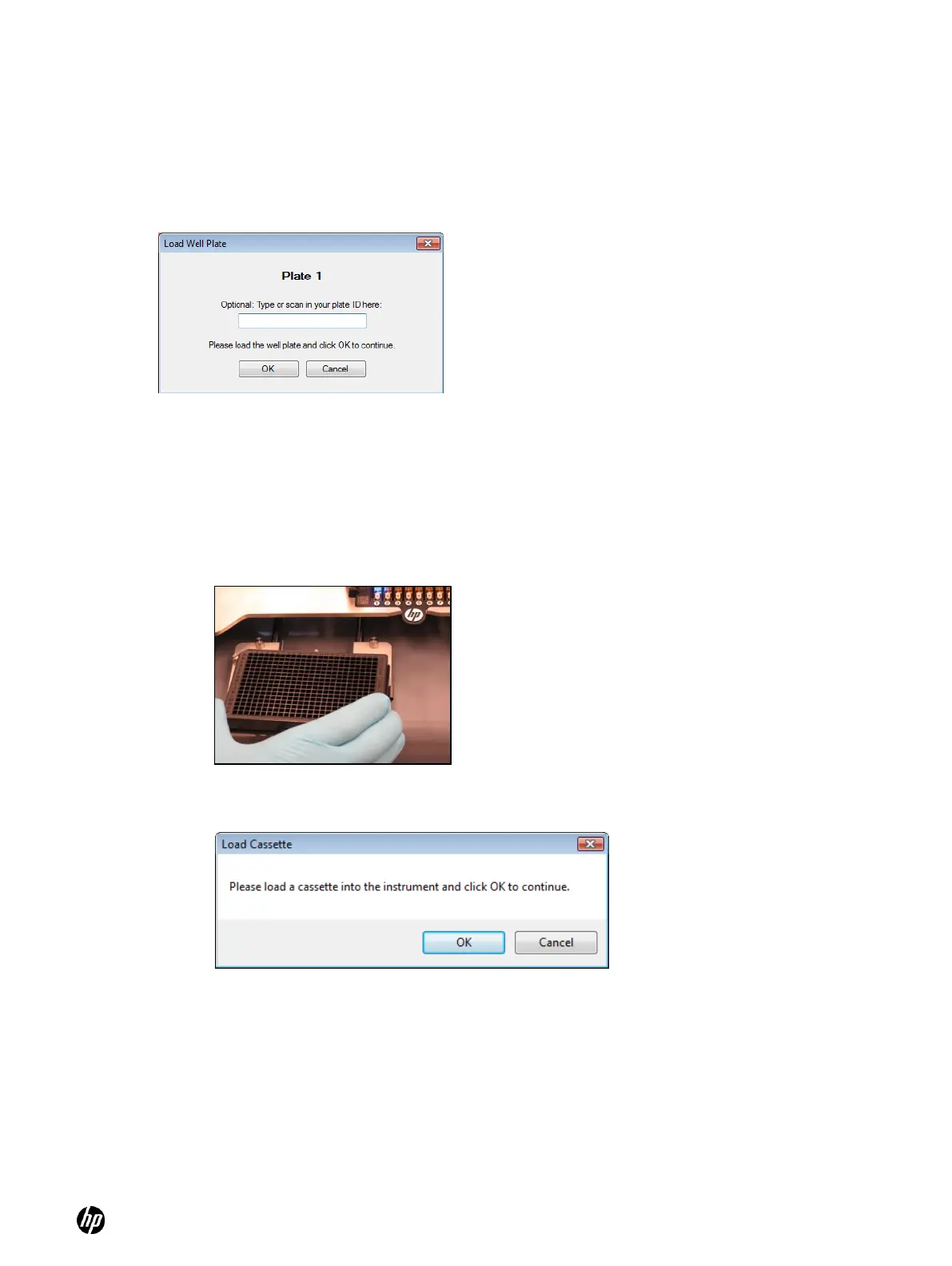
enter its identification number manually into the box on the Load Well Plate dialog box. See
Figure 4-18.
Figure 4-18 Load Well Plate dialog box. Be very careful to load the plate that is requested.
2. Place the well plate on the destination plate holder. See Figure 4-19. Engage the top left
corner of the well plate on the pillars first, then snap the well plate fully into the spring clips.
○ Make sure the plate is completely level and down on the destination plate holder.
○ Ensure that the A1 well position is at the top-left corner of the destination plate holder.
3. Click OK. The Load Cassette dialog box appears. See Figure 4-20.
Figure 4-19 Destination plate holder on the dispenser
Figure 4-20 Load Cassette dialog box
4-5-3 Load a Dispensehead Cassette
1. If a Dispensehead Cassette is already in place with unused Dispenseheads, click OK in the
Load Cassette dialog box to continue (see Figure 4-20). If you are unsure whether there are
any unused Dispenseheads on the Cassette, click OK and the dispenser will test the
Dispenseheads to find which ones are unused.
2. Load a new Dispensehead Cassette if necessary as shown in Figure 4-21:
a. If a Cassette is already loaded in the dispenser, lift the tab with the HP logo and pull the
Cassette out of the deck.



 To Next Page