HP D300 Digital Dispenser
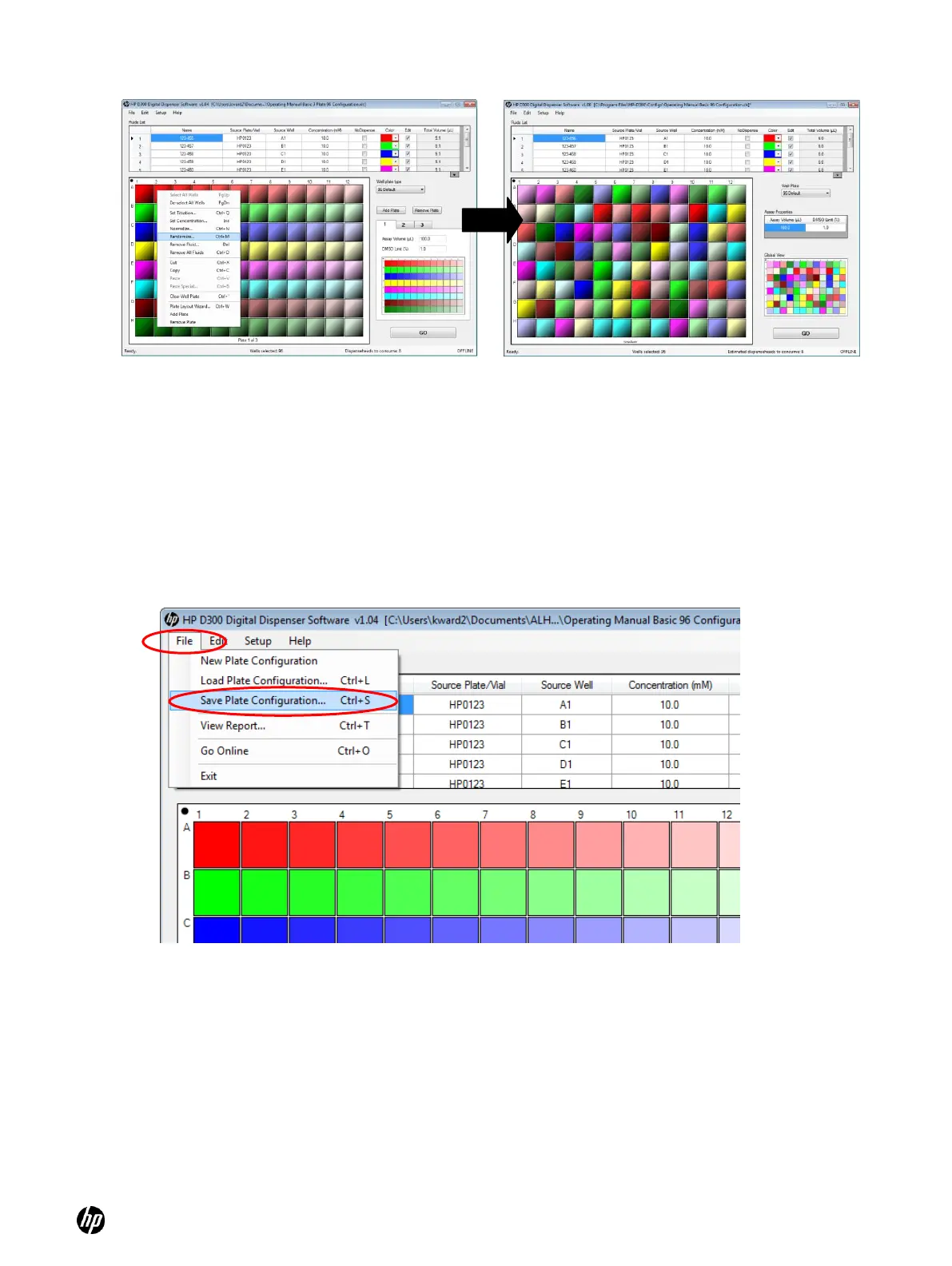
Figure 5-13 Right-click and select Randomize
Figure 5-14 Example of a randomized well plate
5-8 Save the plate configuration
1. On the HP D300 Digital Dispenser software main operating window, click File and then Save
Plate Configuration. All plates will be saved in a single file.
2. Name the new plate configuration. The plate configurations are saved as Excel files. They
can be edited or even created in Excel, but be extremely careful because the format must
exactly match what is expected by the HP D300 Digital Dispenser software.
Figure 5-15 To save the plate configuration, click File and Save Plate Configuration



 To Next Page