HP D300 Digital Dispenser
4-7 Turn off the HP D300 Digital Dispenser
If you are finished using the dispenser and will not use it again for an extended period of time, turn it
off as follows:
1. Close the HP D300 Digital Dispenser software, either by clicking the red X in the upper right
corner of the main operating window, or by clicking on File/Exit.
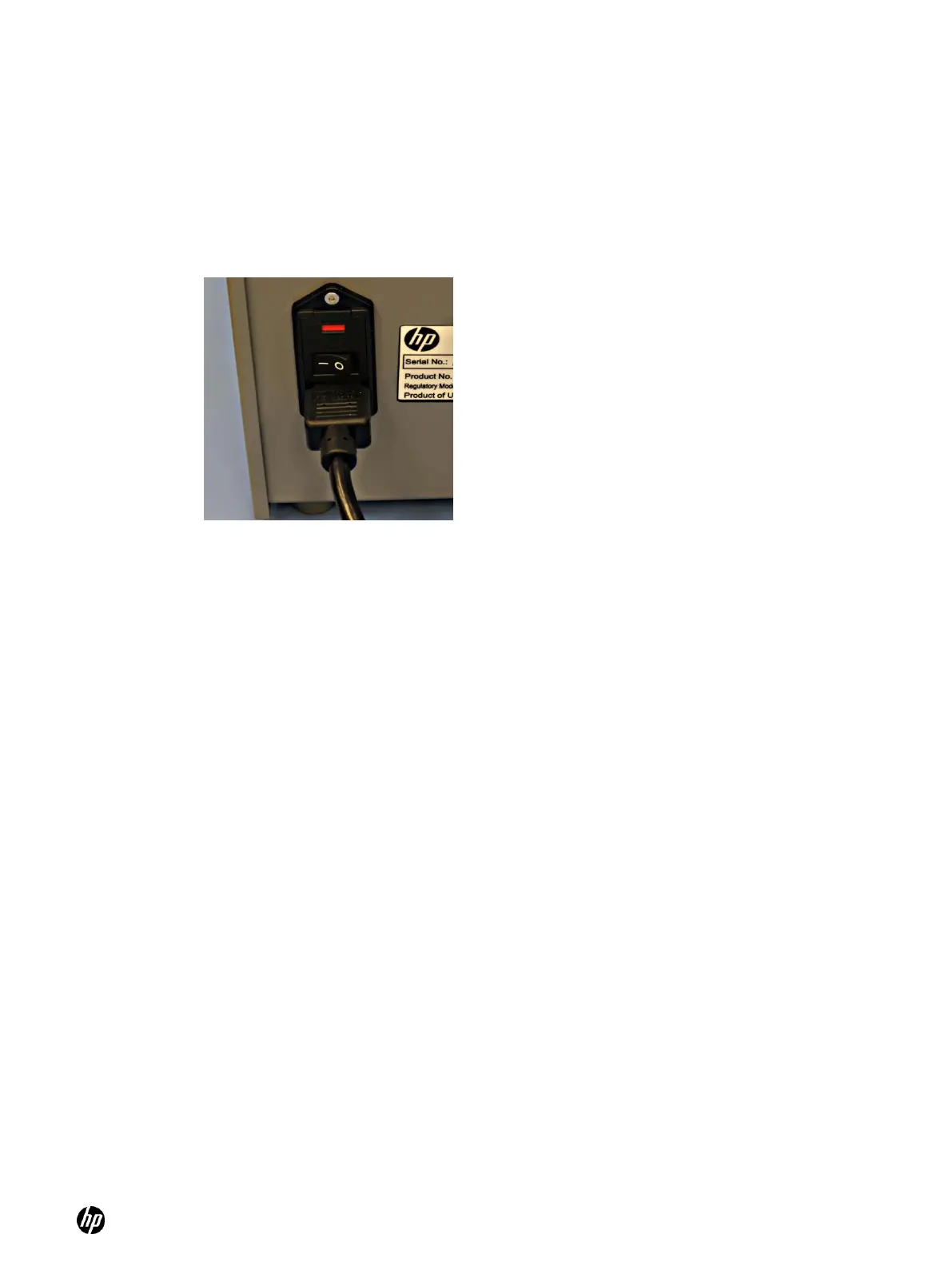
2. Turn the Dispenser off using the main power switch on the rear of the dispenser. (Press down
the ―O‖ of the rocker switch to turn the dispenser off.)
Figure 4-32 On/off switch in the ON position
3. Remove any unused Dispensehead Cassettes from the dispenser to avoid contamination from
cleaning solutions or the laboratory environment and place them back in the Cassette tray.
4. Clean the dispenser according to the cleaning procedures described in the ―Clean the
dispenser‖ section of this document.



 To Next Page