HP D300 Digital Dispenser
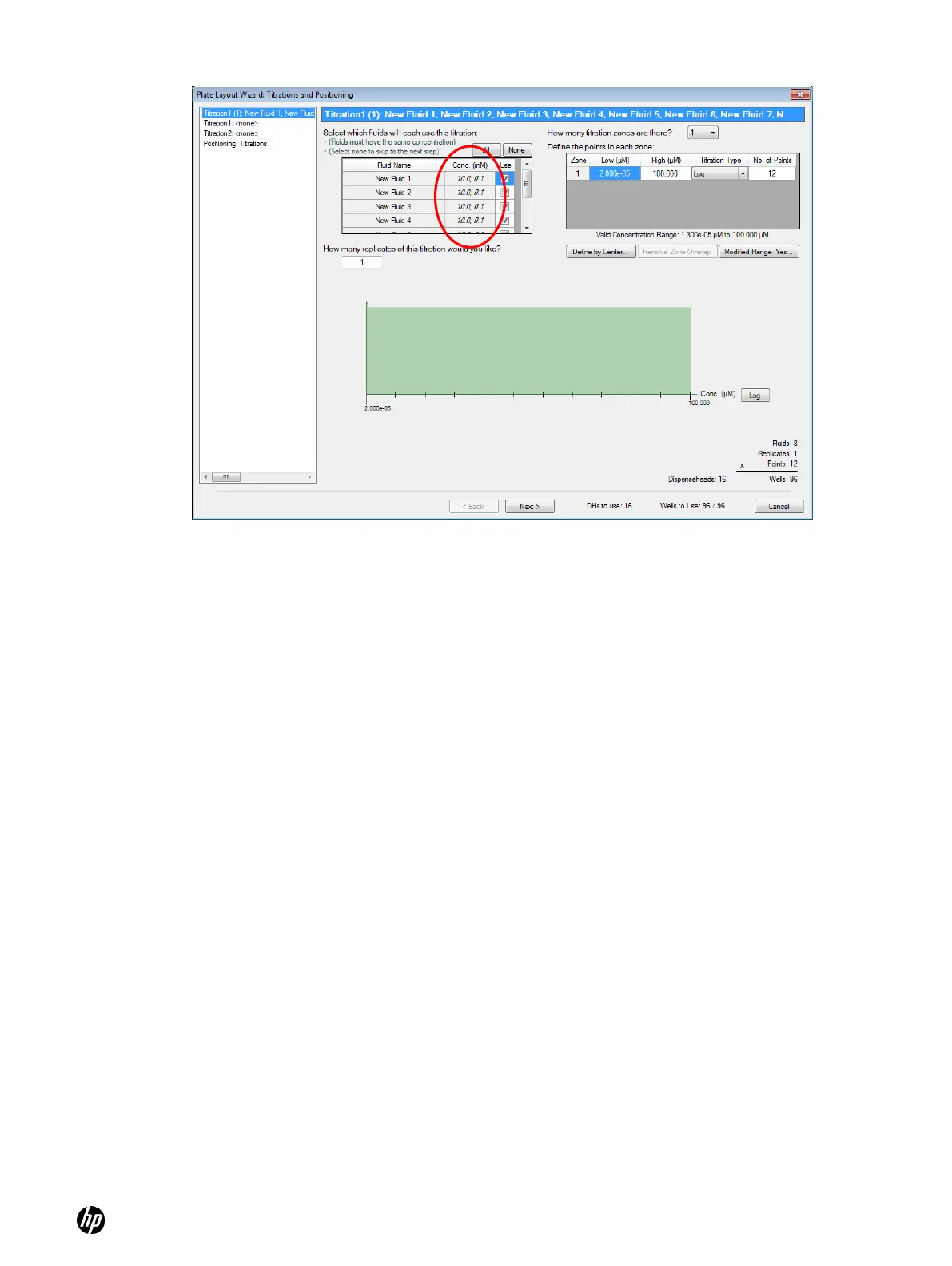
Figure 5-30 Titration1 pane showing two entries in the Conc. (mM) column
5-10-3 Create titration2 layouts: two fluids per well
A titration2 layout creates a series of wells for each combination of fluid concentrations. For
example, if each fluid is designed as a twelve-point singlet, Titration2 will create a 12 × 12 matrix of
144 wells of fluid combinations unless the ―Remove points in the high side triangle‖ option is
selected as described below.
1. To set up a titration2 layout with two fluids per well in a systematic design, follow steps 1 and 2
in 5-9-1 above,
2. Click Titration2 in the left pane of the Plate Layout Wizard: Titrations and Positioning dialog
box. This opens the Titration2: <none> in the left pane of the Plate Layout Wizard: Titrations
and Positioning dialog box. The Titration2 pane is opened as shown in Figure 5-31.
3. Select two fluids you would like to use for this dual fluid titration by selecting the Use check
boxes.



 To Next Page