Removal and Replacement Procedures
Maintenance and Service Guide 5–43
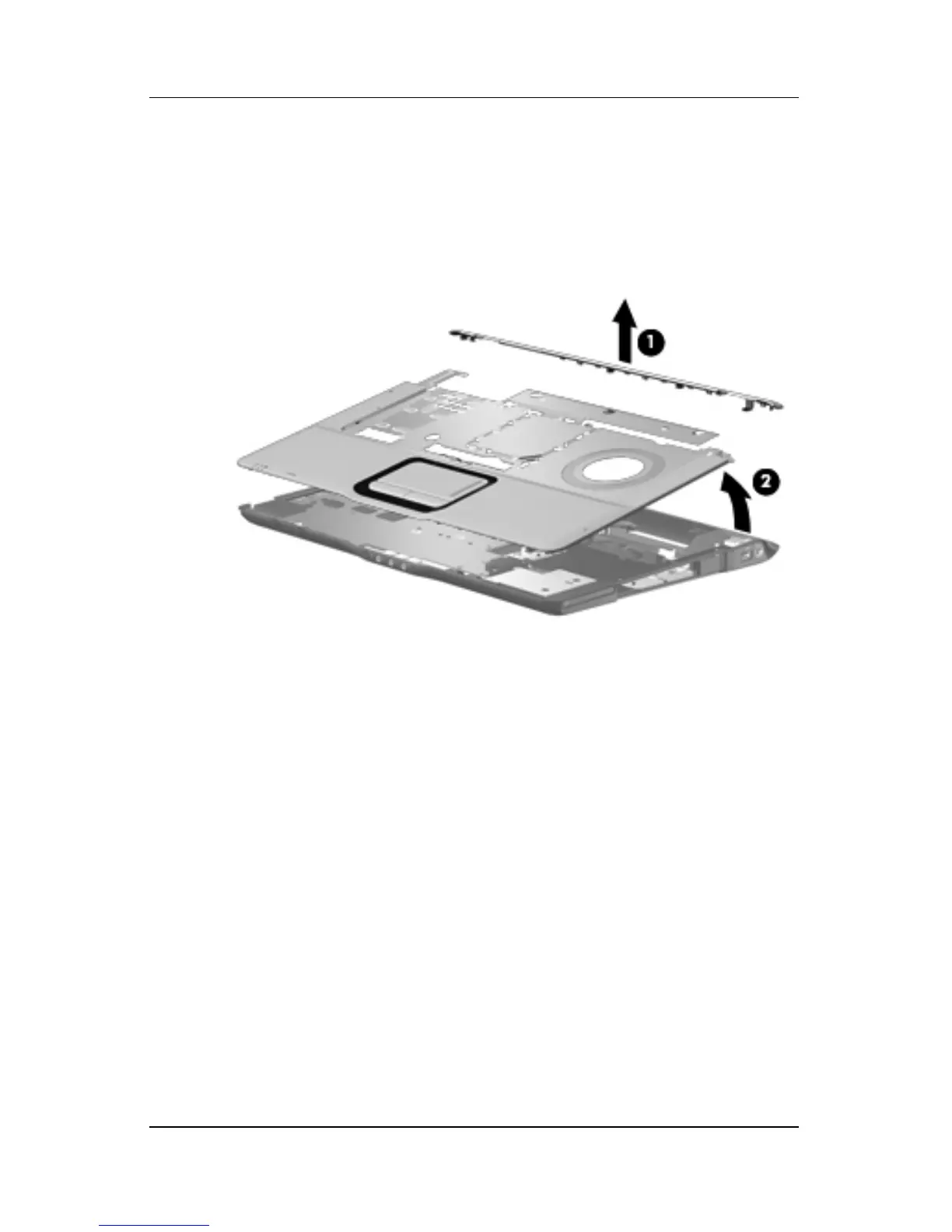
9. Remove the top cover support trim 1.
10. Lift the rear edge of the top cover 2 until it disengages from
the computer.
11. Remove the top cover.
Removing the Top Cover
Reverse the above procedure to install the top cover.











 To Next Page