Removal and Replacement Procedures
Maintenance and Service Guide 5–55
7. If it is necessary to replace the USB/power connector board
cable or the audio board cable, turn the system board upside
down with the front toward you.
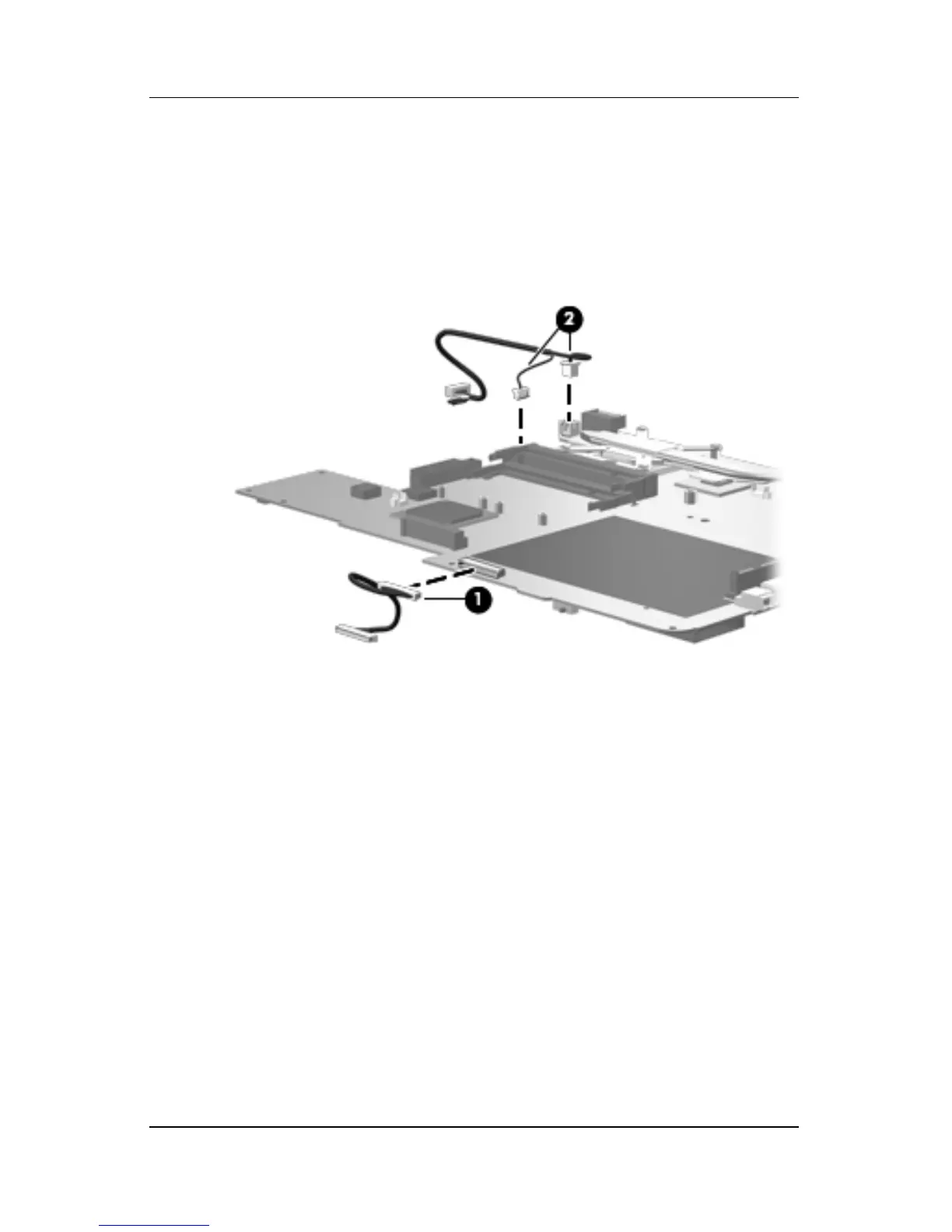
8. Disconnect the audio board cable 1 and the USB/power
connector board cable 2 from the system board.
Removing the System Board Cables
Reverse the above procedure to install the system board,
USB/power connector board cable, and audio board cable.











 To Next Page