5–54 Maintenance and Service Guide
Removal and Replacement Procedures
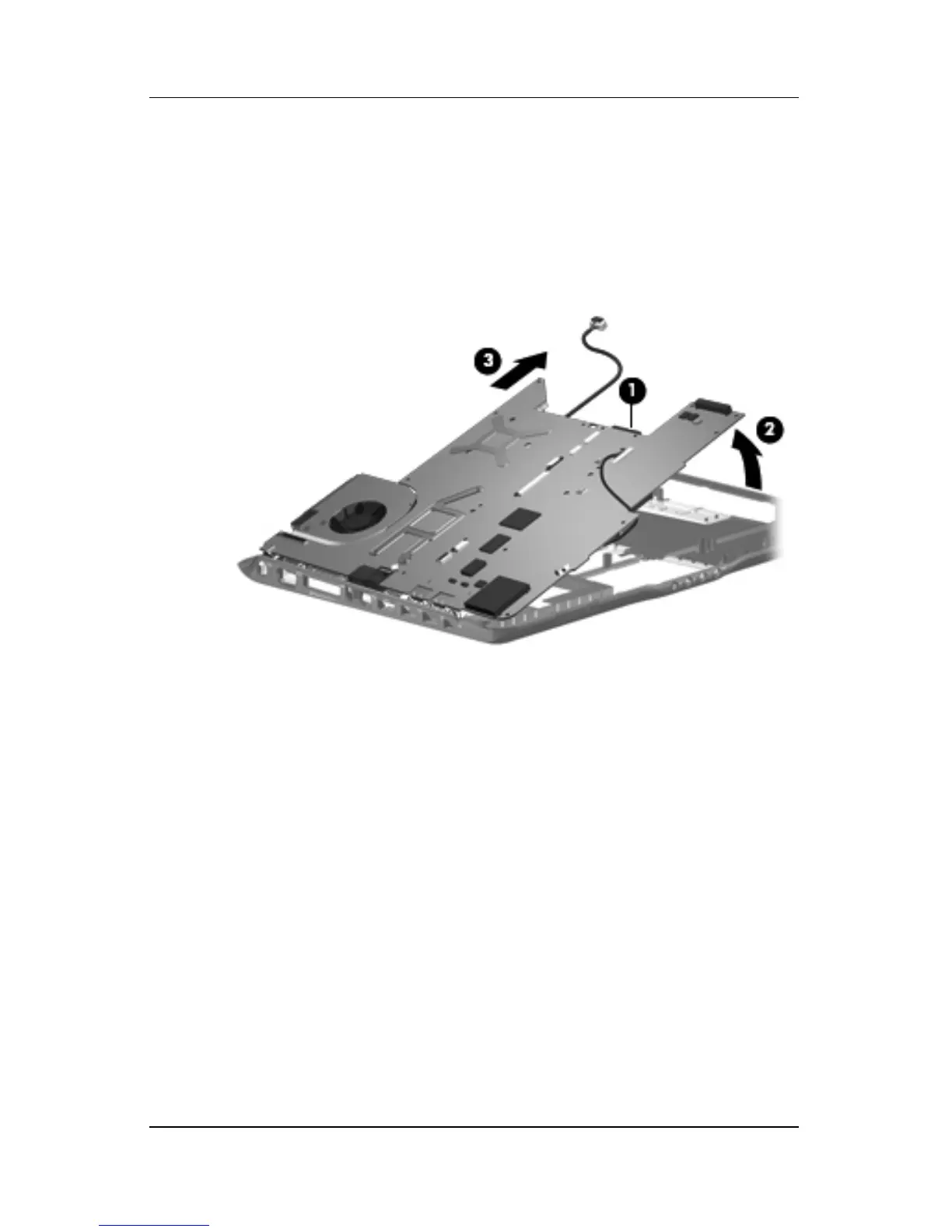
4. Use the optical drive connector 1 to lift the right side of the
system board 2 until it rests at an angle.
5. Slide the system board
3
to the right until the connectors on the
left side of the system board disengage from the base enclosure.
6. Remove the system board.
Removing the System Board











 To Next Page