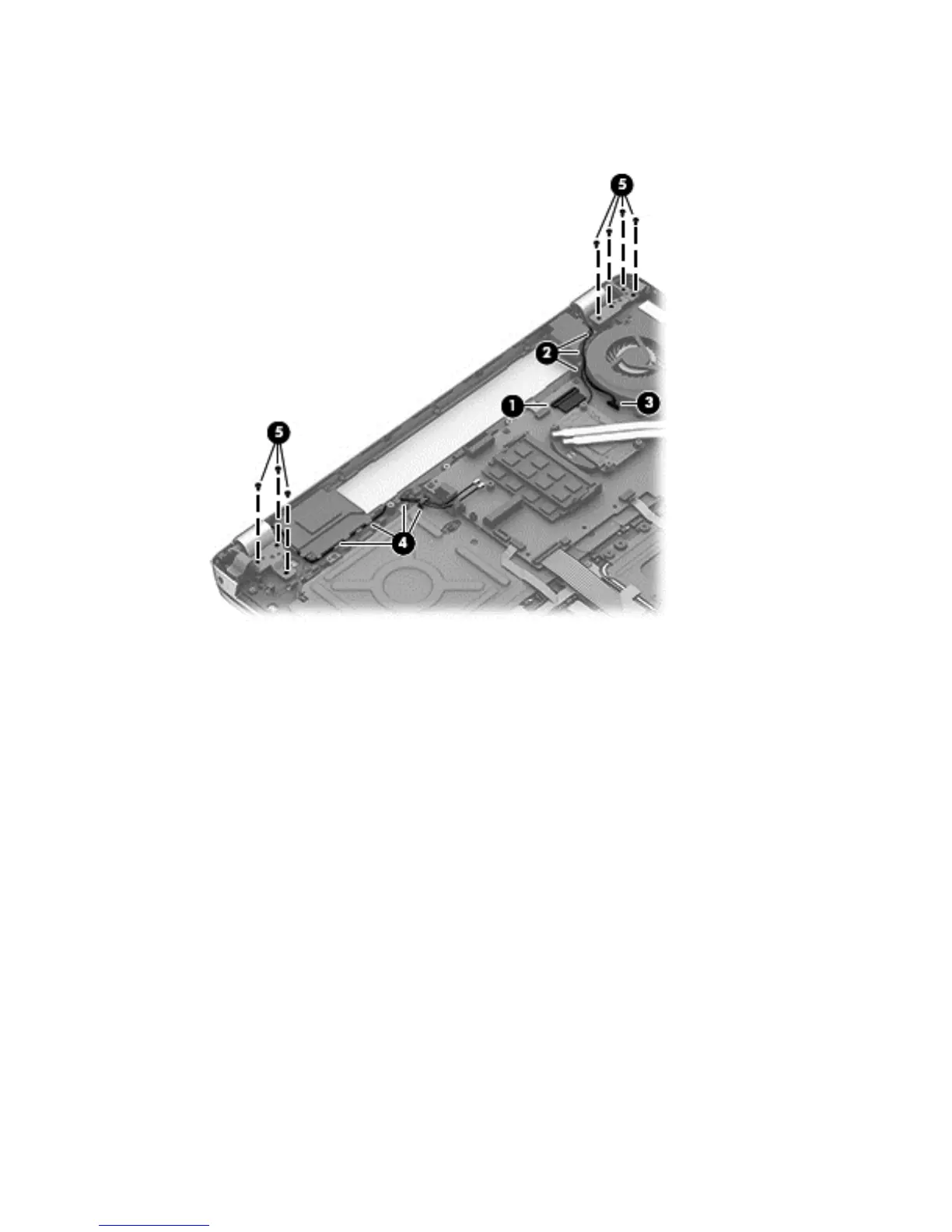
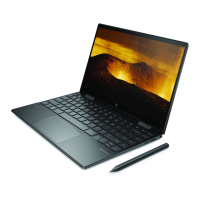
Remove the display hinge covers:
1. Disengage the WLAN cable (1) and the display cable (2), and then disconnect the webcam
cable (3).
2. Remove the 3 6.5-MM screws on the left side (5) and the 4 6.5-MM screws on the right side (5)
that secure the hinges to the display panel.
3. Open the hinges slightly, and then slide the top cover away from the display assembly.
To install the display hinges, reverse these steps.
Component replacement procedures 59


 To Next Page