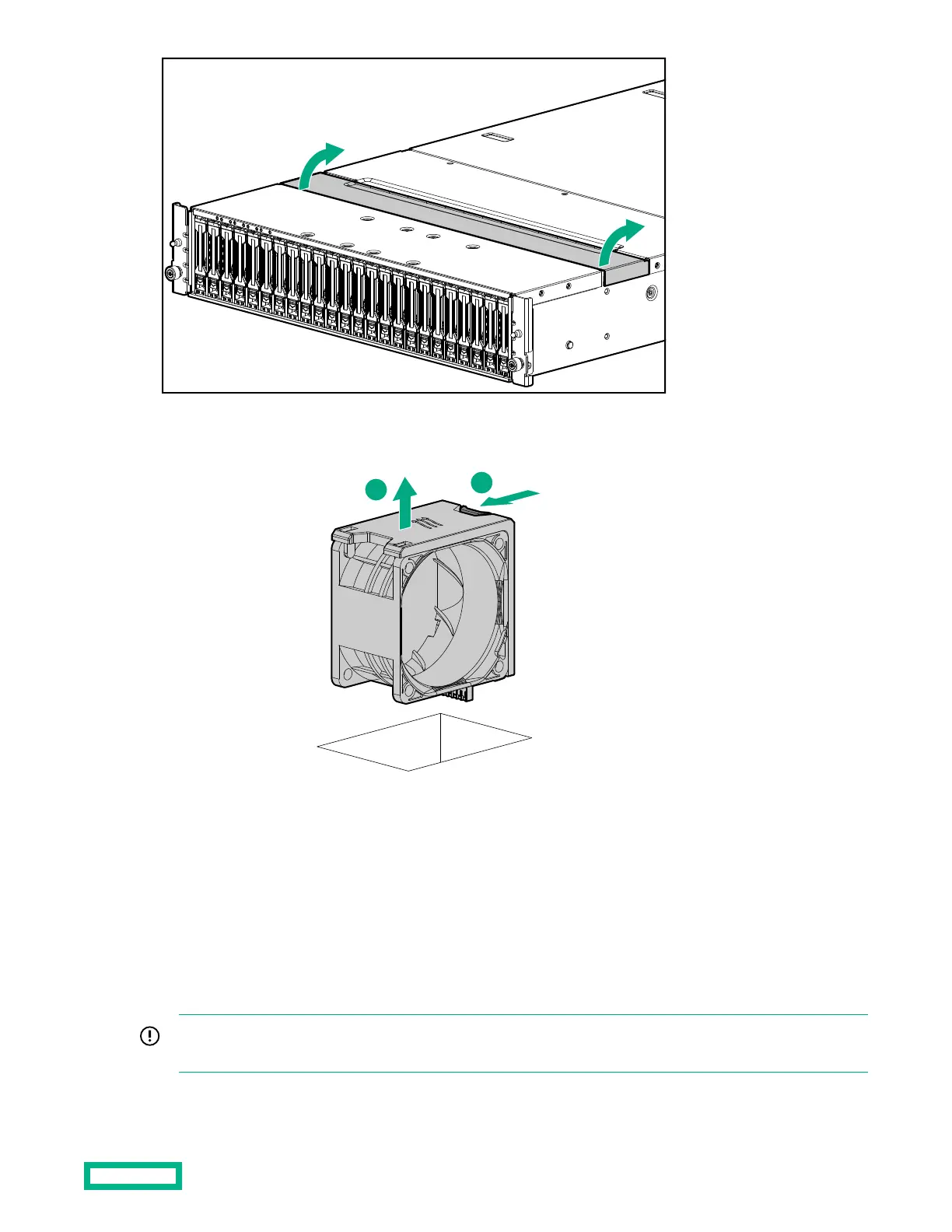
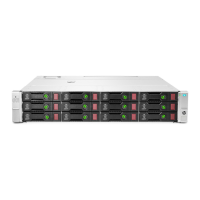
2. Squeeze together the locking tabs on each side of the defective fan module, and then lift the fan module up and out of
the slot.
3.
Insert the replacement fan module in the same orientation as the removed fan module, with the connector on the left
with the connector on the left front of the J2000.
4. Insert the J2000 back into the rack.
Fan module replacement is complete.
5. If applicable, install the bezel.
Replacing a power module
IMPORTANT: If both power modules require replacement and the second power module is operational, complete all
steps to remove and install the first power module, and then repeat all steps to replace the second power module.
Maintenance 20


 To Next Page