33
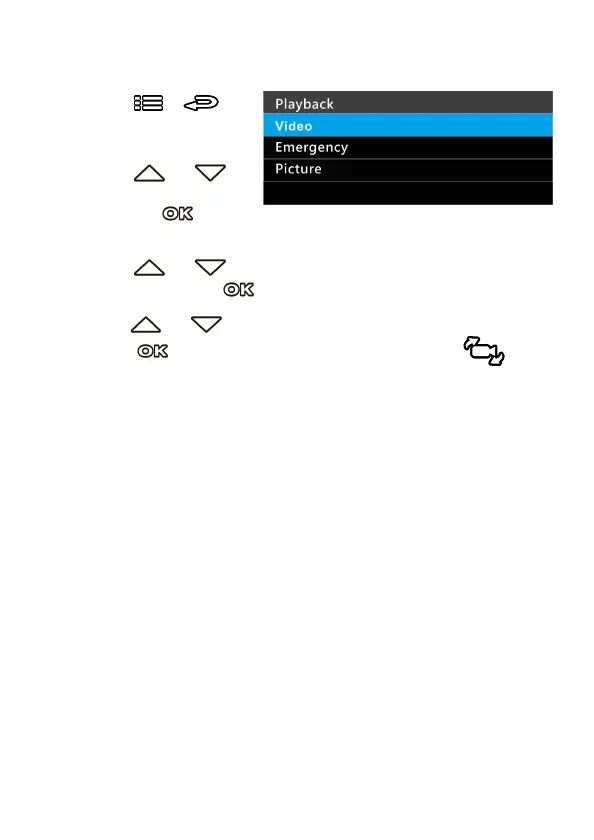
3.10 Playback Videos and Photos
1.
If recording is in progress,
press the
/
button to stop recording
and enter Menu.
2.
Press the or
button to select
Playback
and press the
button.
3.
Press the or button to select
Video
,
Emergency
or
Picture
category and press the button.
4.
Use the or to select the video or photo you want to playback,
and press button to confirm your selection. Or, press
to
switch recorded files by front or rear camera.



 To Next Page