EASYTEST-COMBI519
5. GENERAL MENU
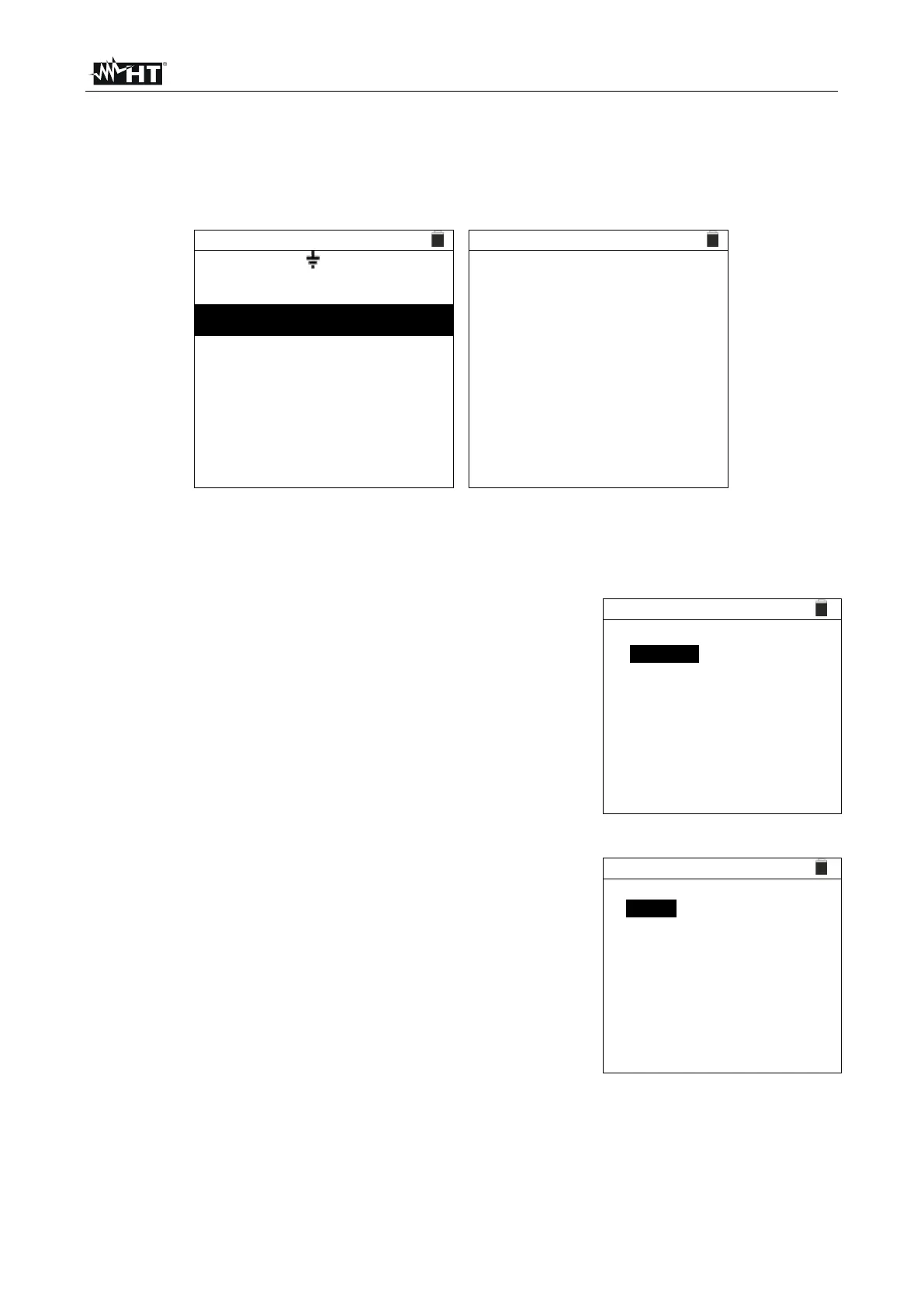
Pressing the MENU/ESC key in any condition of the instrument allows going back to the
general menu in which internal parameters may be set and the desired measuring function
may be selected.
A u t o , R a m p , M a n
Z E / Z S I m p e d a n c e
P h a s e S e q u e n c e
Upon selecting one of the listed measurements with the cursor and confirming with
ENTER, the instrument shows the desired measurement
on the display.
5.1. SET – INSTRUMENT SETTINGS
Move the cursor to SET by means of the arrow keys (,)
and confirm with ENTER. Subsequently, the displays shows
the screen which allows accessing the various instrument
settings.
The settings will remain valid also after switching off the
instrument.
Language
Country
Electrical system
General settings
Date and time
Information
5.1.1. Language
Move the cursor to Language by means of the arrow keys
(,) and confirm with ENTER. Subsequently, the display
shows the screen which allows setting the instrument
language.
Select the desired option by means of the arrow keys (,).
To store settings, press the ENTER key, to quit without
confirming the changes made, press the ESC key.
English
Italiano
Español
Deutsch
Français
Portugues



 To Next Page