EASYTEST-COMBI519
6.5.1. TMR mode
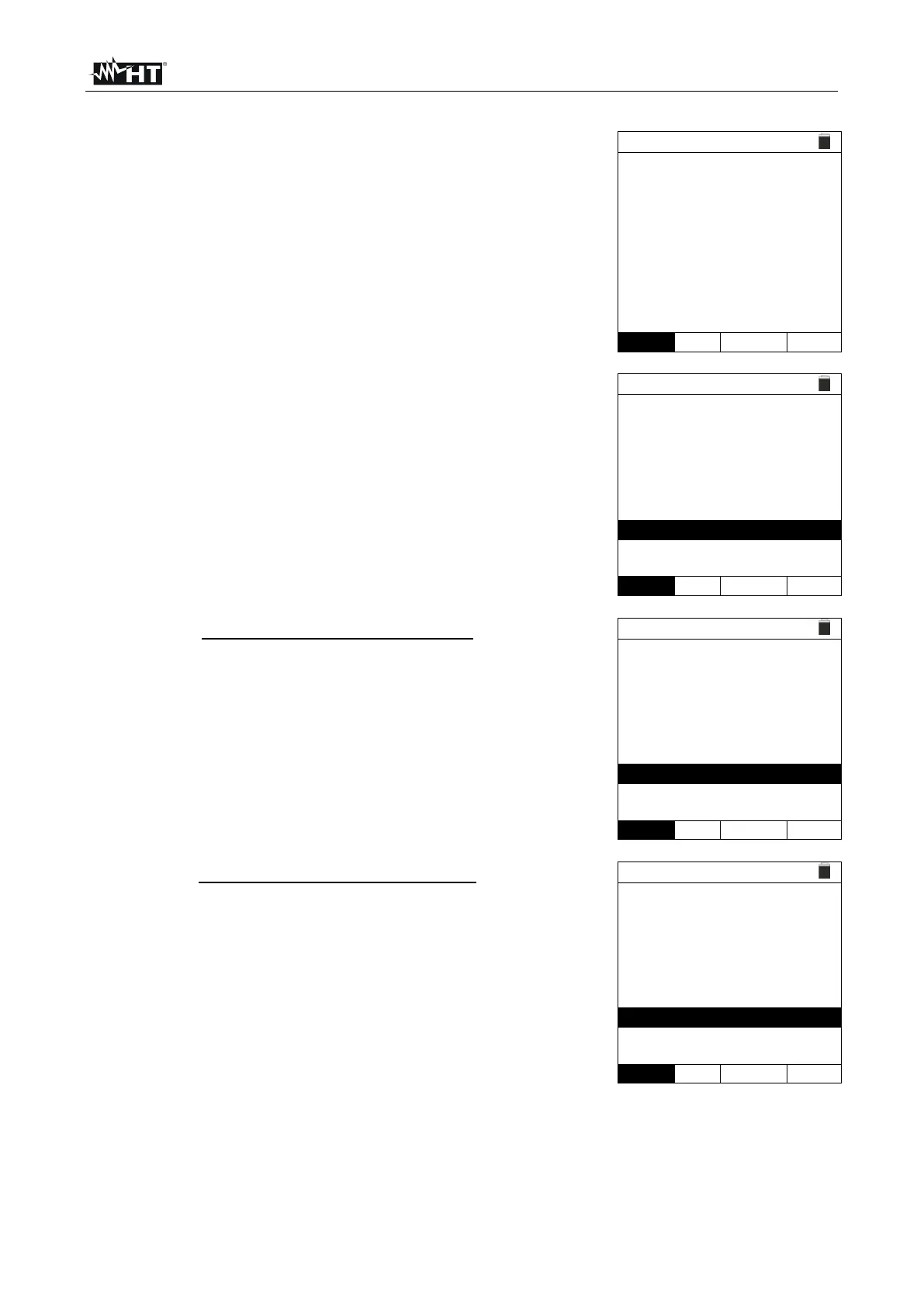
With the arrow keys (,) select the "TMR" option in the
"Mode" section. The instrument displays a screen like the
one shown to the side. Set the duration of the
measurement in the "Time" section and follow the steps
from point 2 to point 5 of §
6.4.
Press the GO/STOP key on the instrument or the START
key on the remote switch probe. The instrument starts the
measurement for the entire duration set, showing the
"Measuring…" message. The instrument shows the
message "OK" on the display in case of a positive result
(value higher than the set minimum threshold) or "NOT
OK" in case of a negative result (value lower than the
minimum limit set).
With a measurement duration ≥ 60s, the instrument
shows the indication of the DAR parameter (Dielectric
Absorbtion Ratio) as shown in the screen to the side.
With a measurement duration ≥ 600s, the instrument
shows the indication of the DAR parameter (Dielectric
Absorbtion Ratio) and of the PI prameter (Polarisation
Index) as shown in the screen to the side.



 To Next Page