6.7.6. Ra 2-wire test - Verification of protection against indirect contacts
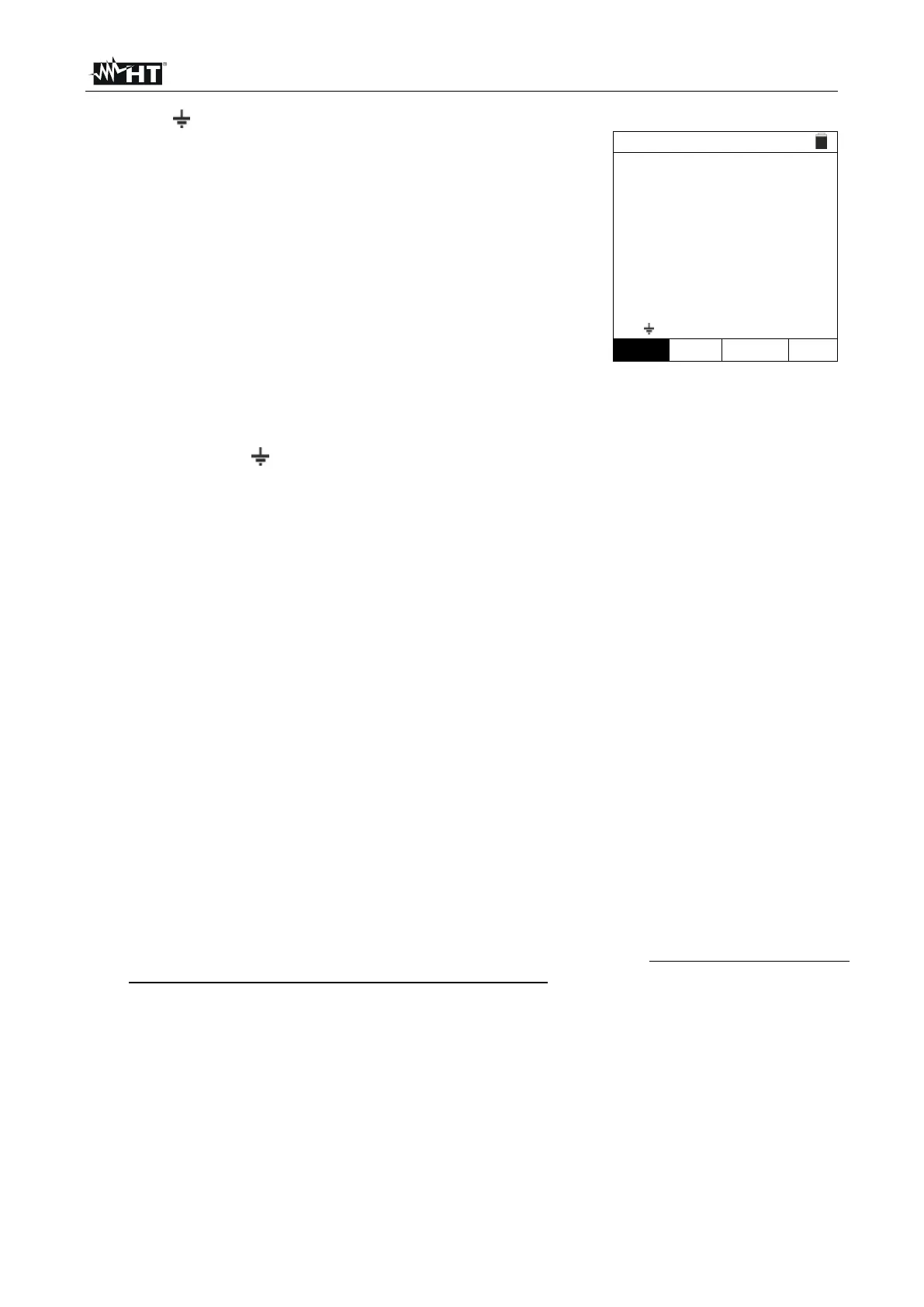
Press the MENU key, move the cursor to LOOP in the
main menu by means of the arrow keys (,) and
confirm with ENTER. Subsequently, the instrument
displays a screen similar to the one reported here to the
side. Select “Europe” as a country (see § 5.1.2), the
options “TN”, “25 or 50V”, “50Hz or 60Hz” and the
reference voltage in the general settings of the instrument
(see § 5.1.3).
NOTE: for countries different from “Europe”, the
MCB and Fuse reference type can be changed.
Use the , keys to select the parameter to be modified, and the , keys to modify the
parameter value.
➢ FUNC → the virtual key allows setting the measuring mode of the instrument, which
may be: Ra
.
➢ MODE → the virtual key allows setting the instrument’s operating mode. Select the
2Wire option.
➢ Type of protection → the virtual key allows setting the type of protection (Fuse of
type gG, aM or magnetothermal MCB in curve B, C, D, K) and the relevant nominal
currents considering the below available values:
MCB curve B → 3A, 6A, 10A, 13A, 15A, 16A, 20A, 25A, 32A, 40A, 45A, 50A, 63A,
80A,100A,125A,160A,200A
MCB curve C → 0.5A, 1A, 1.6A, 2A, 3A, 4A, 6A, 10A, 13A, 15A, 16A, 20A, 25A,
32A, 40A, 50A, 63A, 80A, 100A, 125A, 160A, 200A
MCB curve D, K → 0.5A, 1A, 1.6A, 2A, 3A, 4A, 6A, 10A, 13A, 15A, 16A, 20A, 25A,
32A, 40A, 45A, 50A, 63A, 80A, 100A, 125A, 160A, 200A
Fuse gG → 2A, 4A, 6A, 8A, 10A, 12A, 13A, 16A, 20A, 25A, 32A, 35A, 40A, 50A,
63A, 80A, 100A, 125A,160A, 200A, 250A, 315A, 400A, 500A, 630A, 800A, 1000A,
1250A
Fuse aM → 2A, 4A, 6A, 10A, 12A, 16A, 20A, 25A, 32A, 35A, 40A, 50A, 63A, 80A,
100A, 125A,160A, 200A, 250A, 315A, 400A, 500A, 630A
➢ Time → the virtual key allows setting the protection’s tripping time among the
options: 0.1s, 0.2s, 0.4s, 1s, 5s.



 To Next Page