EASYTEST-COMBI519
7.2. RECALL OF DATA TO DISPLAY AND MEMORY DELETION
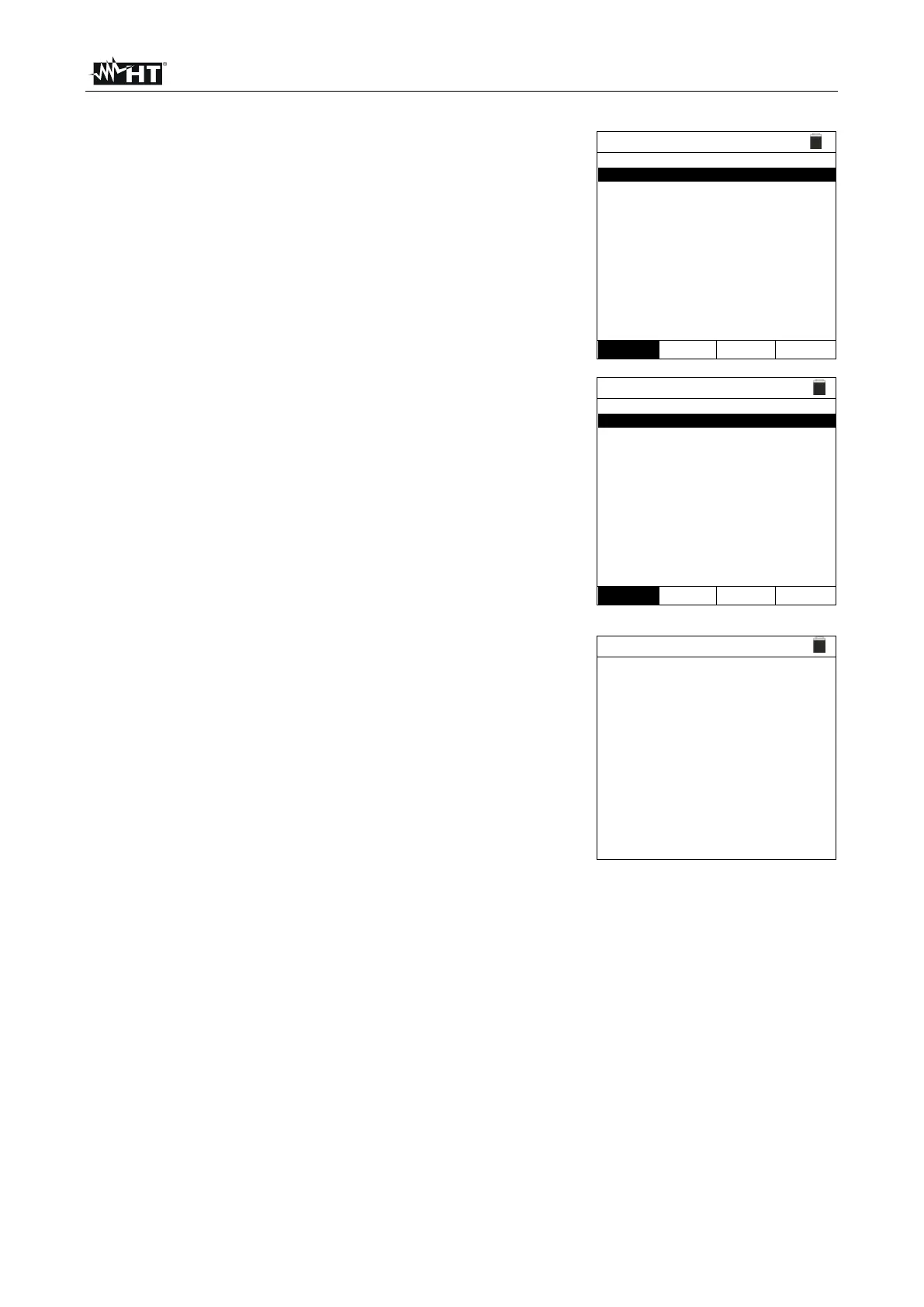
1. Position the cursor onto MEM by using the arrow keys
(,) and confirm with ENTER. The screen to the side
appears on the display. The screen contains:
➢ The number of the memory location where the
measure is saved
➢ The date in which the measure was saved
➢ The type of measure saved
➢ The total number of saved measures for each screen
and the residual available memory
2. Use the arrow keys (,) to select the measure to be
recalled to display.
3. Press the SAVE/ENTER key to display the saved
measure. Press the ESC/MENU key to go back to the
previous screen.
4. Use the arrow keys or to select option “Pag” and
proceed to the next screen.
5. Select the option “DEL” to delete the whole content of the
instrument's memory (“All” option) or the last saved data
(“Last” option). The following screen appears on the
display:
6. Press the SAVE/ENTER key to confirm data deletion.
The message “Memory empty” is shown on the display.
7. Press the MENU/ESC key to exit the function and go
back to the general menu.



 To Next Page