EASYTEST-COMBI519
8. CONNECTING THE INSTRUMENT TO THE PC
• The connection between instrument and PC is realized by means of cable
C2006.
• In order to transfer the data onto a PC, it is necessary to install beforehand
the management software on the PC itself.
• Before connecting, it is necessary to select the port to be used and the
correct baud rate (57600 bps) on the PC. To set these parameters, launch
the provided management software and refer to the program’s on-line help.
• The selected port must not be engaged by other devices or applications,
e.g. a mouse, a modem, etc. Close any applications running using the
Microsoft Windows Task Manager function, if necessary.
• The optical port emits invisible LED radiations. Do not directly observe with
optical instruments. Class 1M LED apparatus according to standard IEC/EN
60825-1.
To transfer data to the PC, follow this procedure:
1. Switch on the instrument by pressing the ON/OFF key.
2. Connect the instrument to the PC via the provided optical/USB cable C2006.
3. Press the ESC/MENU key to open the main menu.
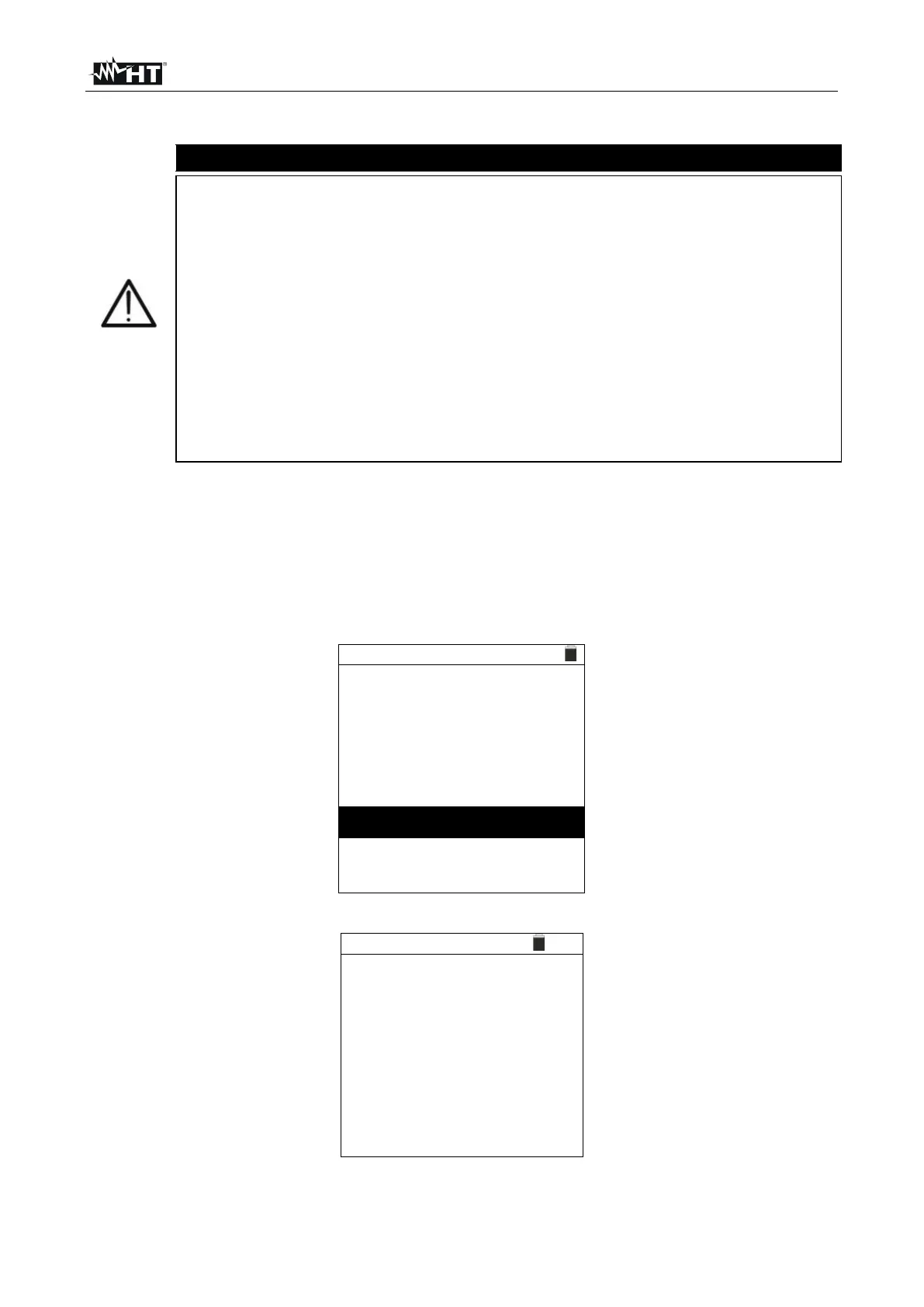
4. Use the arrow keys (,) to select “PC”, to access data transfer mode and confirm
with SAVE/ENTER.
H . R e s o l . I m p . T e s t
P h a s e S e q u e n c e
5. The instrument shows the following screen:
6. Use the software controls to activate data transfer (please refer to the on-line help of
the program).



 To Next Page