EASYTEST-COMBI519
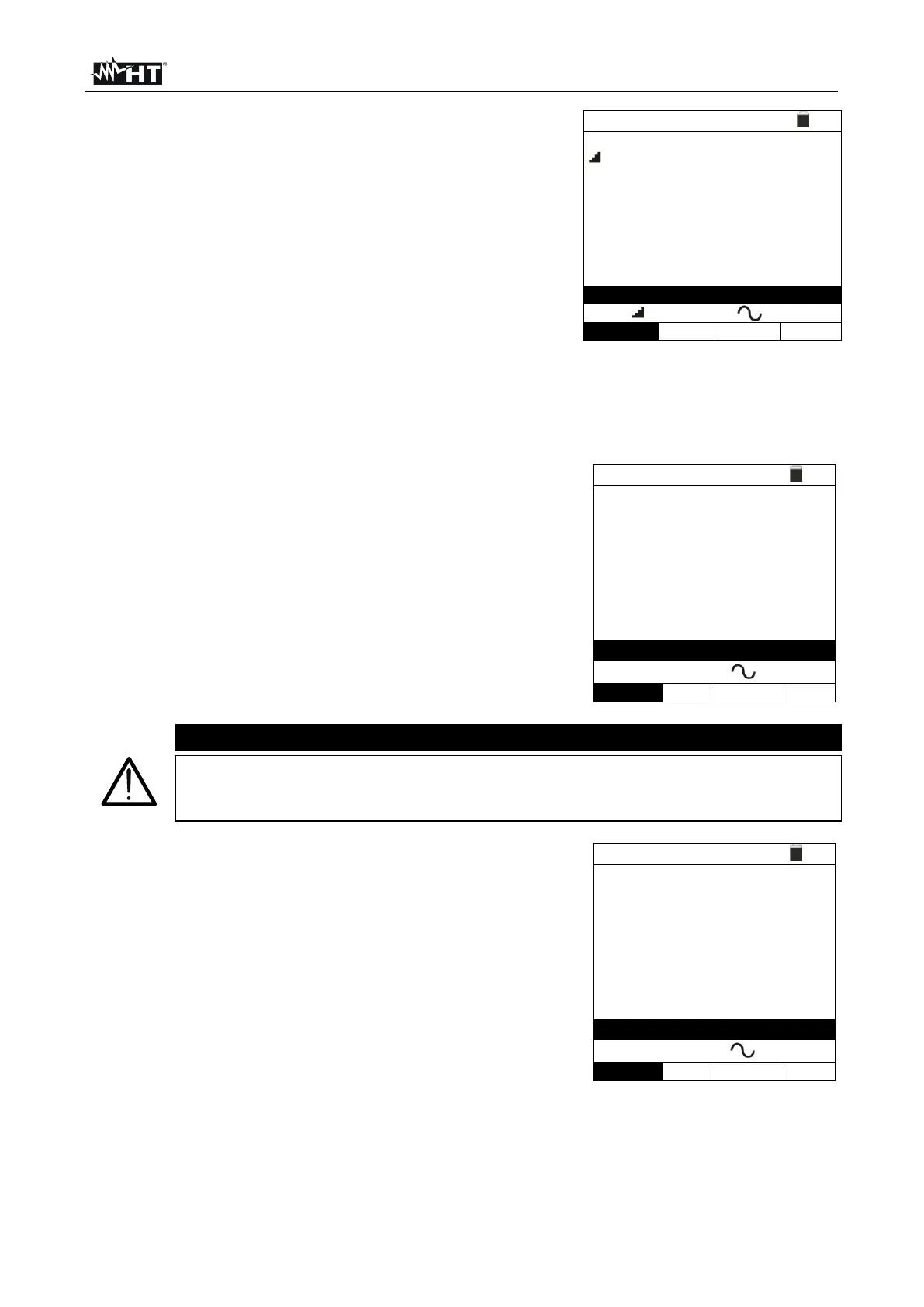
In case of a positive result (all tripping times comply
with what indicated in 12.4) of all the tests sequentially
performed, the “OK” message is shown and the screen
to the side is displayed by the instrument.
8. Press the SAVE key to store the test result in the instrument’s memory (see § 7.1) or
the ESC/MENU key to exit the screen without saving and go back to the main
measuring screen.
6.6.3. x½, x1, x5 modes
Press the GO/STOP key on the instrument, the
START key on the remote switch probe or use the
AutoStart feature (see § 5.1.5). The instrument will
start the measurement.
If message “Measuring…” appears on the display, the instrument is
performing measurement. During this whole stage, do not disconnect the
test leads of the instrument from the mains.
When the RCD trips and breaks the circuit, if the
tripping time is within the limits reported in 12.4, the
instrument gives a double acoustic signal, shows the
“OK” message and displays the screen to the side.
7. Press the SAVE key to store the test result in the instrument’s memory (see § 7.1) or
the ESC/MENU key to exit the screen without saving and go back to the main
measuring screen.



 To Next Page