EASYTEST-COMBI519
6.5.2. AUTO mode
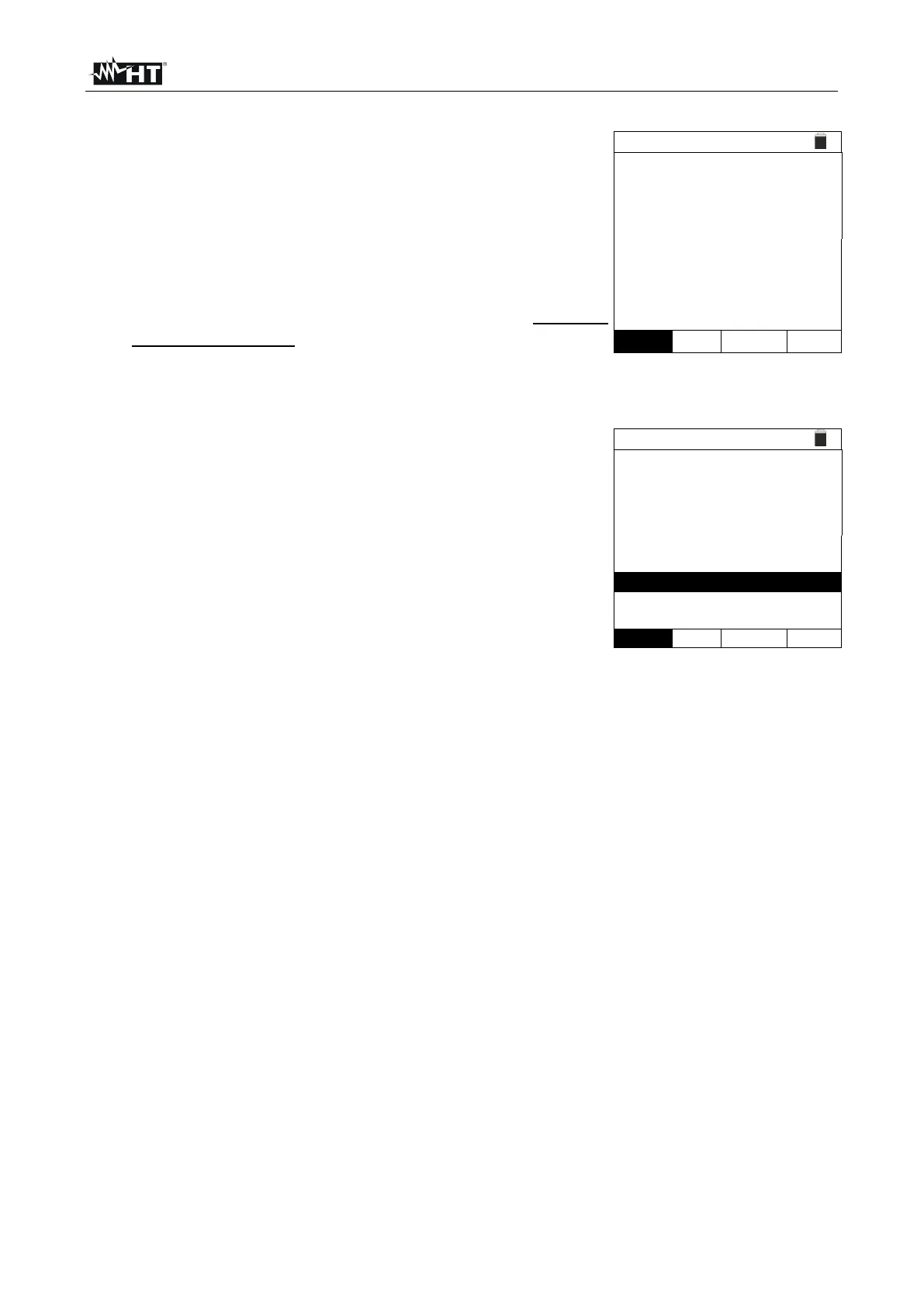
With the arrow keys (,) select the "AUTO" option in
the "Mode" section. The instrument displays a screen like
the one shown to the side. Set the duration of the
measurement in the "Time" section and follow the steps
from point 2 to point 5 of §
6.4.
The instrument performs the insulation test between: L-N,
L-PE and N-PE. Since some loads could still be
connected between L-N, the instrument performs a
preliminary test by using 50V as test voltage. If the RL-N
is higher than 50k, a new insulation test between L-N is
performed by using the Vtest value. Finally, the
instrument performs L-PE and N-PE insulation test.
Press the GO/STOP key on the instrument or the START
key on the remote switch probe. The instrument starts the
automatic sequential measurement of the insulation
resistance between L-N, L-PE and N-PE respectively by
showing the "Measuring…" message. The instrument
shows the message "OK" on the display in case of a
positive result of each test (value higher than the set
minimum limit threshold) or "NOT OK" in case of a
negative result of at least one test (value lower than the
set minimum limit threshold).
3. Press the SAVE key to store the test result in the instrument’s memory (see § 7.1) or
the ESC/MENU key to exit the screen without saving and go back to the main
measuring screen.



 To Next Page