EASYTEST-COMBI519
Insert the green, blue and black connectors of the three-pin plug cable into the
corresponding inputs B3, B4 and B1 of the instrument. As an alternative, use the
single cables and apply the relevant alligator clips to the free ends of the cables. It is
also possible to use the remote switch probe by inserting its multipolar connector into
the input B1. Connect the plug, the alligator clips or the remote switch probe to the
electrical mains according to Fig. 17, Fig. 18, Fig. 19, Fig. 20, Fig. 21, Fig. 22.
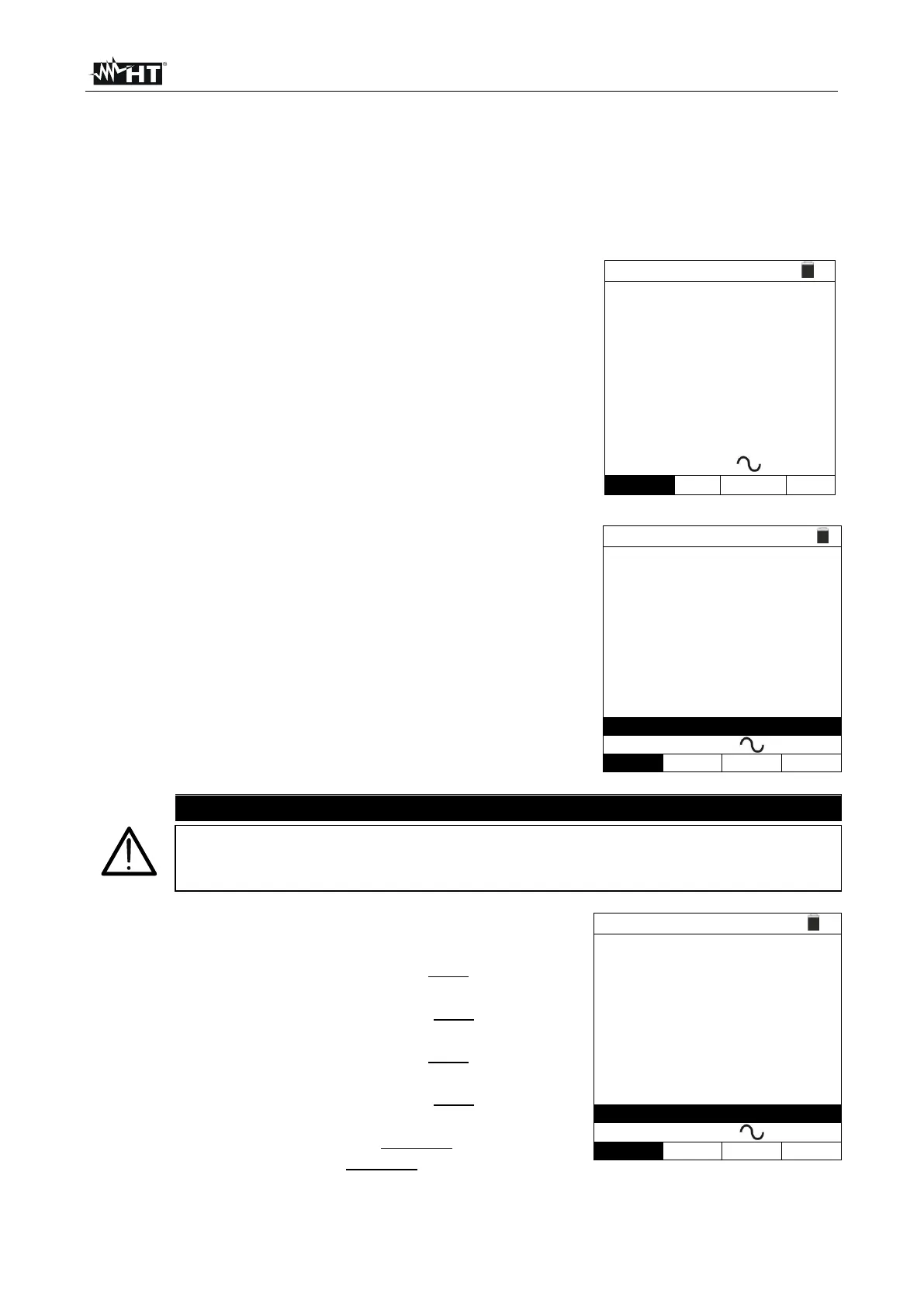
Note the correct voltage values between L-N and L-PE
as shown in the screen to the side.
6.6.1. AUTO mode
Press the GO/STOP key on the instrument, the START
key on the remote switch probe or use the AutoStart
feature (see § 5.1.5). The instrument will start the
measurement.
TT
0° 180°
X1 38ms ---ms
X5 ---ms ---ms
X½ ---ms ---ms
FREQ=50.00Hz Ut=---V
VL-N=232V VL-PE=231V
If message “Measuring…” appears on the display, the instrument is
performing measurement. During this whole stage, do not disconnect the
test leads of the instrument from the mains.
The AUTO mode provides for the automatic execution of
6 measurements in a sequence:
➢ IdN x 1 with phase 0° (the RCD must trip, reset the
switch, message “Resume RCD” is shown)
➢ IdN x 1 with phase 180° (the RCD must trip, reset the
switch, message “Resume RCD” is shown)
➢ IdN x 5 with phase 0° (the RCD must trip, reset the
switch, message “Resume RCD” is shown)
➢ IdN x 5 with phase 180° (the RCD must trip, reset the
switch, message “Resume RCD” is shown)
➢ IdN x½ with phase 0° (RCD must not trip)
➢ IdN x½ with 180° (RCD must not trip, end of test)
TT
0° 180°
X1 38ms ---ms
X5 ---ms ---ms
X½ ---ms ---ms
FREQ=50.00Hz Ut=---V
VL-N=232V VL-PE=231V



 To Next Page