EASYTEST-COMBI519
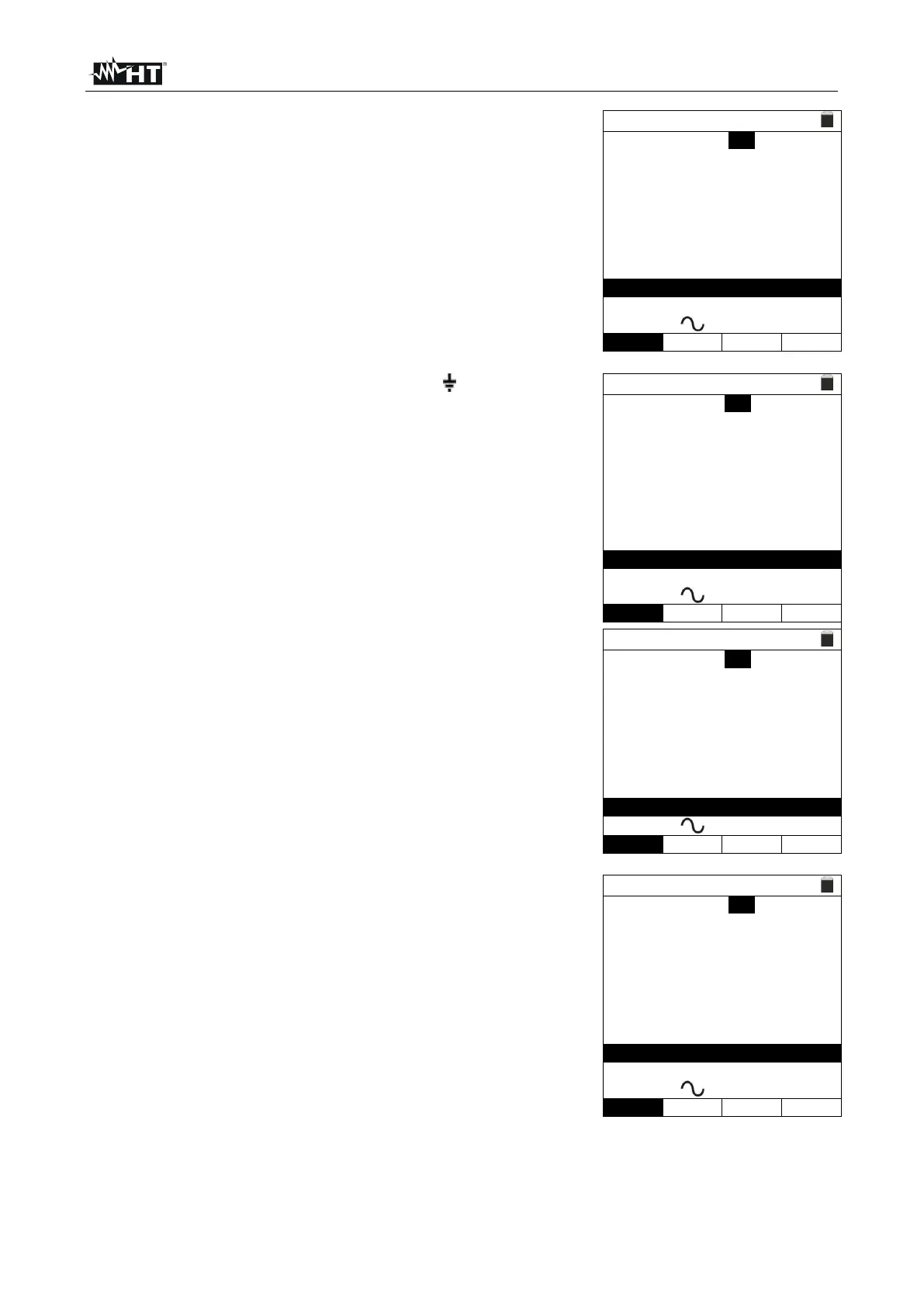
The insulation test starts and the screen to the side
appears on the display. The RL-N, RL-PE and RN-PE
values appear on the display.
In case of a positive result of all the tests sequentially
performed during the insulation test (insulation resistance
> minimum limit threshold), the instrument has completed
its tasks, shows the “OK” message and displays the
screen to the side.
Press (, ) in order to display the values of the second
available page.
TN ><
RL-N >999M Vt= 523V
RL-PE >999M Vt= 524V
RN-PE >999M Vt=522V
FREQ=50.00Hz Ut=1.5V
VL-PE=0V VL-N=0V
In case of a negative result of the Ra test (Z
L-N
and/or
Z
L-PE
>199
), the auto test is automatically blocked, the
message “NOT OK” is shown and the screen to the side
is displayed.
TN ><
Isc=1437A ZL-N= 0.16Ω
Ifc=---A ZL-PE >199Ω
Trcd=---ms Ircd=---mA
FREQ=50.00Hz Ut=---V
VL-PE=231V VL-N=232V
In case of a negative result of the RCD test (Trcd
>300ms or Ircd > 33.0mA), the auto test is automatically
blocked, the message “NOT OK” is shown and the screen
to the side is displayed.
TN ><
Isc=1437A ZL-N= 0.16Ω
Ifc=1277A ZL-PE=0.18Ω
Trcd=>300ms Ircd >33.0mA
FREQ=50.00Hz Ut=1.5V
VL-N=232V VL-PE=231V
In case of a negative result of the Insulation test
(insulation resistance < minimum limit threshold), the auto
test is automatically blocked, the message “NOT OK” is
shown and the screen to the side is displayed.
TN ><
RL-N >999M Vt= 523V
RL-PE=0.03M Vt= 57V
RN-PE >999M Vt=522V
FREQ=50.00Hz Ut=1.5V
VL-PE=0V VL-N=0V
12. Press the SAVE key to store the test result in the instrument’s memory (see § 7.1) or
the ESC/MENU key to exit the screen without saving and go back to the main
measuring screen.



 To Next Page