EASYTEST-COMBI519
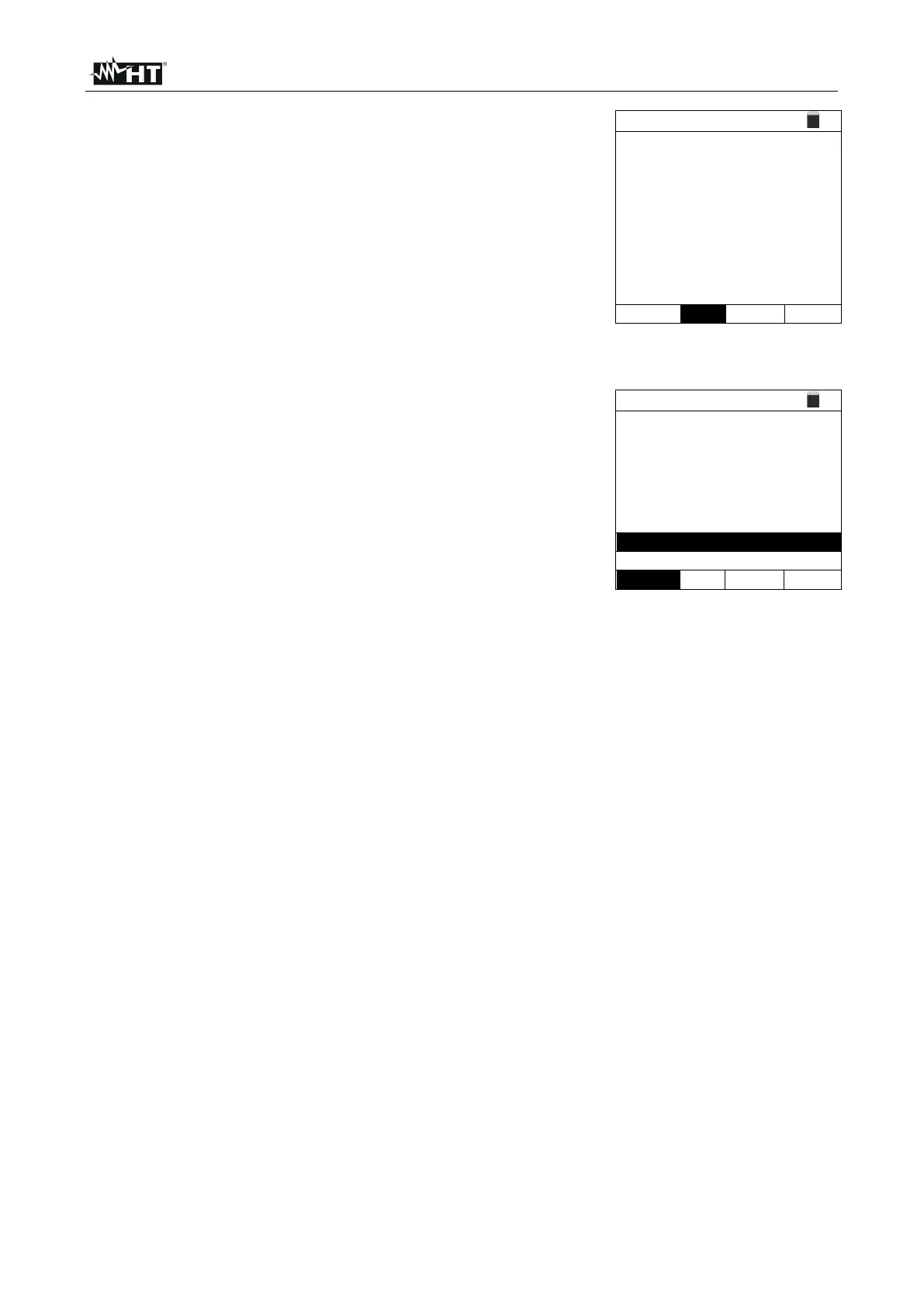
Use the , keys to select the “INFO” item. The screen
to the side is shown on the display indicating the
information relevant to the accessory.
SN:
FW:
HW:
CalDate:
Status:
210600023
1.00
1.00
30/11/21
Connected
Connect the alligator clips to the conductor to be tested (see the user manual of
EQUITEST accessory for each details)
Press the GO/STOP key on the instrument. The
instrument will start the measurement (in case of MAN
mode selection) or perform automatic measurement (in
case of AUTO mode selection.
At the end of
measurement, the instrument shows on the display the
message "OK" in case of a positive result (value lower
than the set limit threshold) or "NOT OK" in case of a
negative result (value higher than the set limit threshold).
7. Press the SAVE key to store the test result in the instrument’s memory (see § 7.1) or
the ESC/MENU key to exit the screen without saving and go back to the main
measuring screen.



 To Next Page