EASYTEST-COMBI519
Press the GO/STOP key on the instrument, the START
key on the remote switch probe or use the AutoStart
feature (see § 5.1.5). The instrument starts the
measurement and the “Measuring…” message is shown
at display. During this whole stage, do not disconnect the
measuring leads of the instrument from the system under
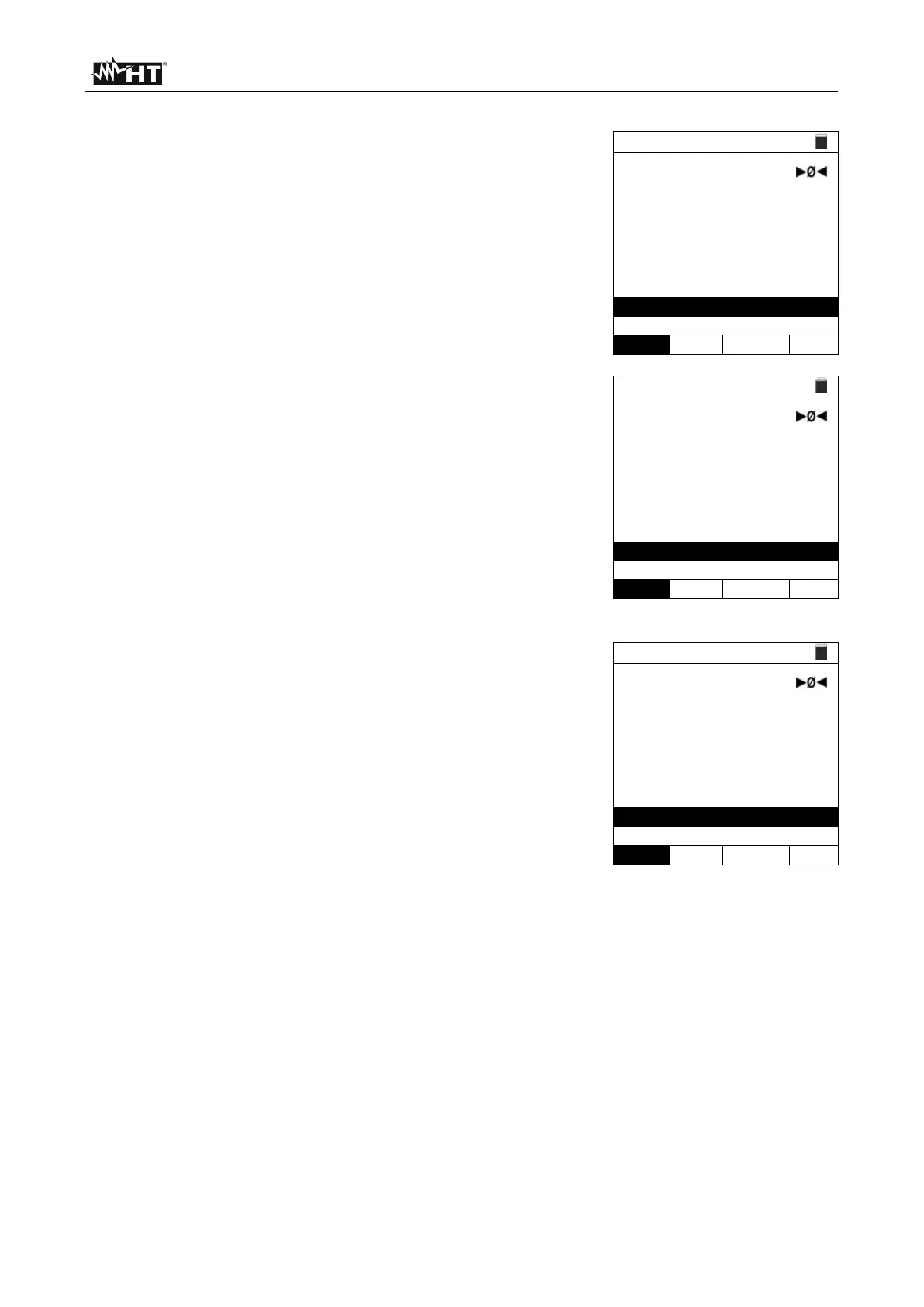
test. The following screen appears on the instrument's
display.
In case of positive result (IpscMAX < Lim), the “OK”
outcome message is shown on the display.
In case of negative result (IpscMAX > Lim), the “NOT
OK” outcome message is shown on the display.
9. Press the SAVE key to store the test result in the instrument’s memory (see § 7.1) or
the ESC/MENU key to exit the screen without saving and go back to the main
measuring screen.



 To Next Page