Camera and Video 161
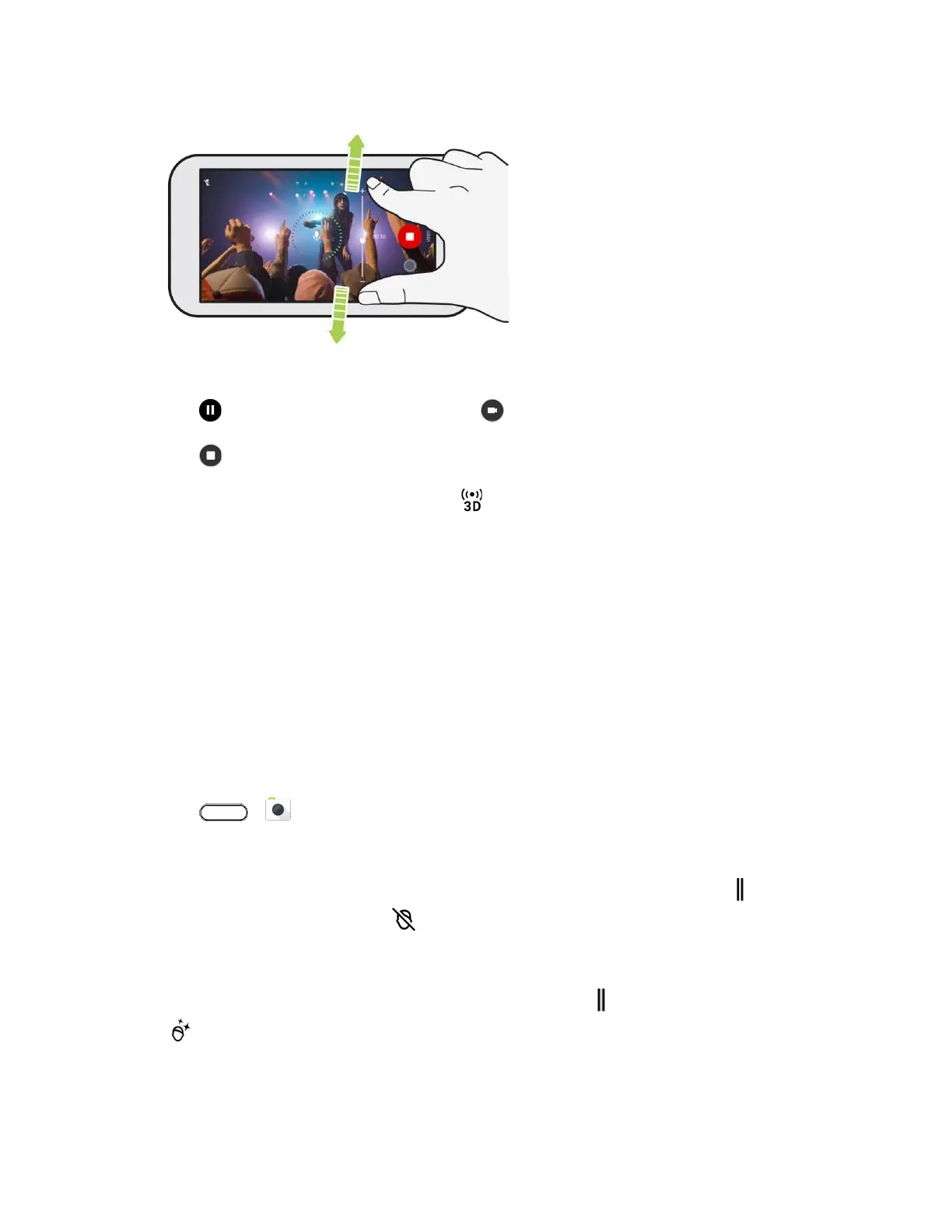
When recording, make sure not to cover the microphones when holding the phone.
6. Tap to pause the recording, and then tap to resume.
7. Tap to stop recording.
Tip: Videos recorded in 3D Audio are marked with in Google Photos. Use earphones when playing
back the video to enjoy immersive sound.
Camera Features
The HTC U11 camera is packed with several features that will make capturing photos and videos more
enjoyable and memorable.
Selfies
Take high-quality selfies with the front camera.
Apply Skin Touch-ups with Live Makeup
Touch up your skin before taking your selfie. Live Makeup smoothens your skin in real time.
1. Tap > Camera.
2. Switch to Selfie Photo mode. See Choose a Capture Mode.
If you don't see the Live Makeup adjustment bar on the Viewfinder screen, tap to open the
slideout menu, and then tap .
To change the skin smoothing level, drag the adjustment bar slider.
Tip: Next time you want to take selfies without using Live Makeup, tap to open the slideout menu, and
then tap to turn Live Makeup off.


 To Next Page