Introduction 8
If you want to take designing your Home screen to the next level, try the Freestyle home screen layout for
zero-grid limitations and fun stickers to replace your app icons.
HTC BlinkFeed
Get your favorite topics, news, social media, and more conveniently delivered to one place on your
phone. Even get suggestions for places to eat! You can also play embedded videos right on HTC
BlinkFeed
™
. For details, see HTC BlinkFeed - Your Dynamic Home Screen.
Boost+
Use the Boost+ app to help you optimize your phone's performance by allocating resources, removing
junk files, stopping irregular app activities, and uninstalling the apps you don't use. You can also set this
app to help extend battery life while you're playing your favorite game on HTC U11. For details, see
Boost+.
What's New in Android Nougat
Android
®
7 Nougat brings new features that make working with apps and settings even more convenient.
App Shortcuts
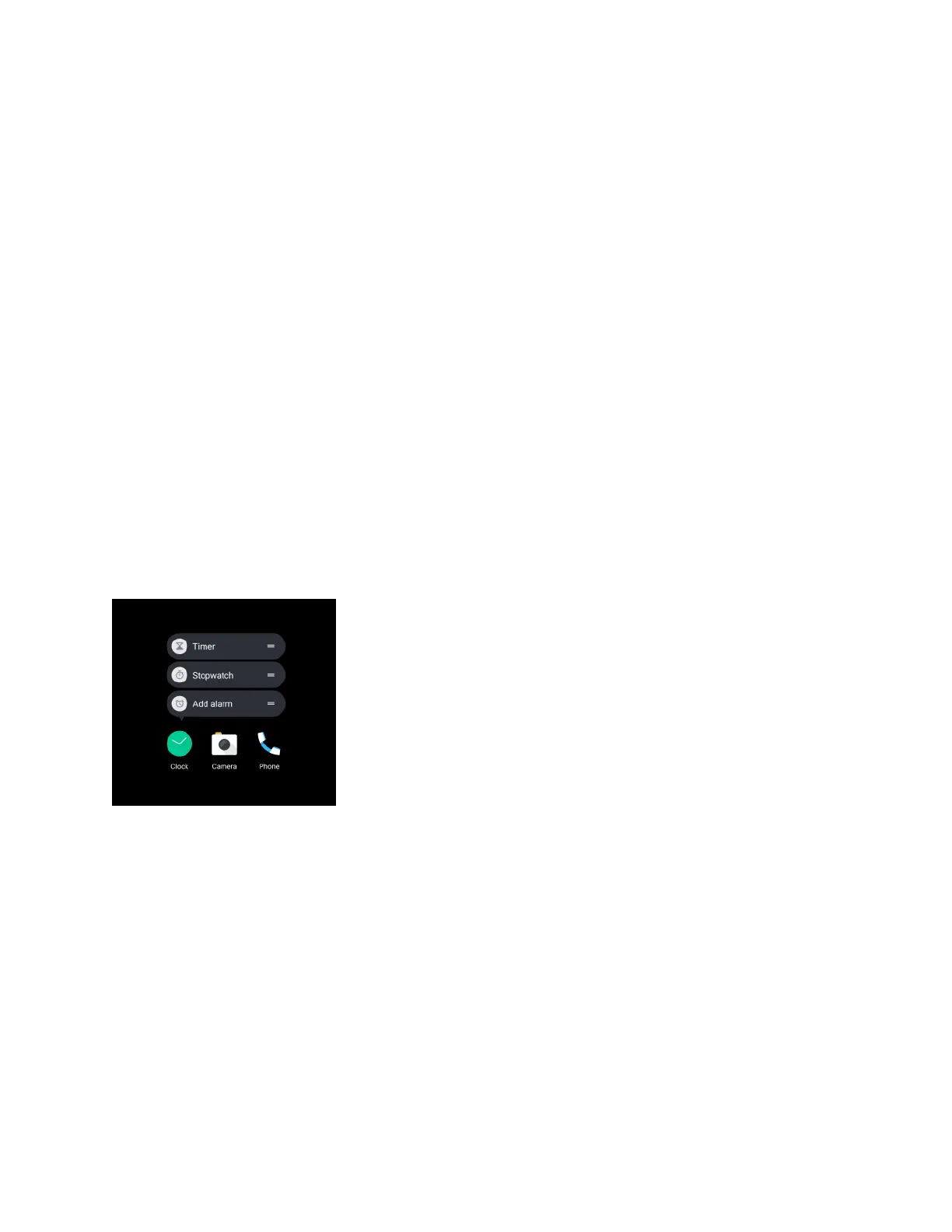
Starting from Android 7.1, press and hold an app icon to display a menu that lets you quickly access
common app functions. For example, from the Clock app icon, you can quickly set a timer or alarm.
Multi-tasking Made Easy
Aside from flipping through running apps, there are faster ways to use the Recent apps button for
switching between apps.
● Want to watch a video while chatting at the same time? Use the split-screen view to display two
running apps side by side.
● Quickly switch to the previous app with a double tap.
For details, see Work with Two Apps at the Same Time.


 To Next Page