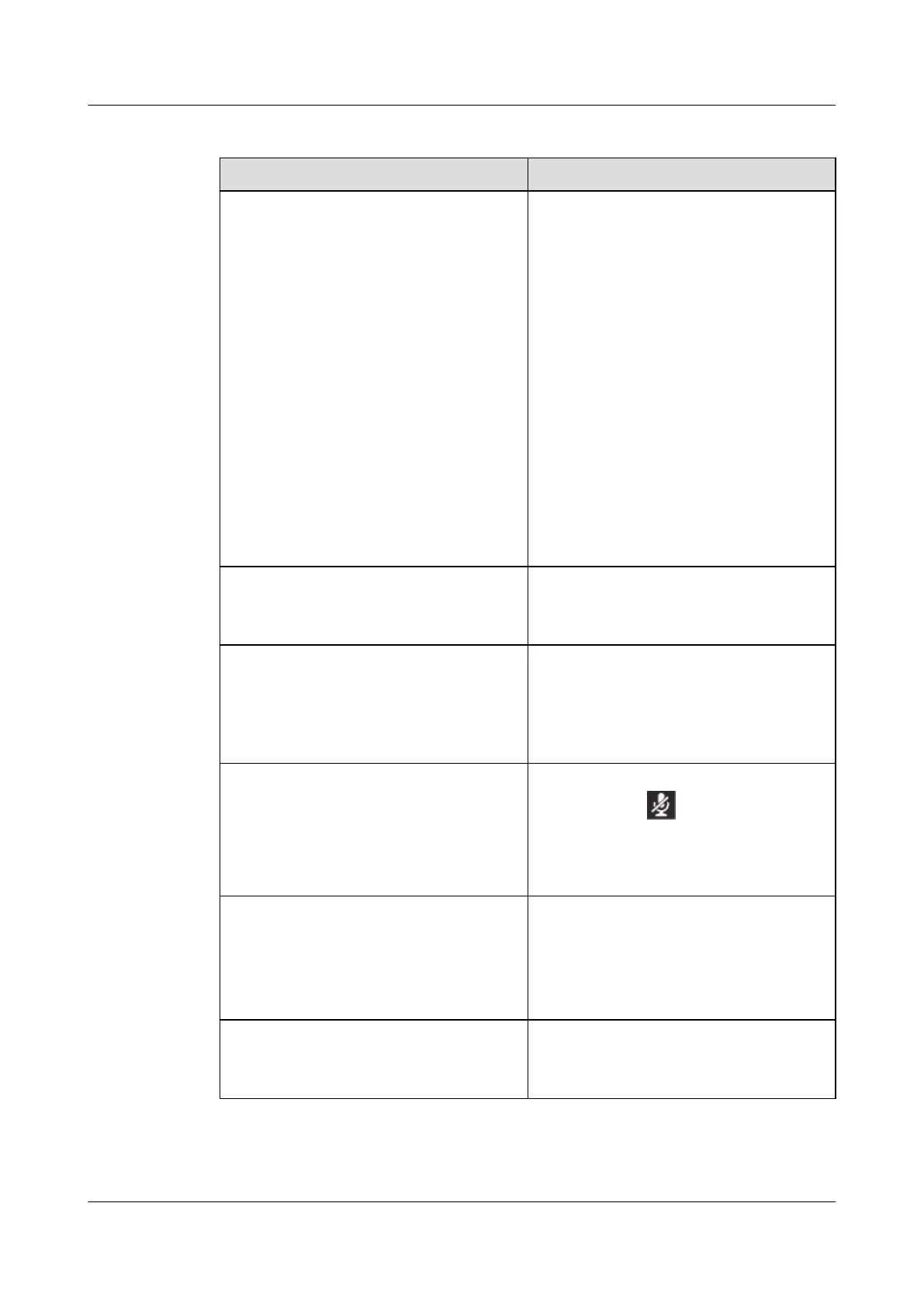
Table 7-7 Converged conference in cascading mode
If You Want to... Then...
Add a participant 1. Press Add on the conference screen.
2. Enter the number of a contact.
NOTE
l You can also press Contact to access
your contact list or press History to
access your call history and select a
number.
3. Press Add.
The Participant List screen is
displayed.
4. Press Done.
NOTE
l The maximum number of participants
allowed in a conference is specified when the
convener creates the conference on the
server. The IP phone functioning as the
moderator supports a maximum of 19
participants.
View the details of a participant 1. Press the arrow buttons to select the
profile picture of a participant.
2. Press Details.
Mute a participant 1. Press the arrow buttons to select a
participant to mute.
2. Press Mute.
NOTE
You can press Unmute to unmute the participant.
Mute yourself
l Turning mute on: Press the Mute button
during a call. is then displayed on
the status bar of your phone.
l Turning mute off: Press the Mute button
if your phone is muted.
Remove a participant 1. Press the arrow buttons to select a
participant to remove.
2. Press More to navigate to Remove and
press Remove.
3. Press OK.
Exit actively 1. Press More to navigate to Exit and press
Exit.
2. Press OK.
eSpace 7910&7950 IP Phone
User Guide
7 eSpace UC-Related Functions
Issue 03 (2017-06-30) Huawei Proprietary and Confidential
Copyright © Huawei Technologies Co., Ltd.
133



 To Next Page