Music and Video
Adding songs to your phone
Before you can listen to your music, you need to copy your songs onto your phone.
T
o add songs to your phone:
l Copy songs from your computer using the USB cable.
l Download songs from the Internet.
l Copy songs with Bluetooth. For more information, see
Sending and receiving files using Bluetooth.
l Copy songs with Wi-Fi Direct. For more information, see
Using Wi-Fi Direct to send and receive files.
Searching for local music
Sort your music by category or search with a keyword to find your music files quickly.
1 Open
Music.
2 T
ouch Local songs.
3 Touch
to search for and view your local music.
4 Y
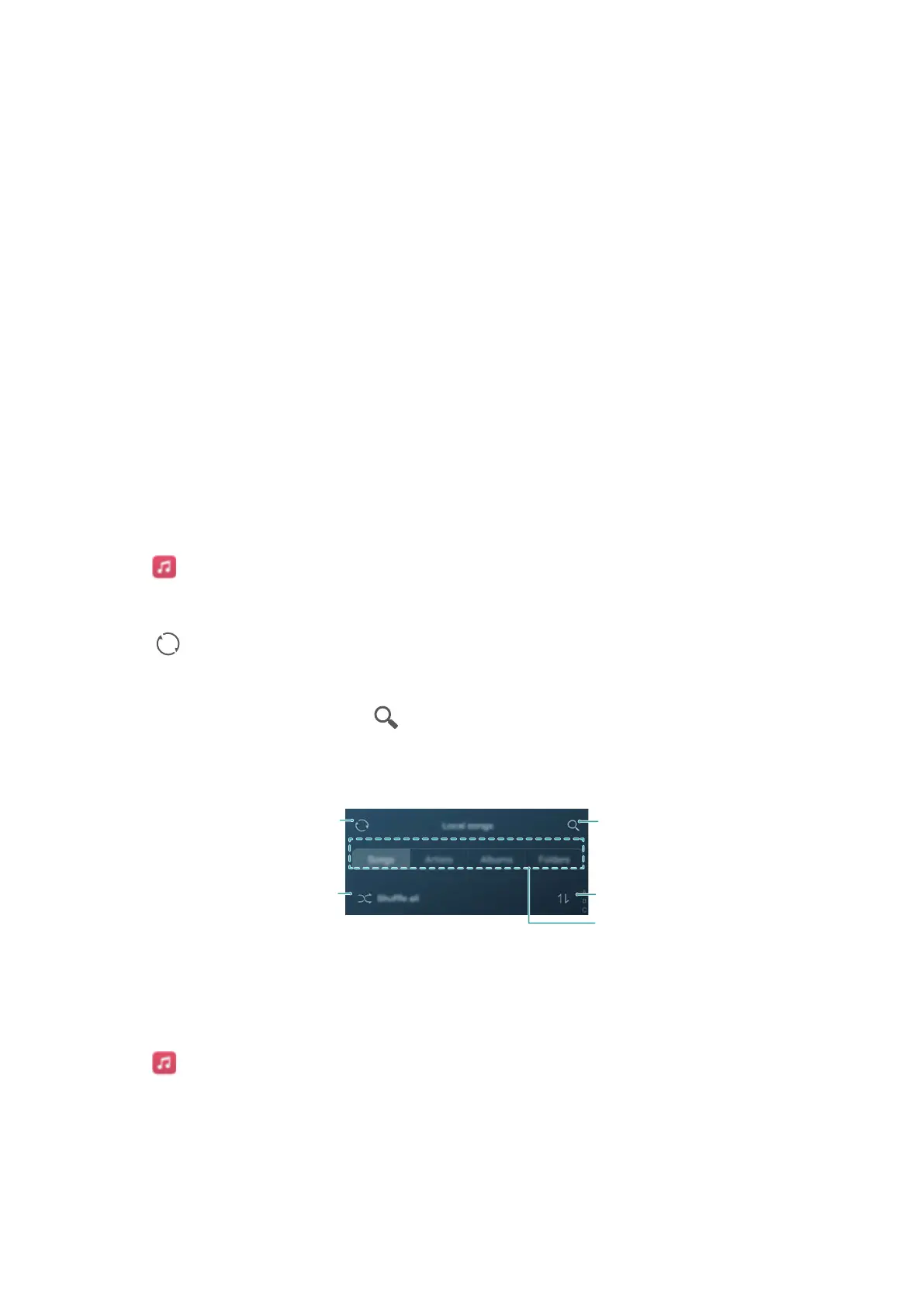
ou can choose to organise your music by song name, artist, album name or folder. To
search for a specific song, touch
and then enter the song name, artist or album in the
search bar
.
Scan for local music
Shuffle
Browse music
by category
Search local music
Sort songs
Listening to music
1 Open
Music.
2 T
ouch Local songs.
3 Touch the song you want to play.
Using your phone during music playback
96



 To Next Page