The Extra huge font size will only be displayed in messages, contacts and the dialler
application.
Entering text
Switching text input methods
Switch between text input methods as desired.
1 On the text input screen, swipe down from the status bar to open the notification panel.
2 T
ouch Select input method in the Notifications tab, then select the desired input method.
If there are no input methods to choose from, go to Settings. T
ouch Advanced settings
> Language & input > Default keyboard > Configure input methods and turn on the
switch next to the corresponding input method.
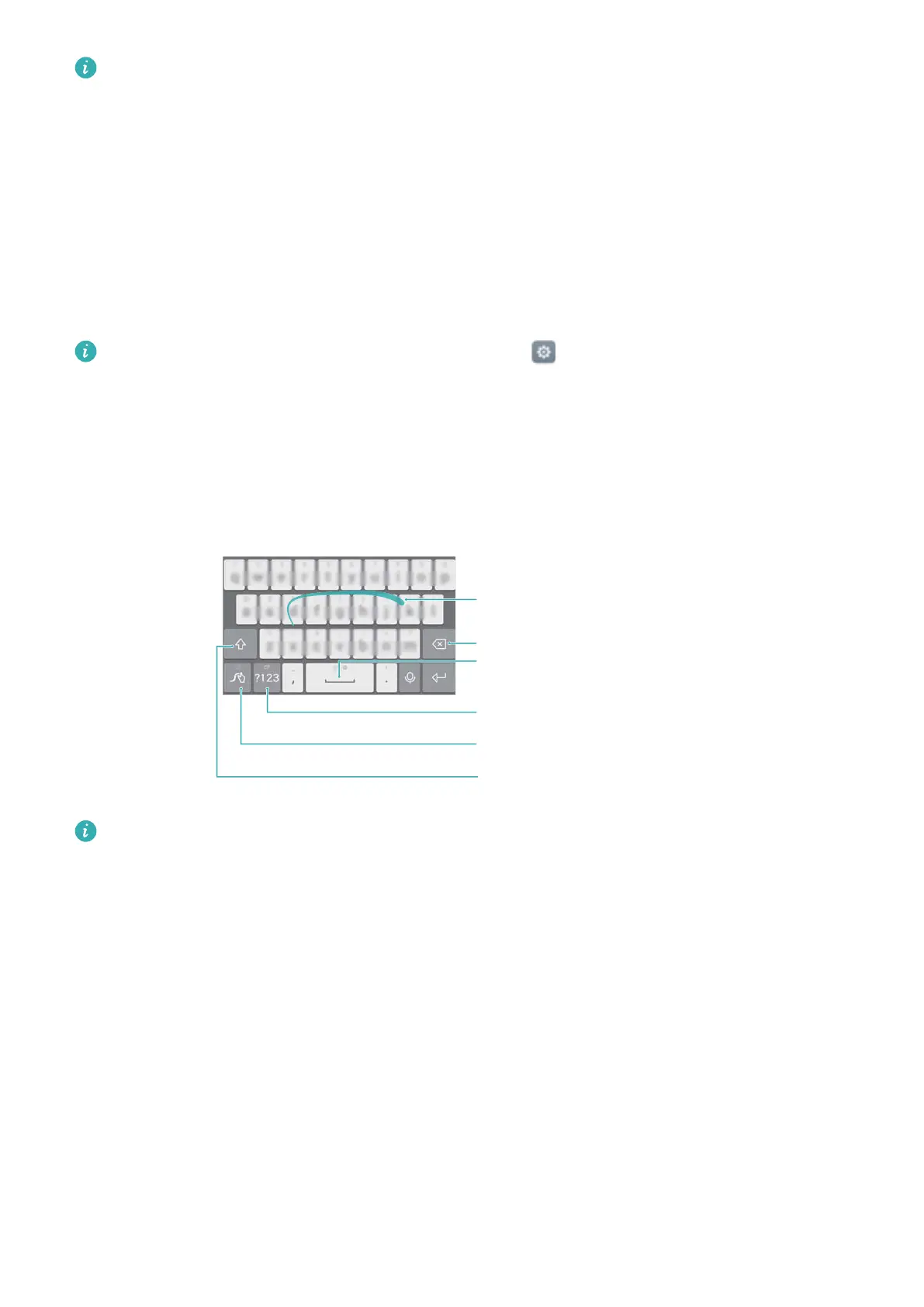
Huawei Swype input method
Quickly enter words by swiping on the keyboard.
Backspace
Enter a space
Enter numbers and symbols
Input method settings
Swipe letters to input words
Toggle between upper and lower case
Huawei Swype input supports a wide range of languages.
Android input method
Getting Started
38



 To Next Page