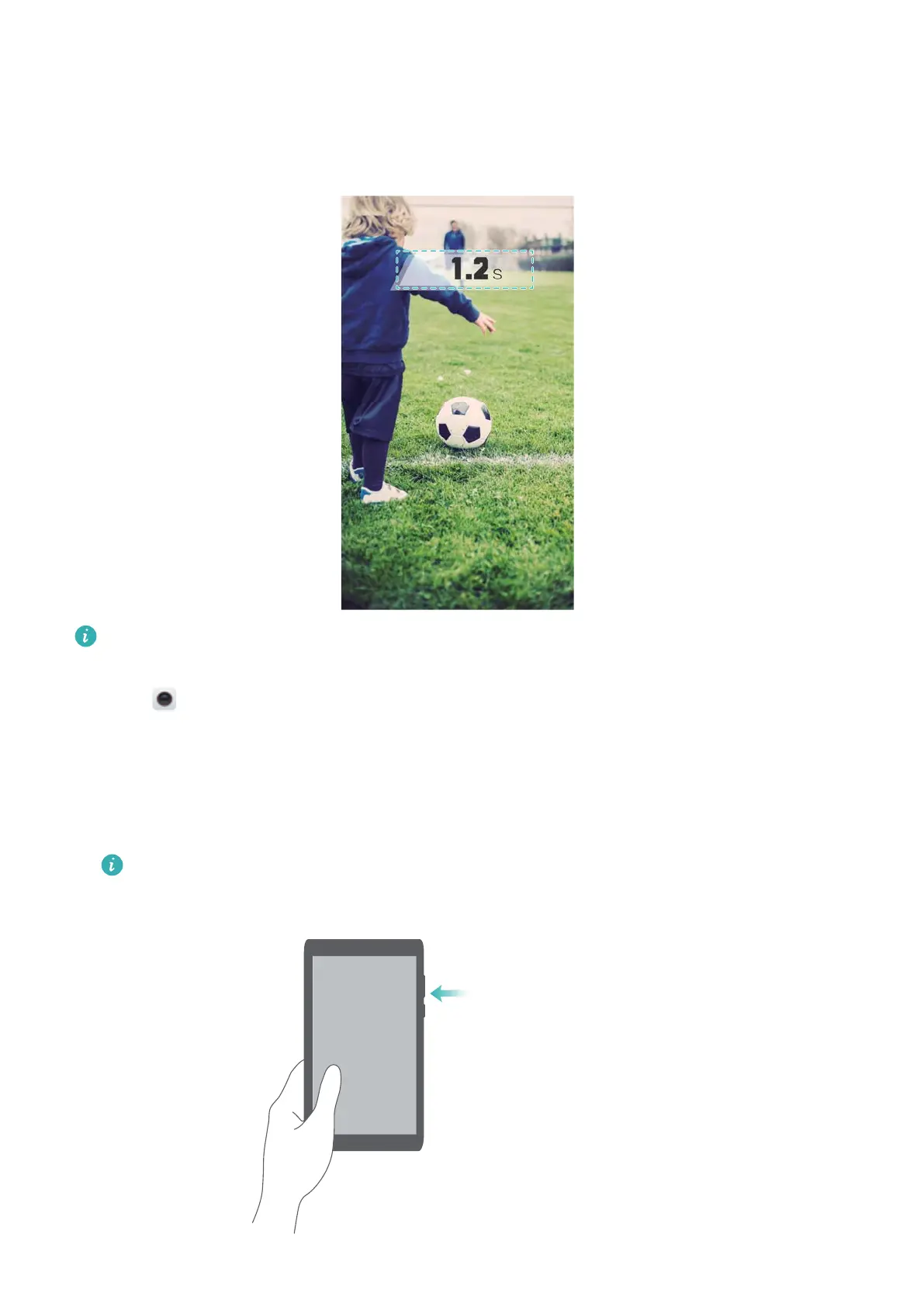
Ultra Snapshot
Press the volume down button twice to take a photo, even when the screen is of
f.
This feature is not available during music playback. Not all camera modes support this
feature.
1 Open Camera and then swipe left on the screen to access the camera settings. T
ouch
Ultra snapshot > Open camera and take quick snapshot.
2 When the screen is off, point the camera at the desired object, then press the volume down
button twice in quick succession to take a photo. The camera will automatically take a photo
and display the capture time.
Disabling Ultra Snapshot: On the camera settings screen, touch Ultra snapshot > Off.
Press the volume down button
twice in quick succession
Camera and Gallery
75



 To Next Page