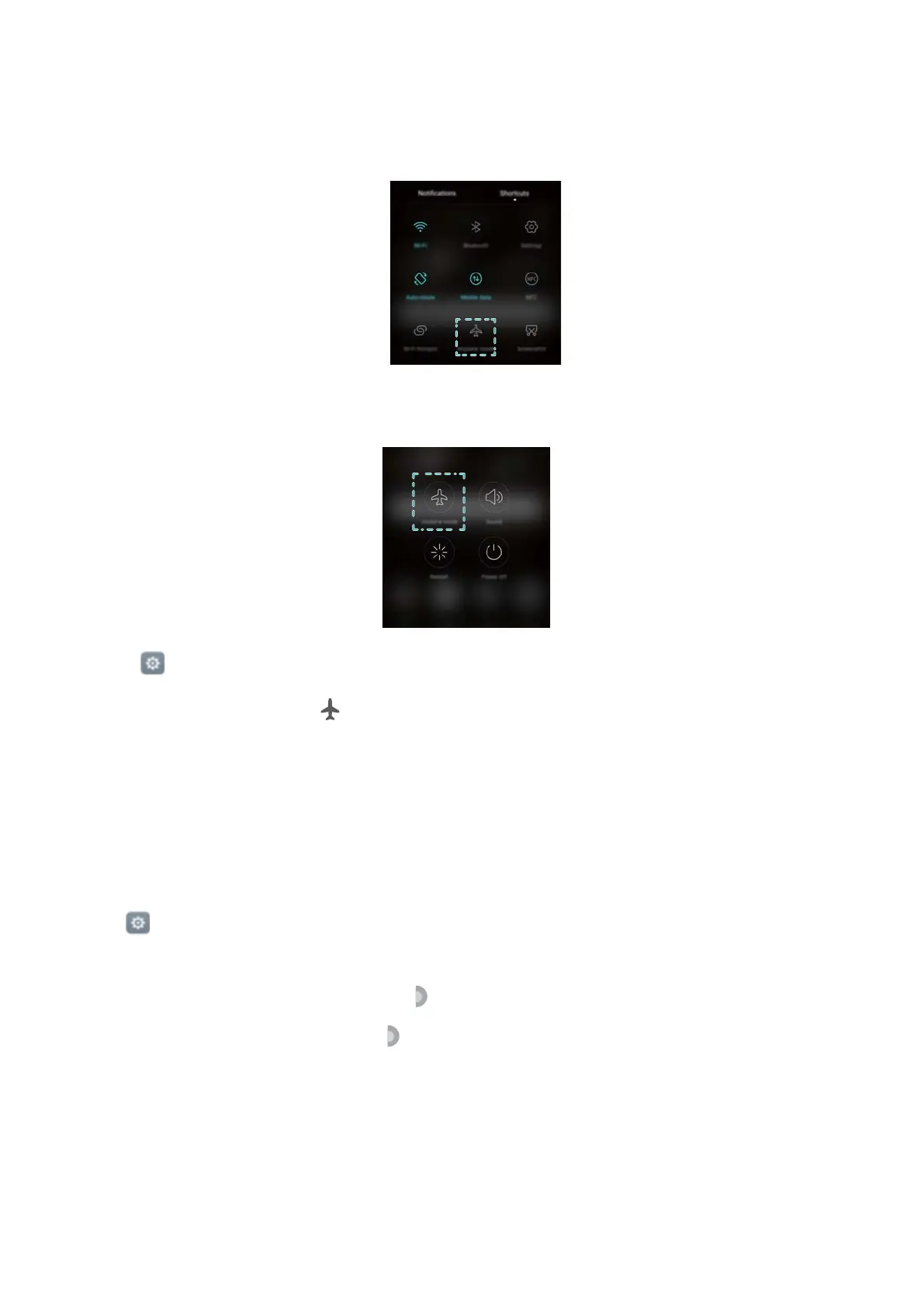
Use one of the following methods to enable or disable aeroplane mode:
l Swipe down from the status bar to open the notification panel. In the Shortcuts tab, turn on
the Aeroplane mode switch.
l Press and hold the power button, then touch Aeroplane mode.
l Open Settings, then turn on the Aeroplane mode switch.
When aeroplane mode is on, is displayed in the status bar.
Using the floating dock
The floating dock gives you access to a number of frequently-used options and features, such as
the back key
, home key and one-touch optimisation. You can move the floating dock around the
screen for easy one-hand use.
Open
Settings. T
ouch Smart assistance > Floating dock and then turn on the Floating
dock switch.
Once enabled, the floating dock button (
) will be shown on all screens except the lock
screen and notification panel. Touch to expand the floating dock menu.
Settings
135



 To Next Page