Searching for applications
Finding applications
Swipe down from the middle of the screen to access the search bar
, then enter the name of an
application. The search results will be displayed underneath the search bar. For more
information, see Finding applications quickly.
Hidden applications are not listed in the search results.
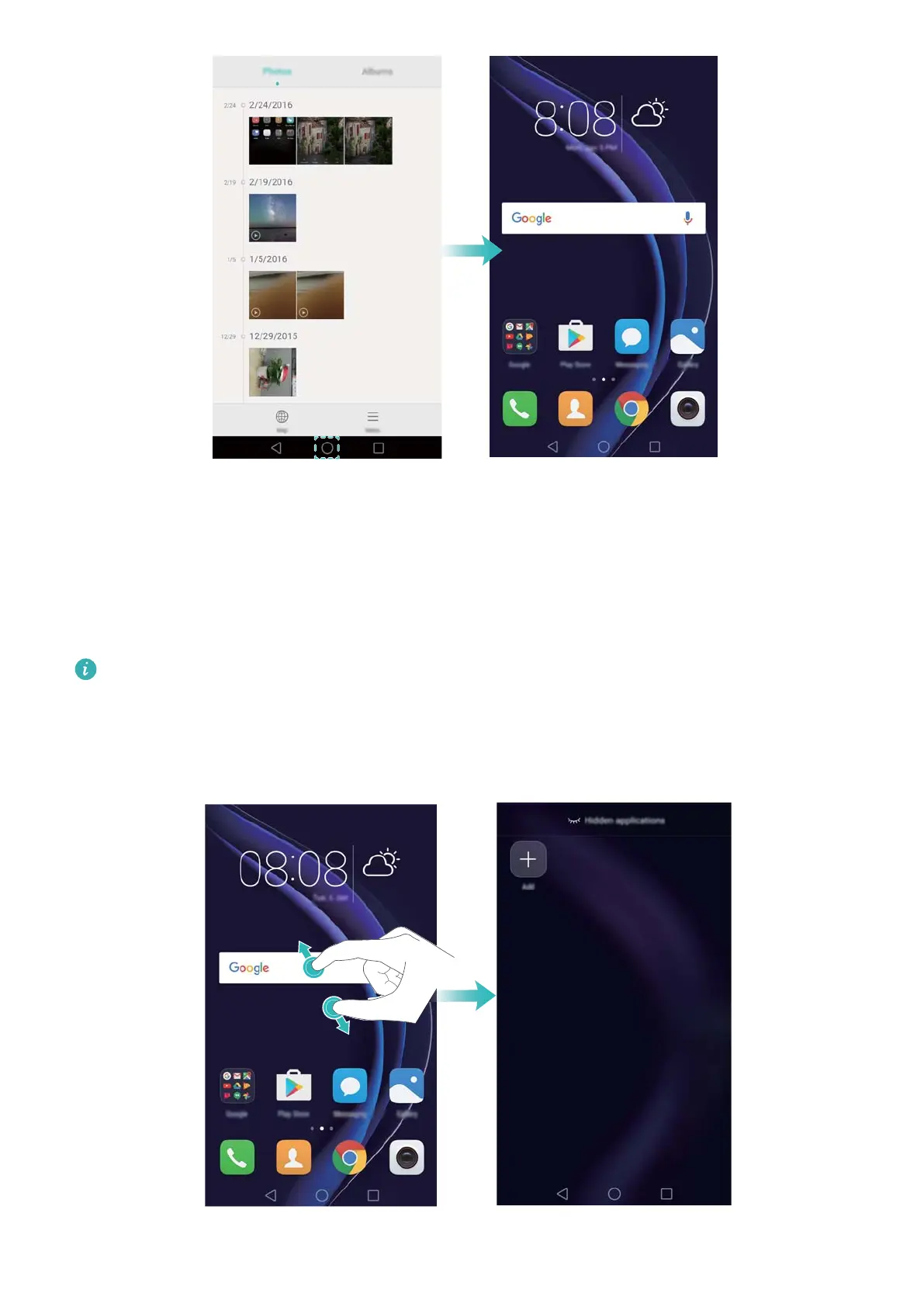
Finding hidden applications
On the home screen, spread two fingers apart to view your hidden applications.
Getting Started
34



 To Next Page