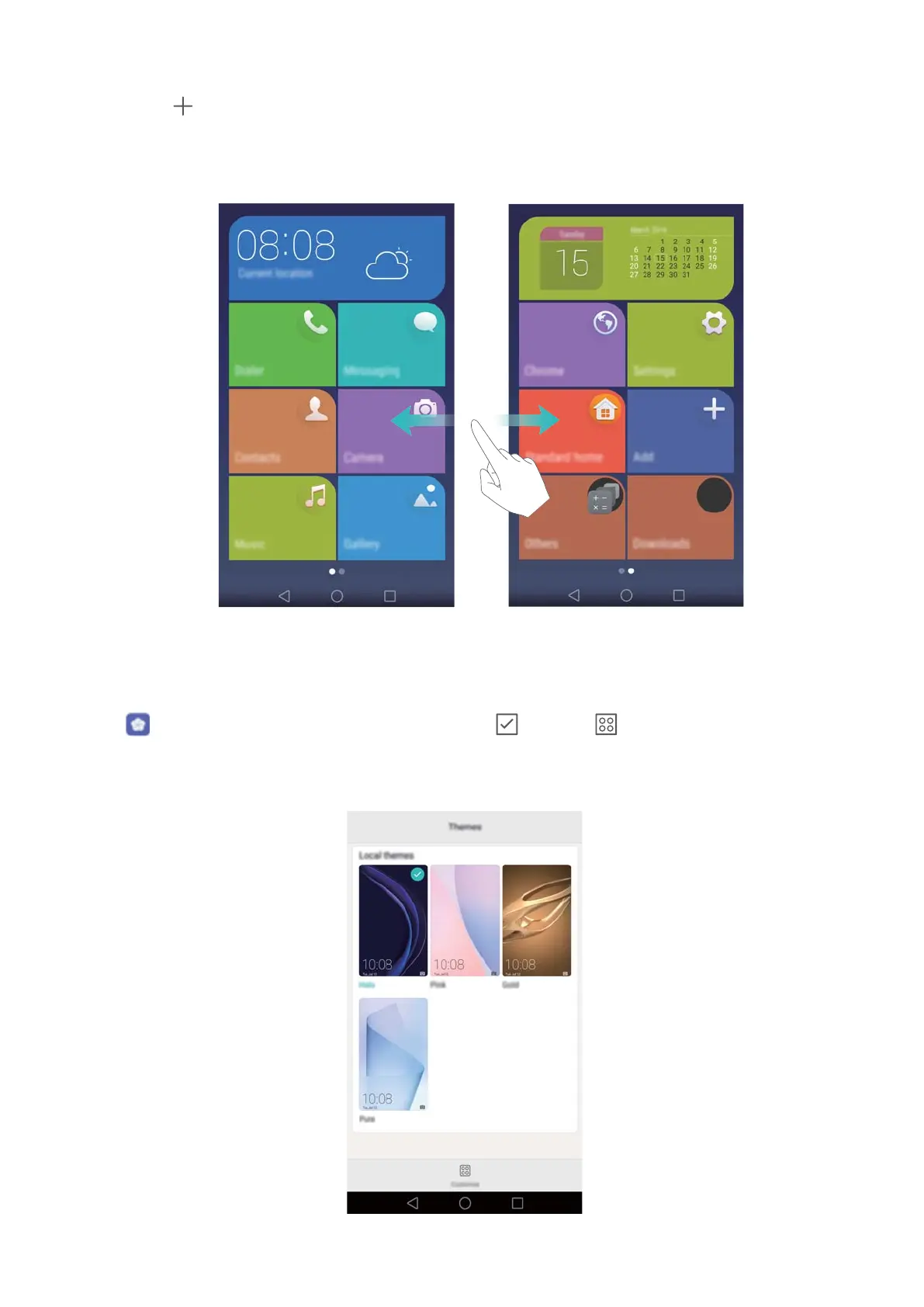
l T
ouch Others to open the application list and view or open applications.
l Touch
to add contacts or applications to the home screen.
l T
ouch Standard home to exit the simple home screen.
Changing the theme
Personalise your phone's home screen using a wide range of themes and wallpapers.
Open Themes and select a theme, then touch . Touch to mix and match lock
screen methods, wallpapers, application icons and more.
Getting Started
36



 To Next Page