Connecting to the Wi-Fi network with the strongest
signal
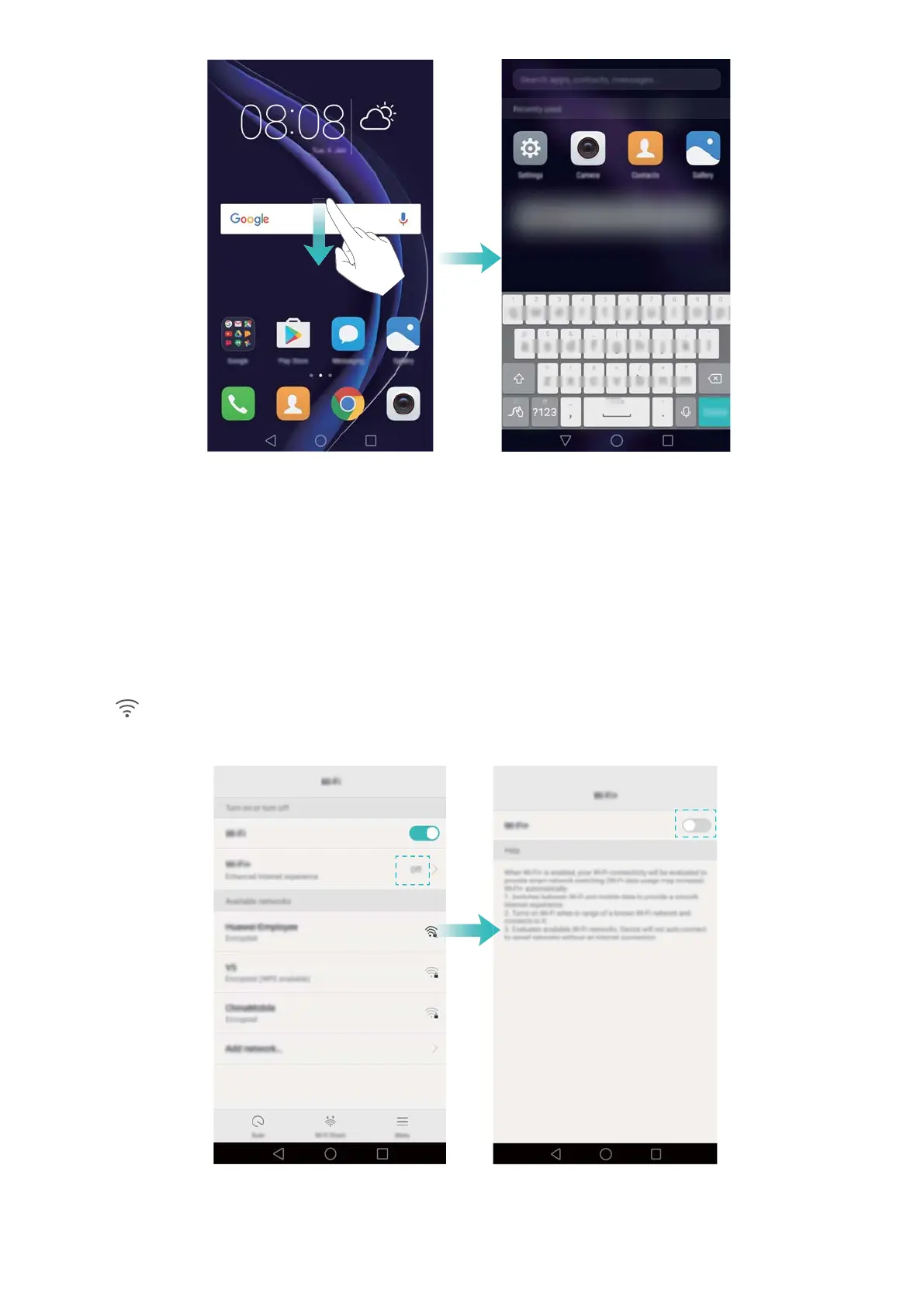
After enabling Wi-Fi+, your phone will monitor Wi-Fi networks and mobile data and select the
connection with the best signal and fastest data transfer speeds.
Swipe down from the status bar to open the notification panel. In the Shortcuts tab, touch and
hold
and select W
i-Fi+. Turn on the Wi-Fi+ switch to enable this feature.
Tips and Tricks
47



 To Next Page