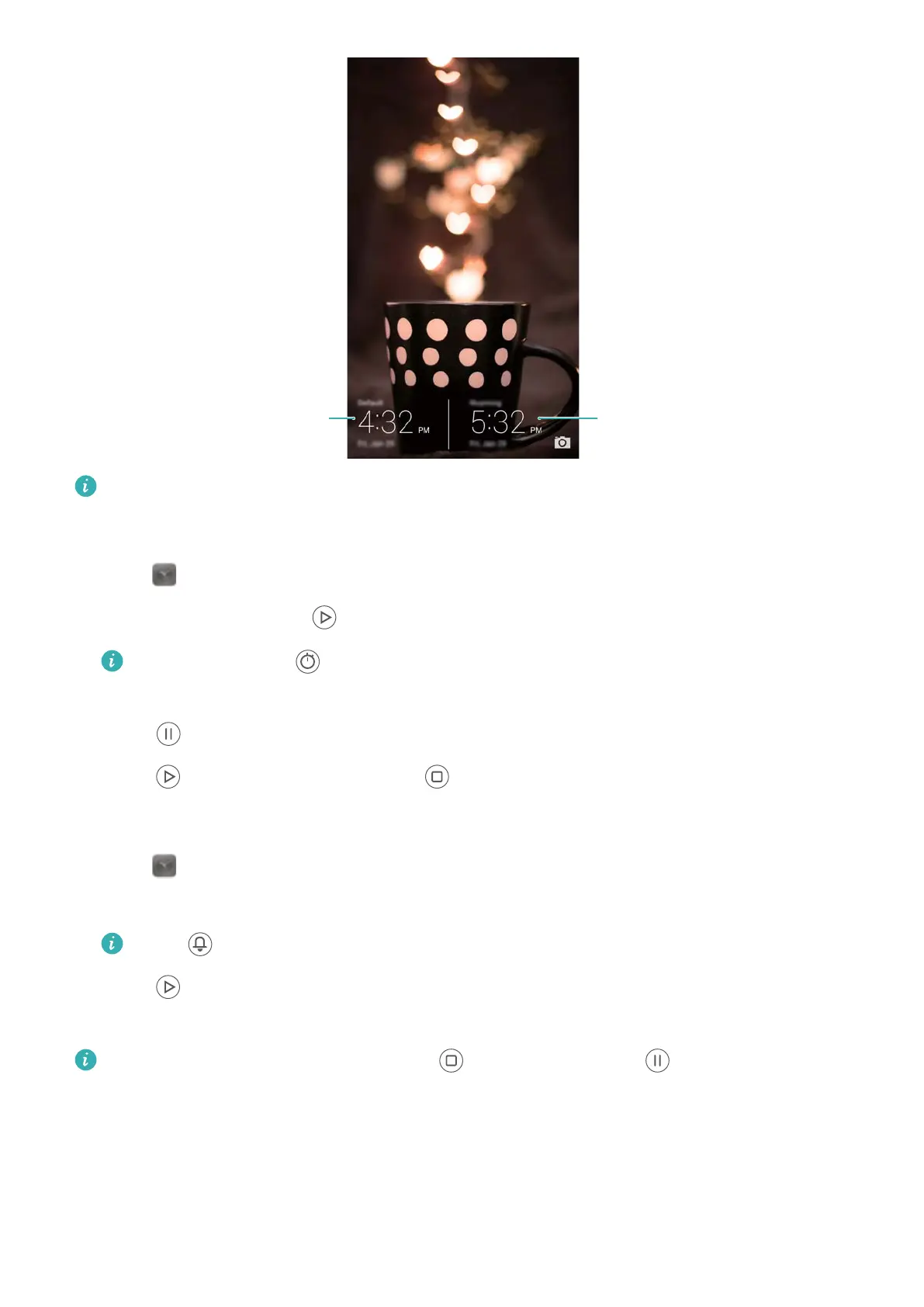
Current time zoneHome time zone
Only one clock is displayed when the local time zone is the same as the home time zone.
Stopwatch
1 Open Clock.
2 Under Stopwatch, touch to start timing.
While timing, touch to count laps. Swipe up on the timer in the middle of the screen
to view your lap data.
3 T
ouch
to pause the stopwatch.
4 T
ouch
to resume the stopwatch or to clear the stopwatch records.
T
imer
1 Open
Clock.
2 Under T
imer, turn the wheel to set the countdown time.
Touch to set a ringtone for the timer.
3 T
ouch
to start the timer.
4 When the timer goes of
f, swipe the screen to silence the ringtone.
When the timer is counting down, touch to reset the timer or to pause the
countdown.
Weather
W
eather allows you to check the current weather and multi-day forecast for your location and
many other destinations around the world.
Tools
123



 To Next Page