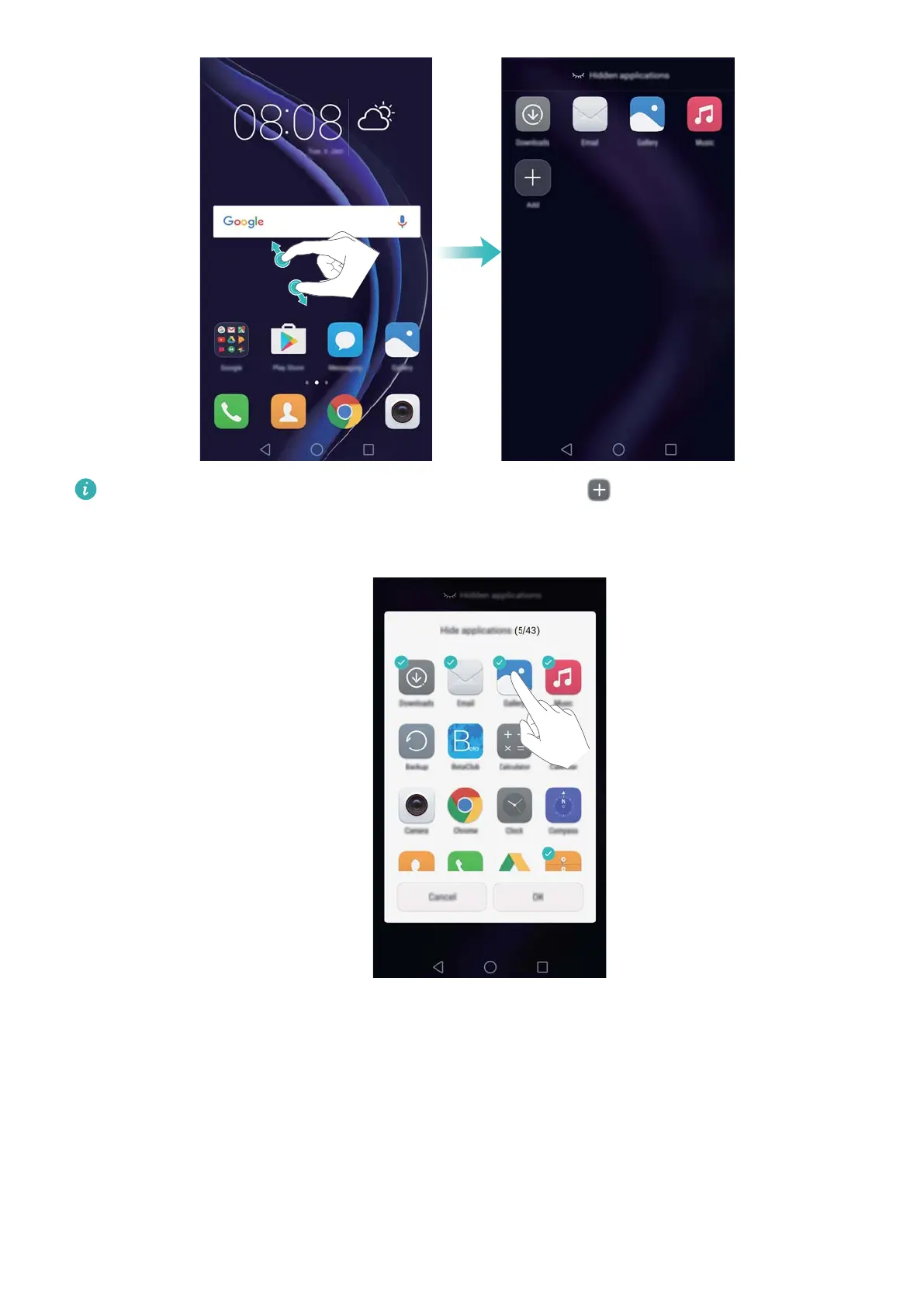
To restore a hidden application to the home screen, touch Add on the hidden
applications screen, deselect the desired application, then touch OK.
Taking a screenshot
Y
our phone comes with a range of screenshot options. Capture the entire screen or draw a
shape on the screen to take a partial screenshot.
Using the power and volume down buttons
Press the power and volume down buttons at the same time to take a full screenshot.
Getting Started
26



 To Next Page