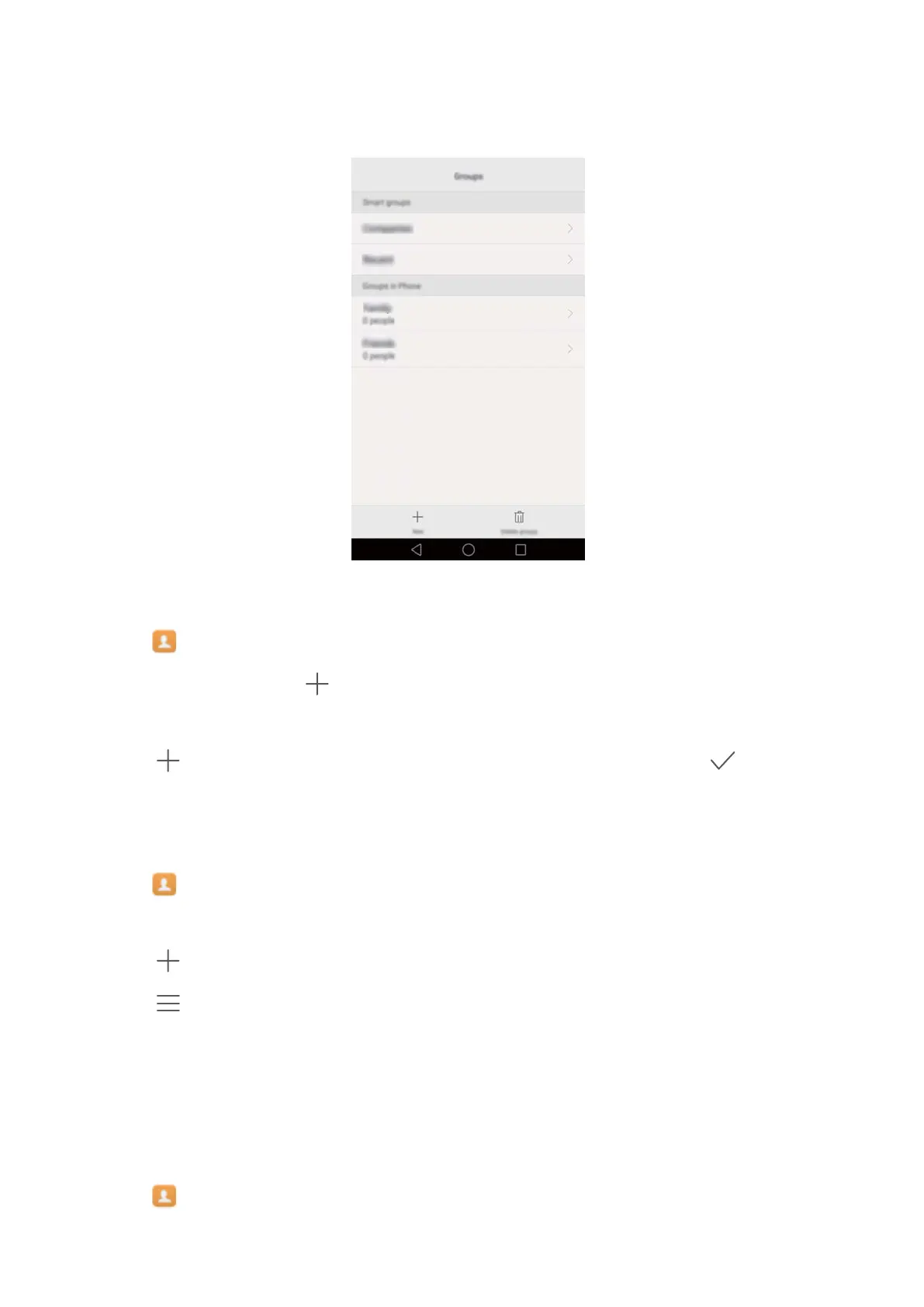
sort contacts according to their company or the date you last contacted them, making it easier to
manage contacts and groups.
Creating a group
1 Open Contacts.
2 T
ouch Groups and then
.
3 Enter the group name (for example Family or Friends) and touch OK.
4 T
ouch
. Select the contacts you want to add to the group, then touch .
Editing a group
Add or remove people from a group or change the group name.
1 Open Contacts.
2 T
ouch Groups and select the group you want to edit.
3 Touch
and add new members to the group.
4 T
ouch
. You can then:
l T
ouch Remove members to remove members from the group.
l Touch Delete group to delete the group.
l Touch Rename to edit the group name.
Sending messages or emails to a group
1 Open
Contacts.
2 T
ouch Groups and select which group you want to send a message or email to.
Calls and Contacts
64



 To Next Page