Settings
Enabling location access
Enable location-based services to ensure that map, navigation and weather applications can
access your location information.
Features may vary depending on your carrier.
1 Open Settings.
2 T
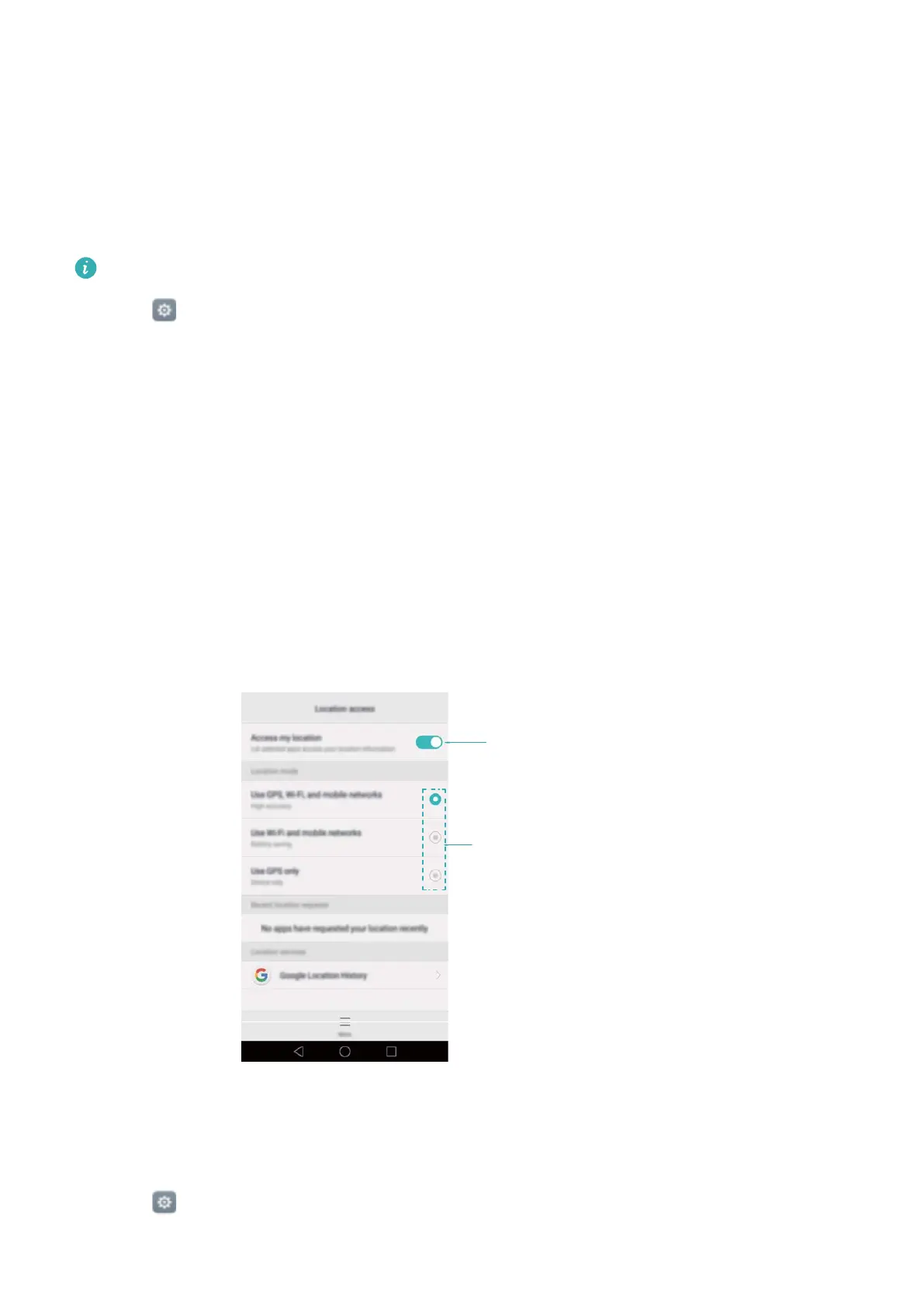
ouch Advanced settings > Location services and then turn on the Access to my
location switch.
3 Three options are available under Mode:
l Use GPS, Wi-Fi and mobile networks: Uses GPS and your phone's Internet connection.
Enable this option for highly accurate positioning.
l Use Wi-Fi and mobile networks: Only uses your phone's Internet connection. Enable this
option for reduced power consumption and longer standby times.
l Use GPS only: Does not require an Internet connection. Enable this option to reduce
mobile data usage.
Enable location service
Select positioning method
Increasing indoor positioning accuracy
Y
our phone uses Wi-Fi and Bluetooth for more accurate positioning when you are indoors.
1 Open
Settings.
2 T
ouch Advanced settings > Location services > Menu > Scan settings.
130



 To Next Page