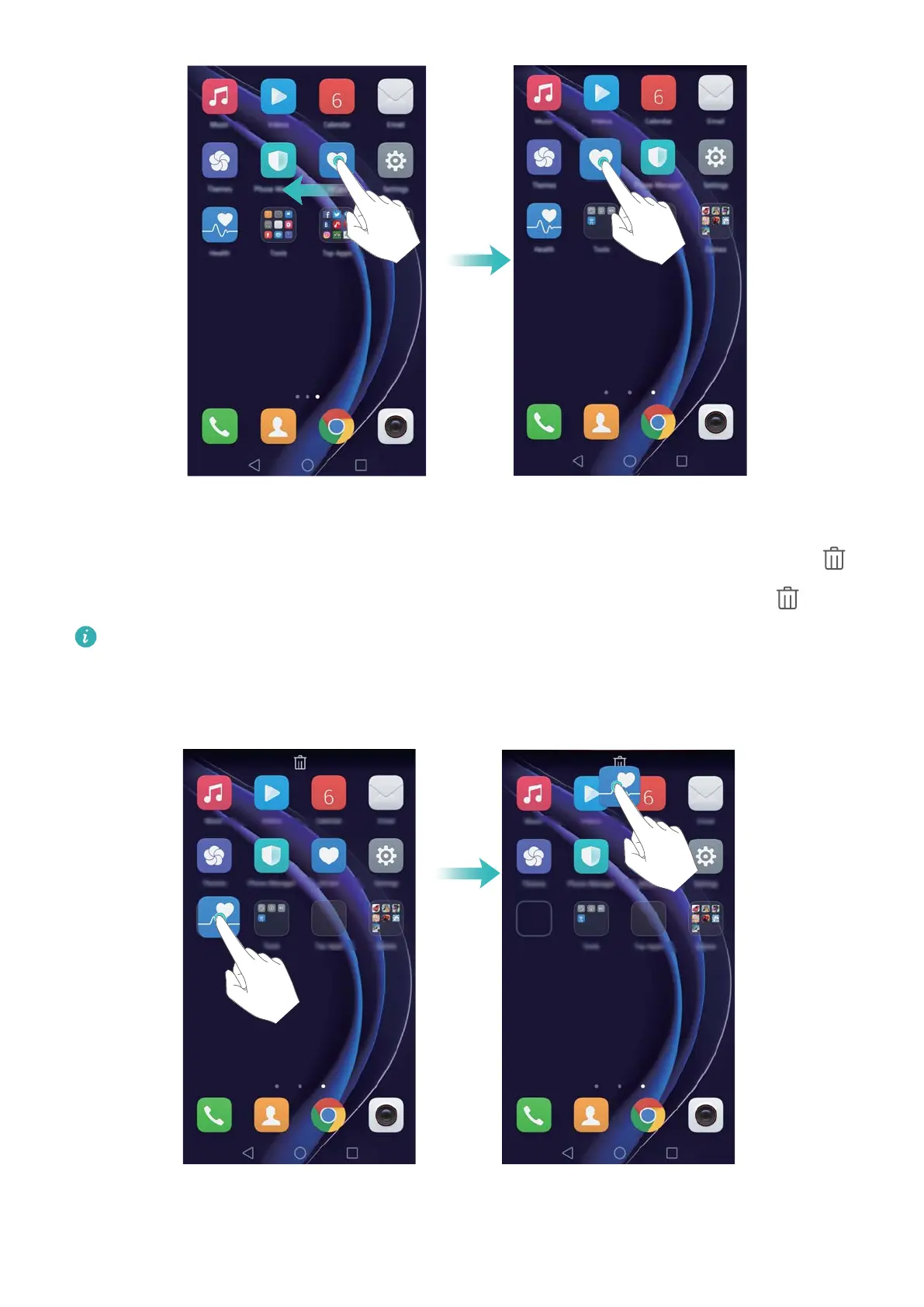
Deleting a widget or icon
On the home screen, touch and hold the application icon or widget you want to delete until
is displayed at the top of the screen. Drag the unwanted application icon or widget to .
After you have moved/deleted an application icon, a blank space will appear on the home
screen. Y
ou can sort application icons automatically; for more information, see
Aligning home screen applications automatically.
Getting Started
24



 To Next Page