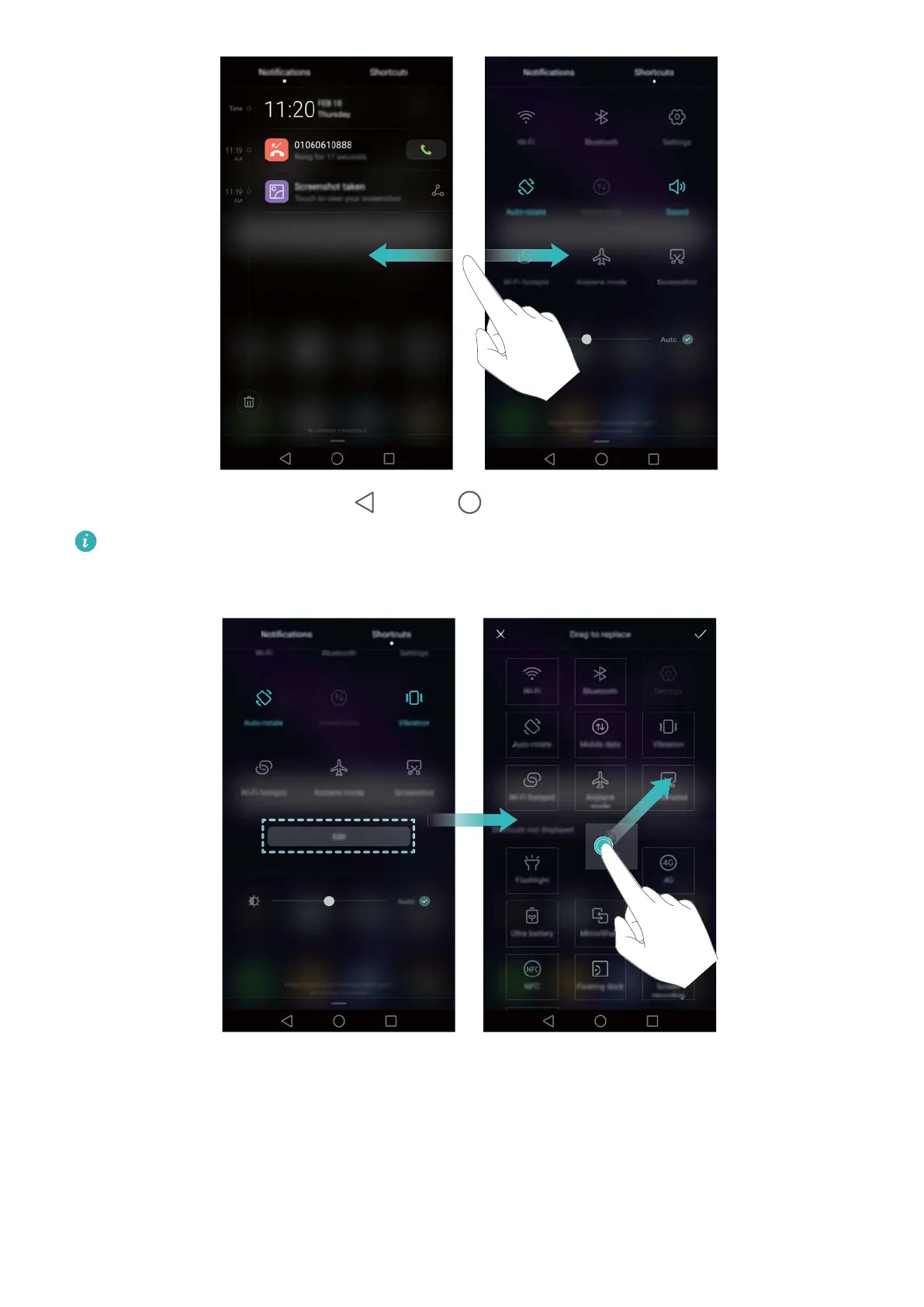
Swipe up on the screen, or touch Back or Home to close the notification panel.
Customise shortcut switches: Swipe up on the shortcuts tab, then touch Edit. Drag the
shortcut switch to the desired location for easier access.
Viewing notifications on the lock screen
New notifications (such as missed calls and messages) are displayed on the lock screen.
Getting Started
29



 To Next Page